
VST3 · AU · Kits · macOS · Windows
Sound
that bites.
Plug-ins and kits that leave a mark.

Plug-ins
72 available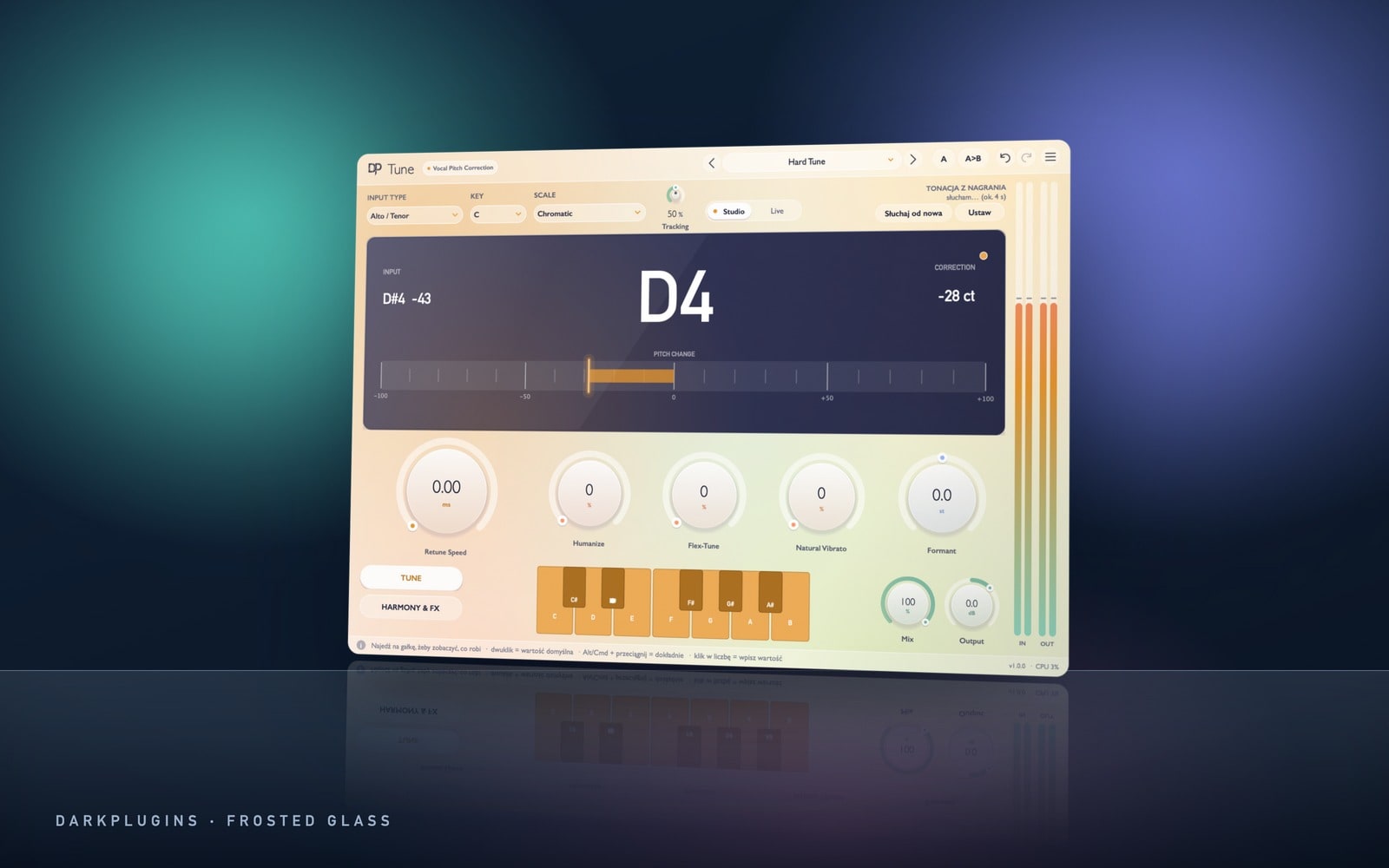 Tune249 złReal-time vocal tuning — from natural correction to the hard effect.Frosted Glass
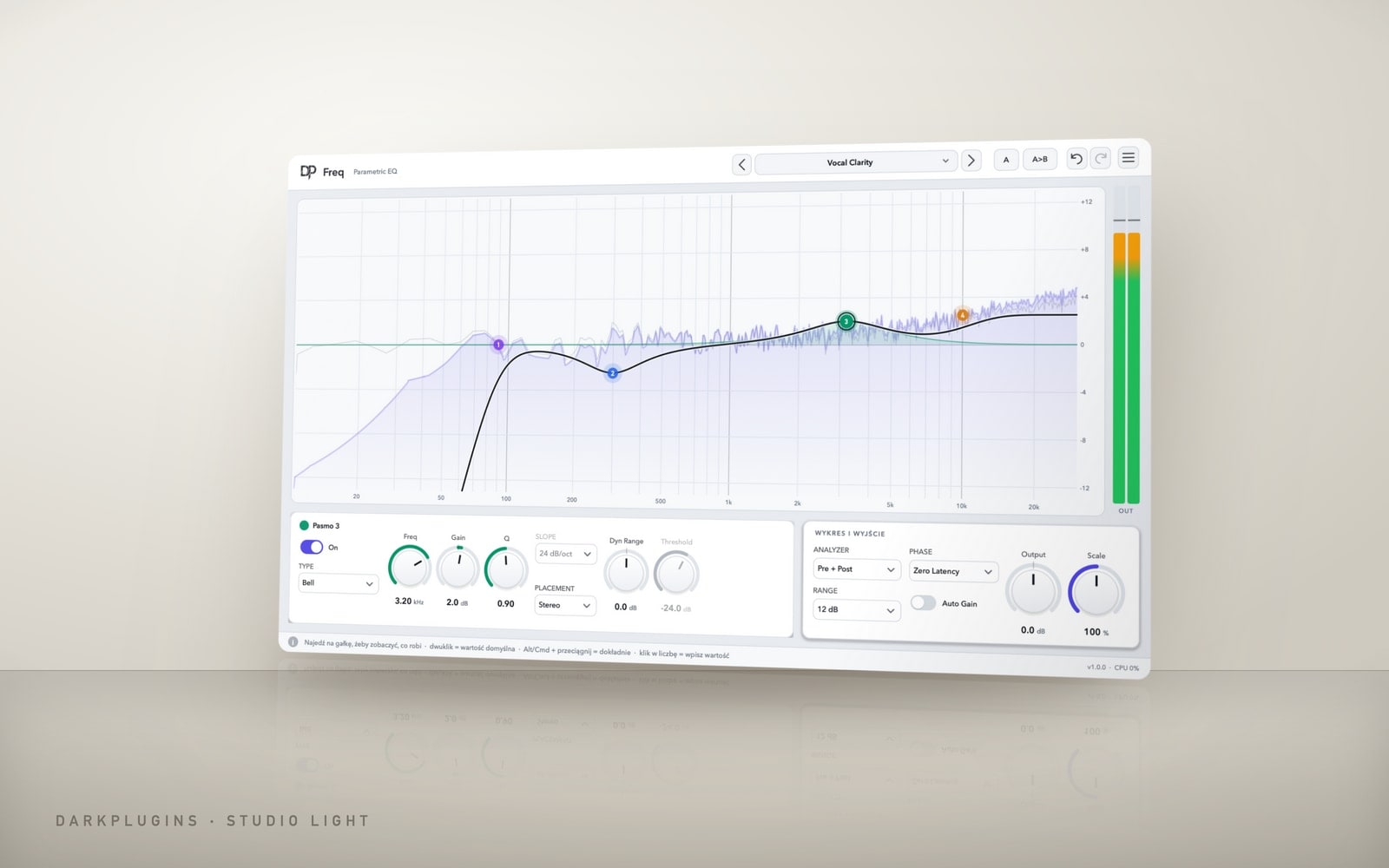 Freq199 złPrecise EQ with an analyser — 16 bands, dynamics, Mid/Side and Linear Phase.Studio Light
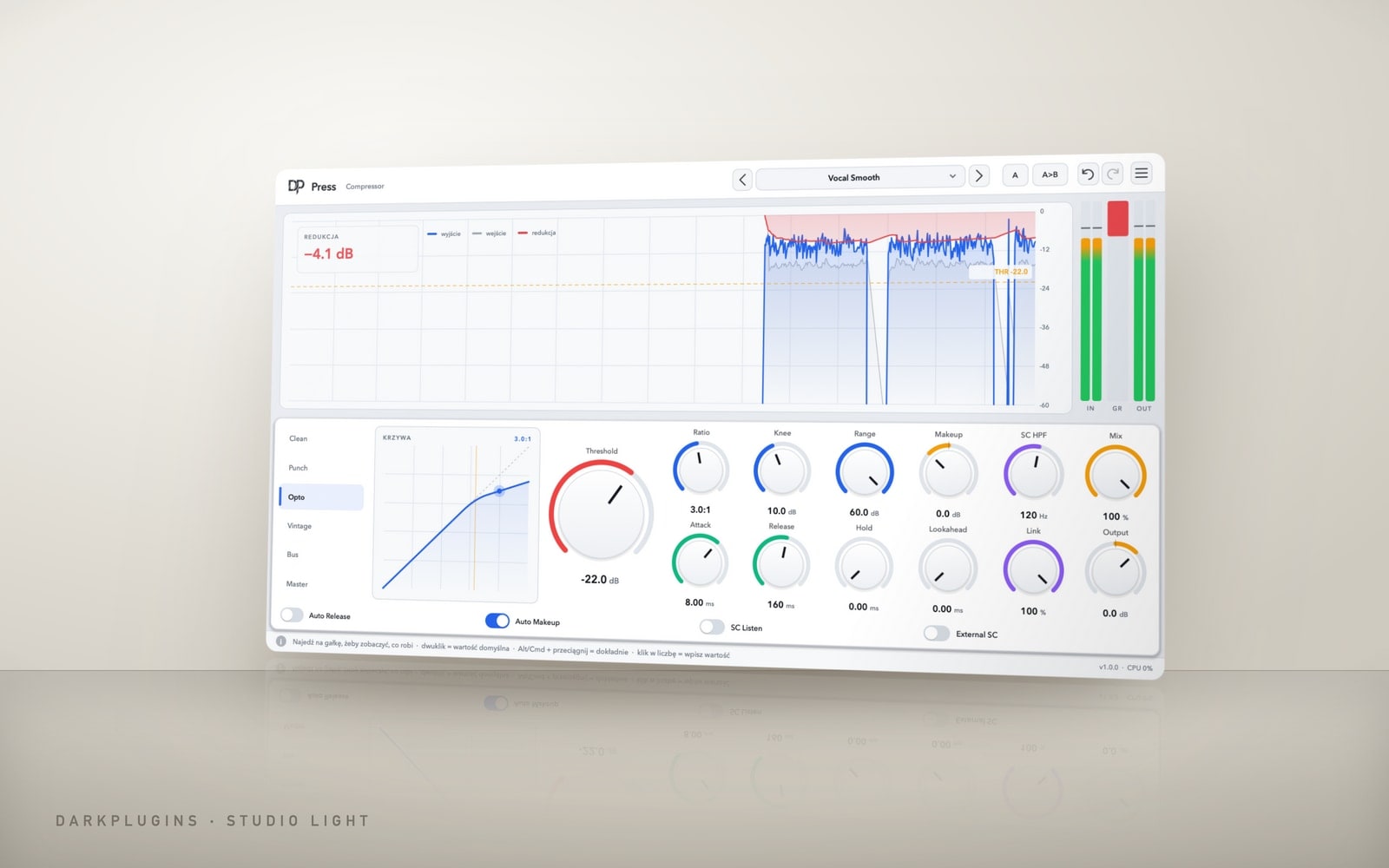 Press149 złA compressor with six characters and a graph that shows every dB.Studio Light
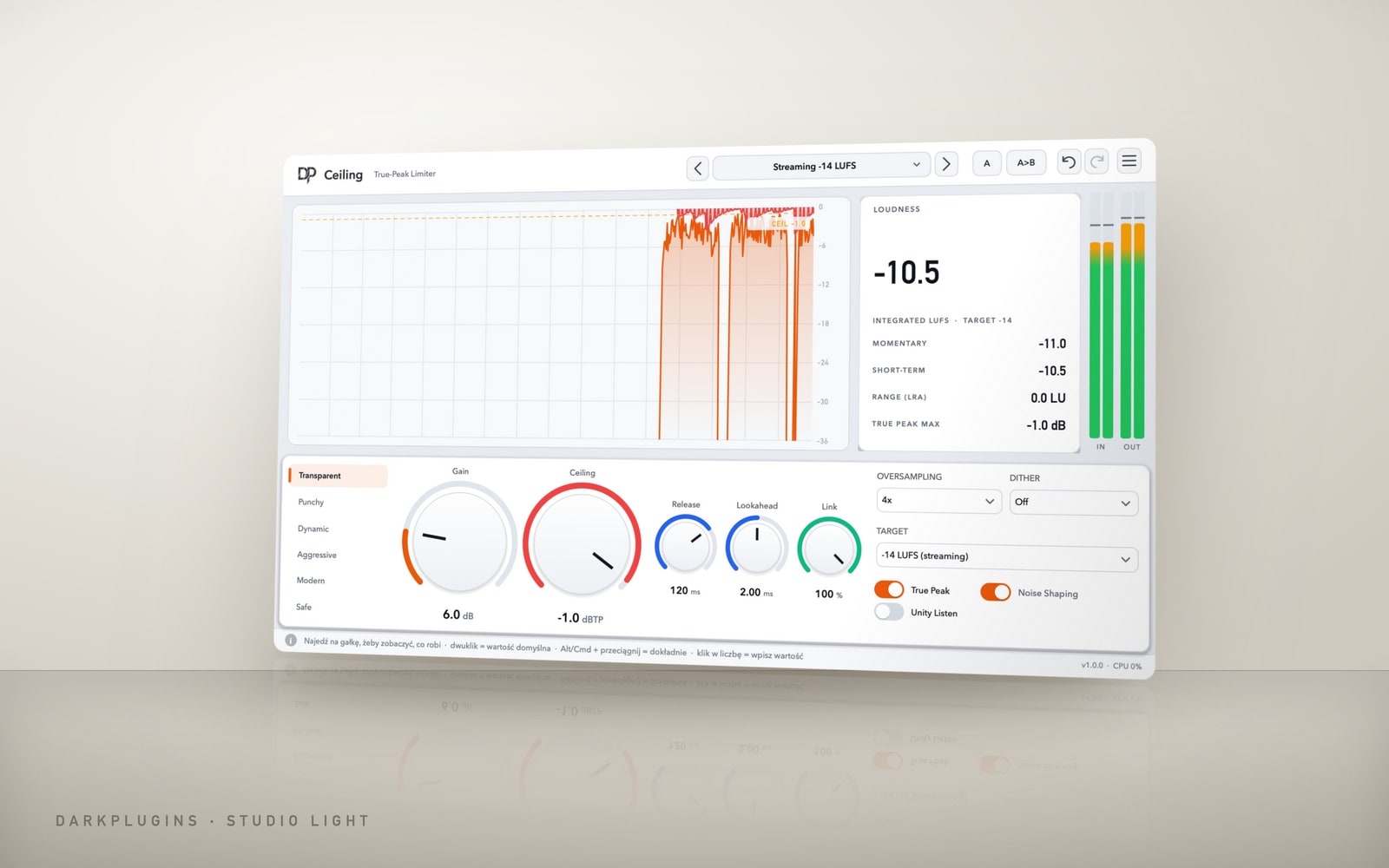 Ceiling149 złTrue-peak limiter with LUFS metering — loud and clean, ready for Spotify.Studio Light
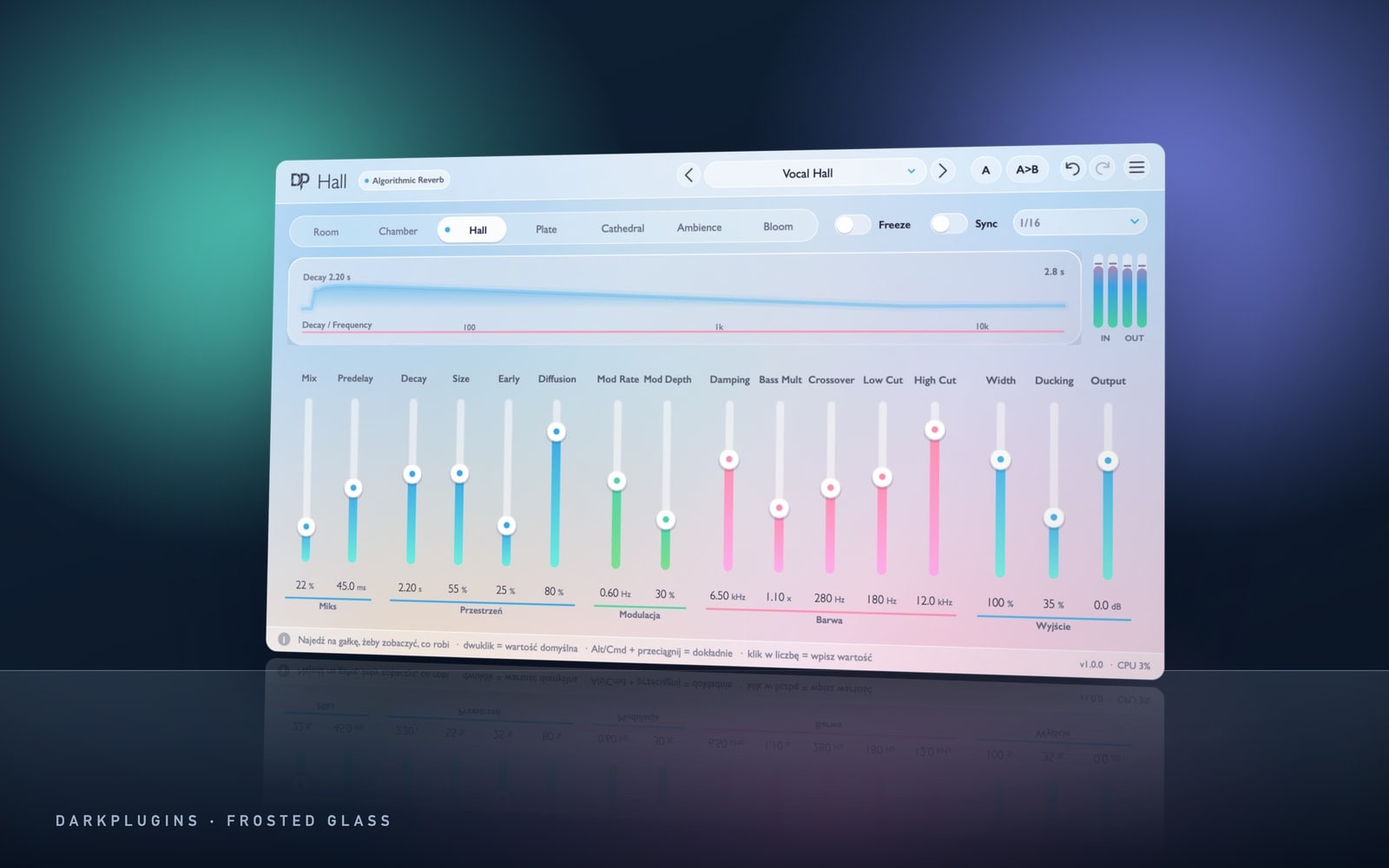 Hall129 złAlgorithmic reverb — from a small room to a cathedral and an endless Bloom.Frosted Glass
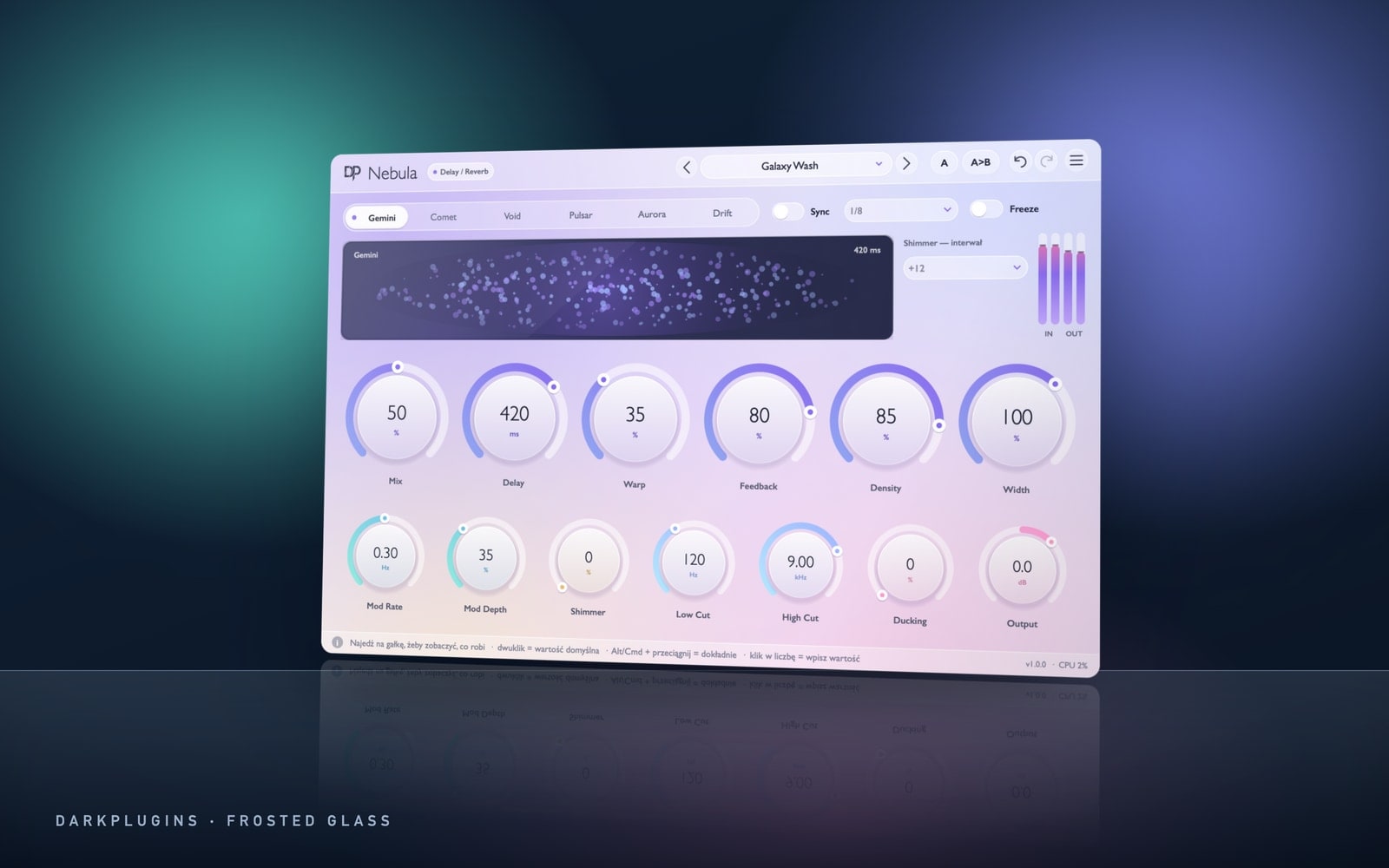 Nebula99 złHuge spaces: echoes that blur into fog, shimmer and freeze.Frosted Glass
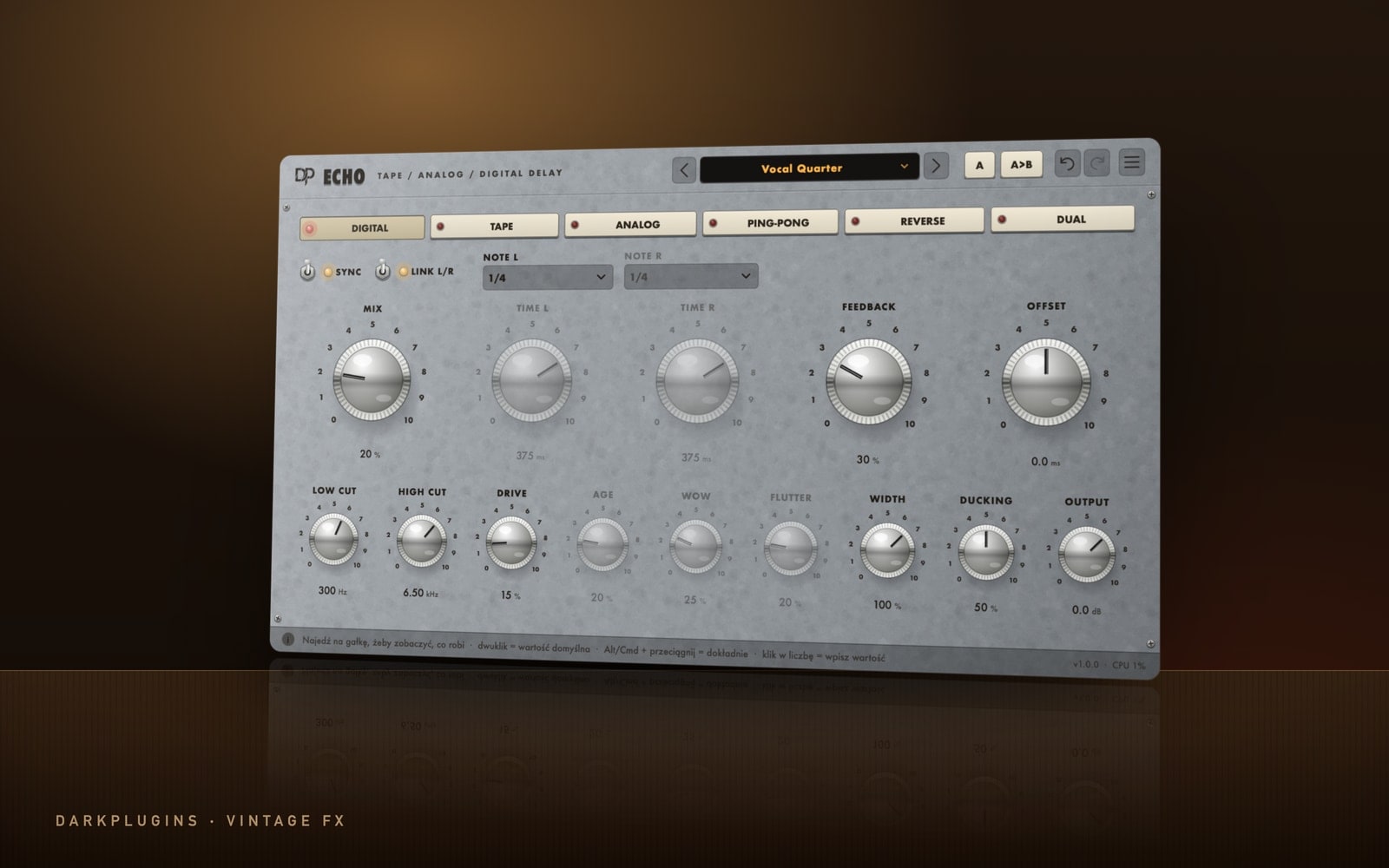 Echo99 złDelay with character: tape, analog, ping-pong, reverse and clean digital.Vintage FX
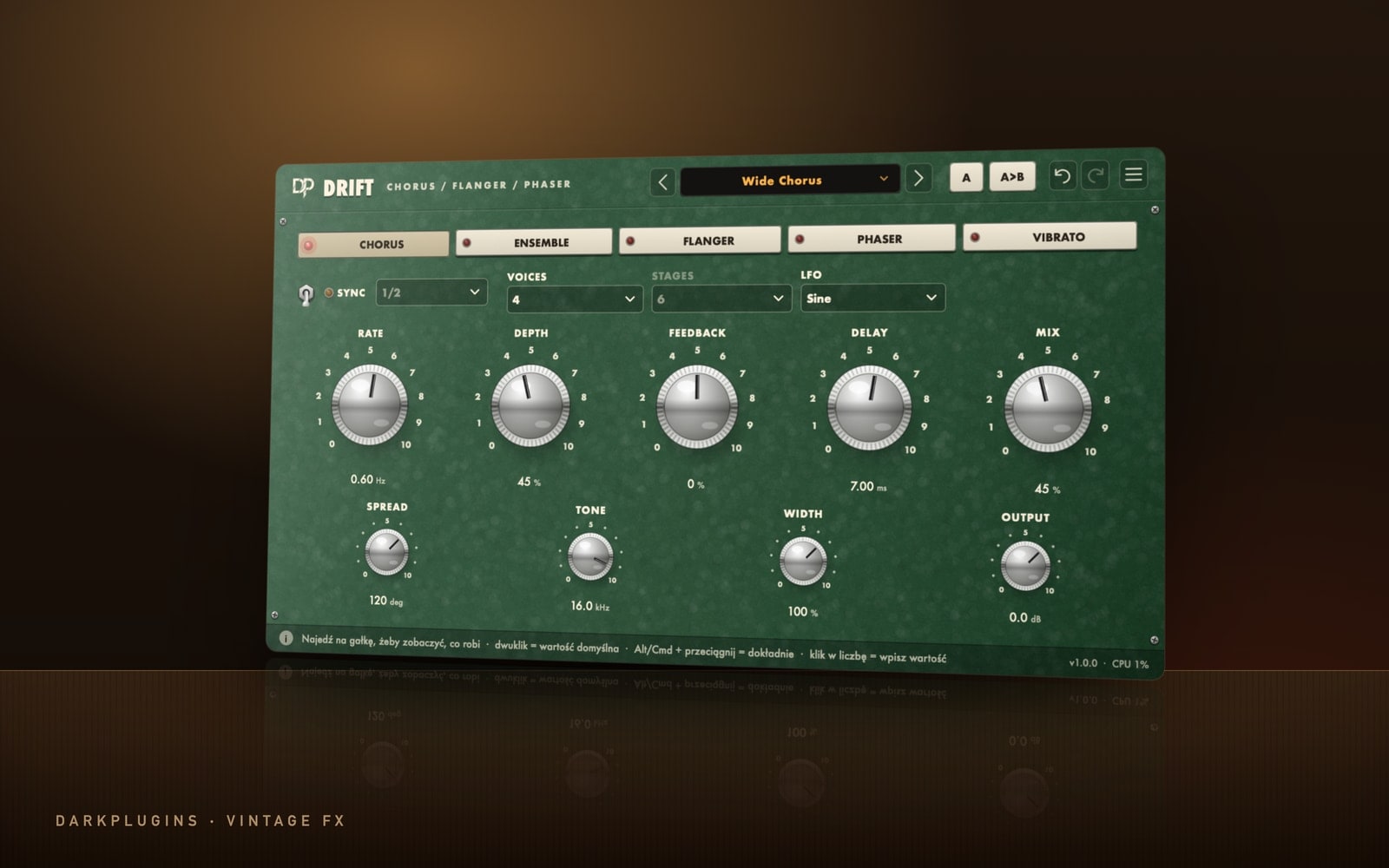 Drift79 złChorus, ensemble, flanger, phaser and vibrato in one.Vintage FX
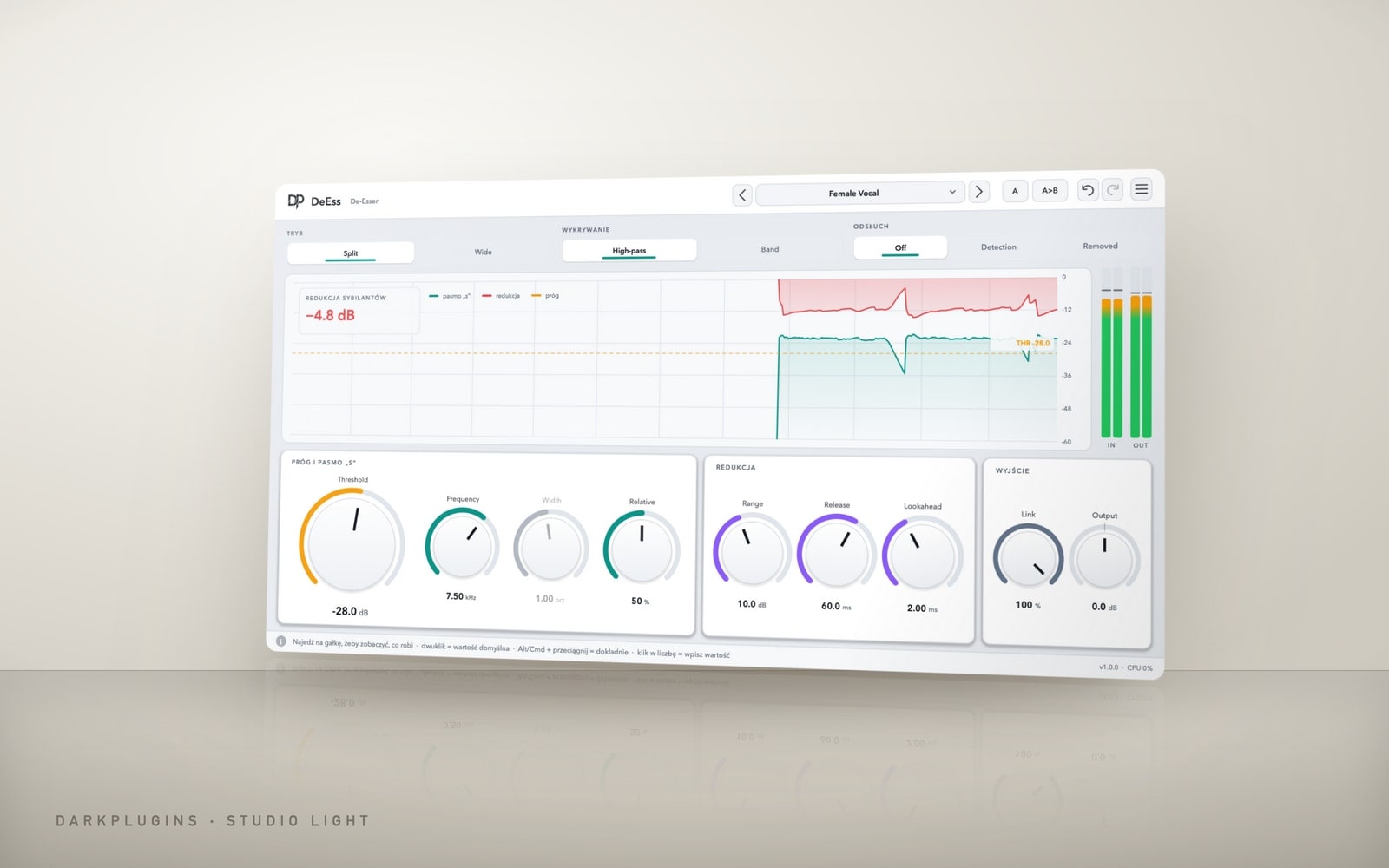 DeEss79 złSmooth "s" sounds without a lisp — only where it hisses.Studio Light
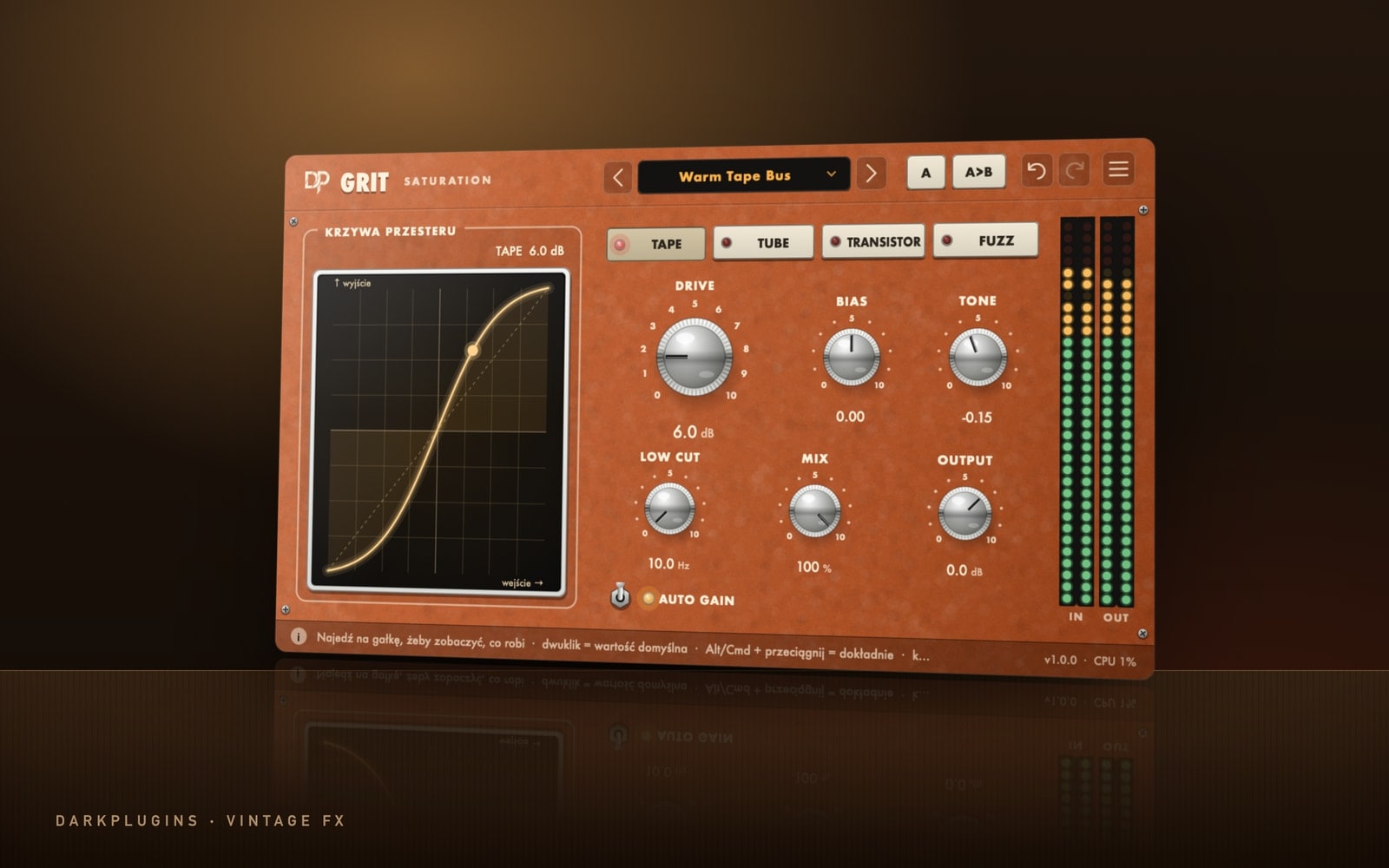 Grit99 złWarm saturation: tape, tube, transistor and fuzz.Vintage FX
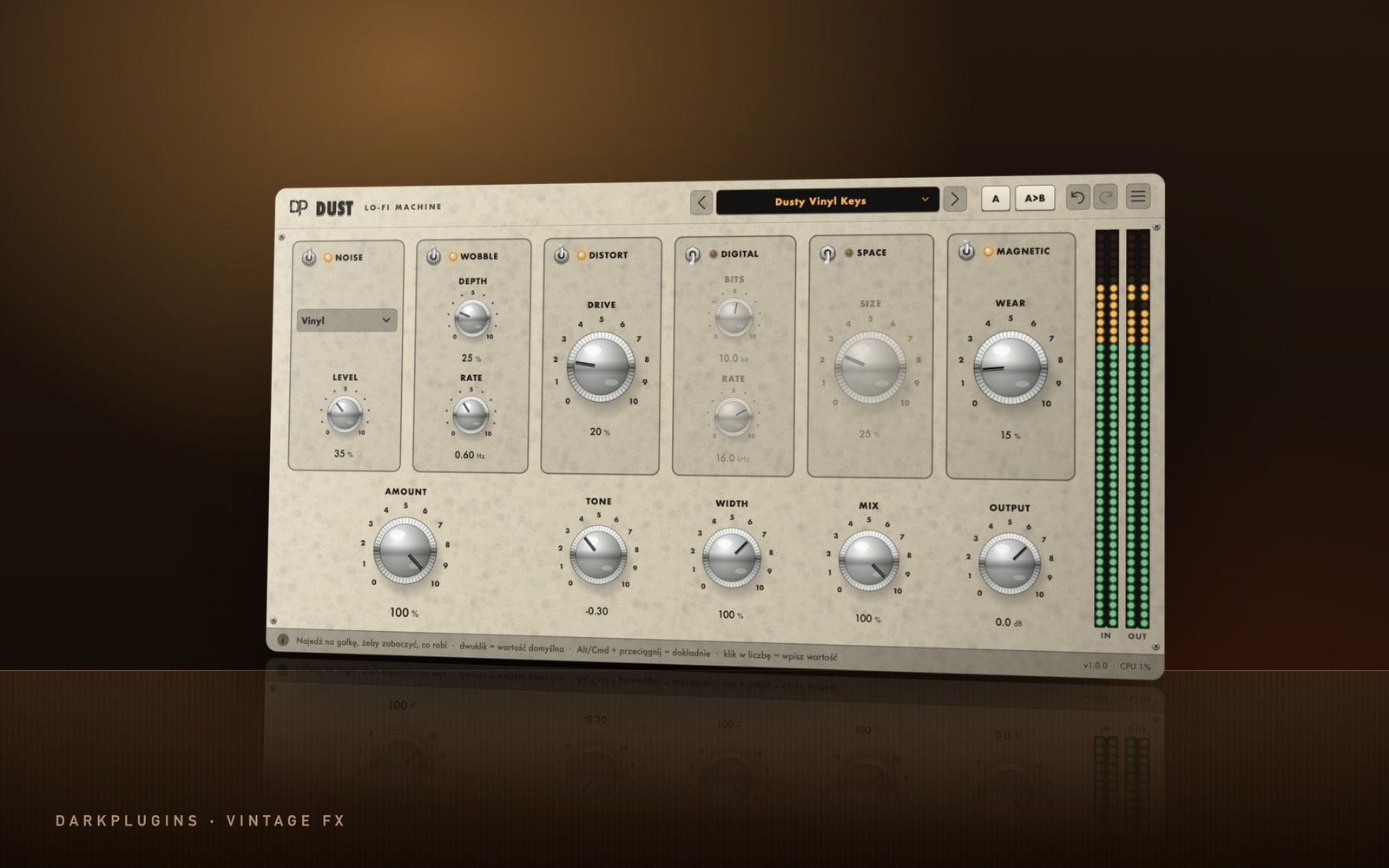 Dust79 złLo-fi in six modules: vinyl, tape, digital dirt and wear.Vintage FX
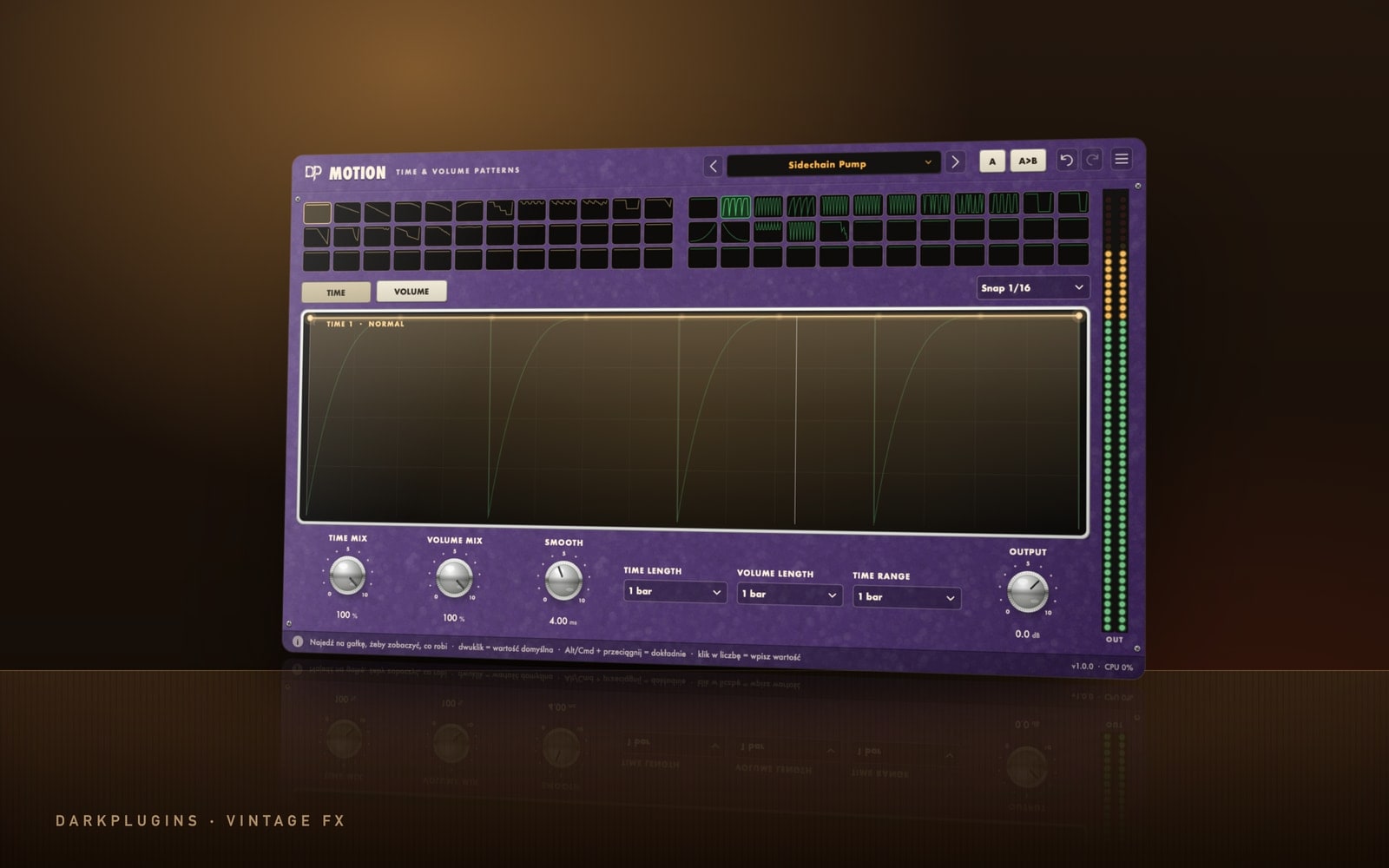 Motion129 złStutter, half-time, tape stop, reverse and gate — draw the rhythm with a curve.Vintage FX
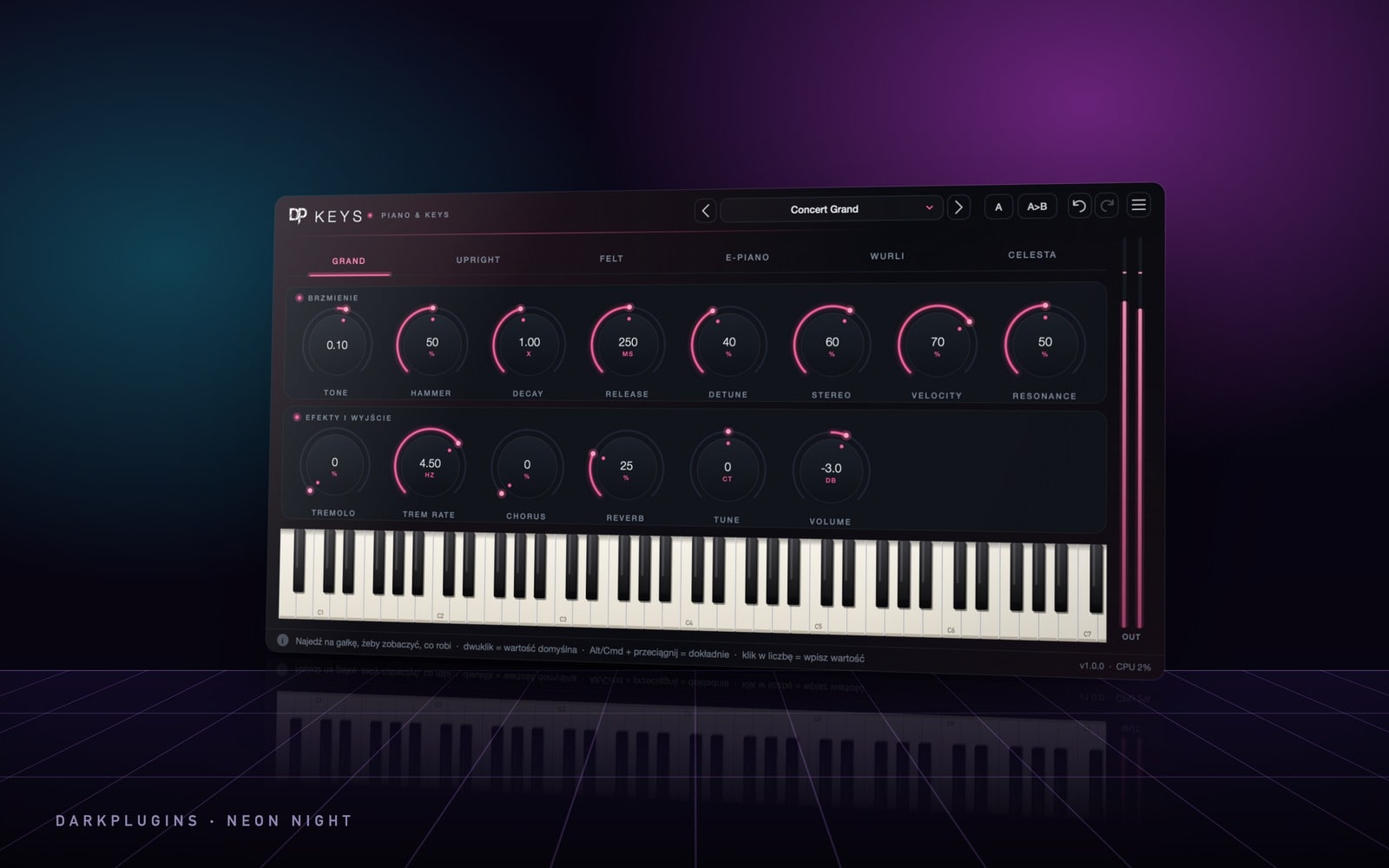 Keys199 złGrand pianos and electric pianos — synthesised, light, ready for melodies.Neon Night
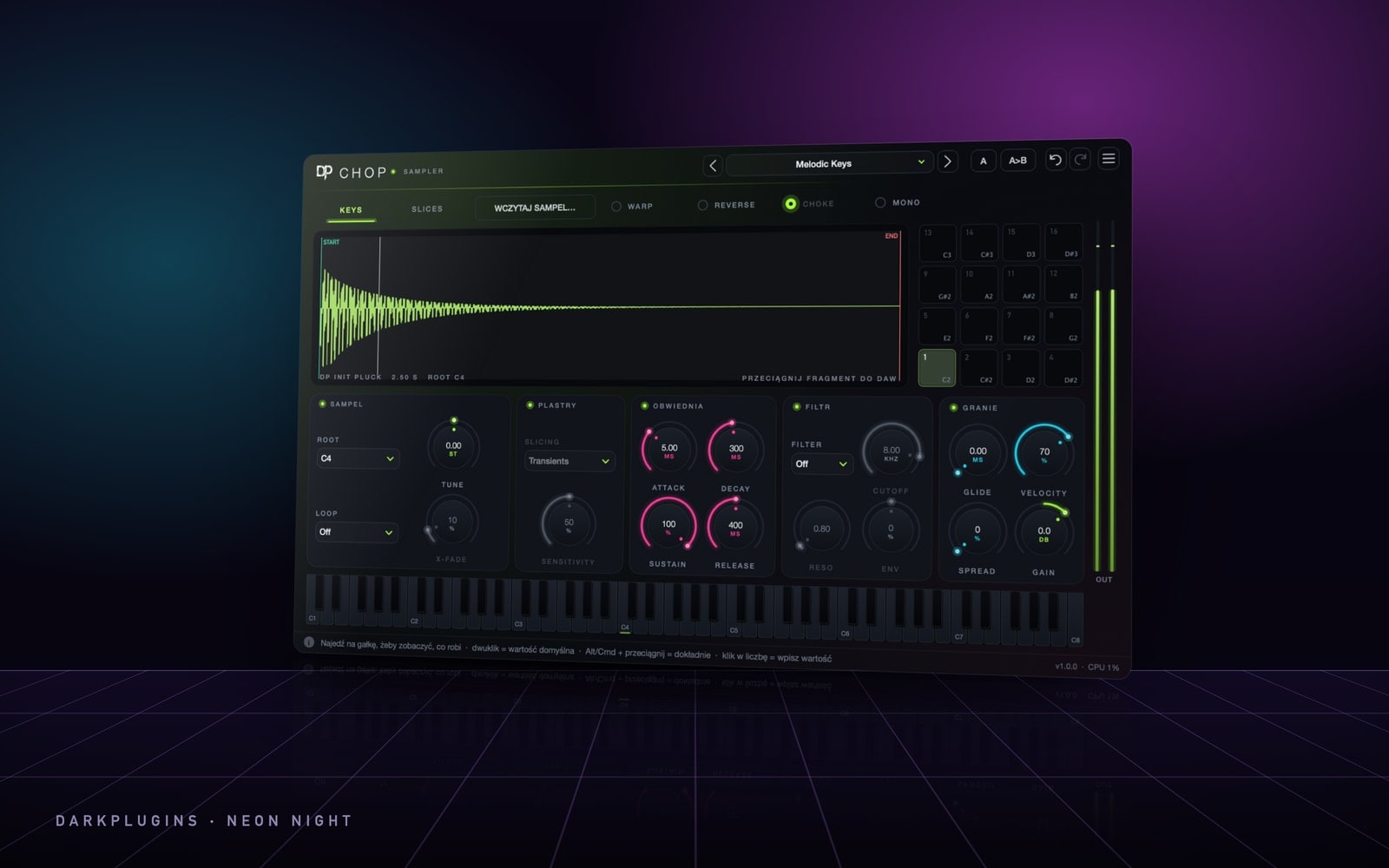 Chop199 złA sampler for melodies from samples — drag, chop, play.Neon Night
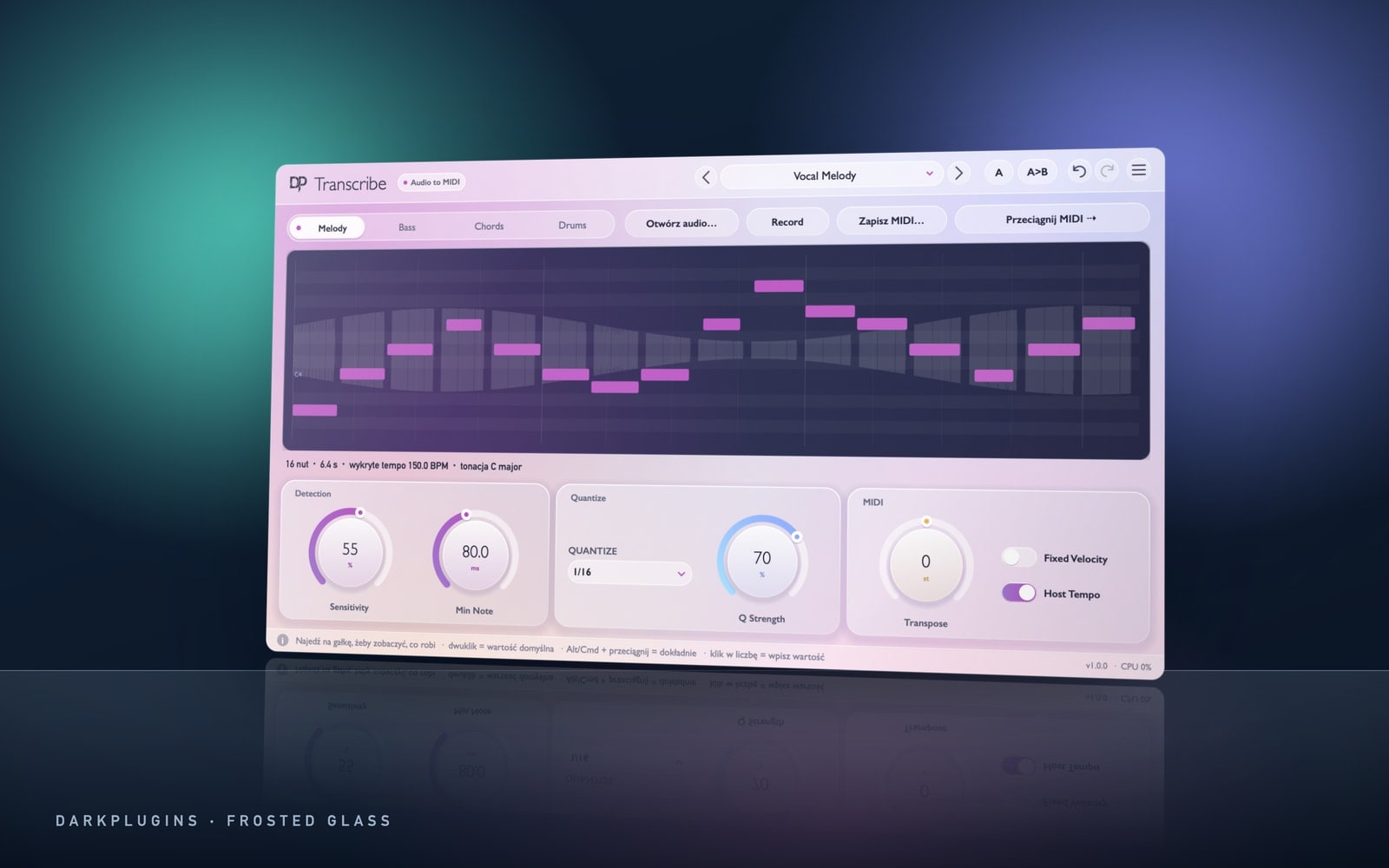 Transcribe249 złAudio to MIDI: melody, bass, chords and drums — drag out a ready .mid.Frosted Glass
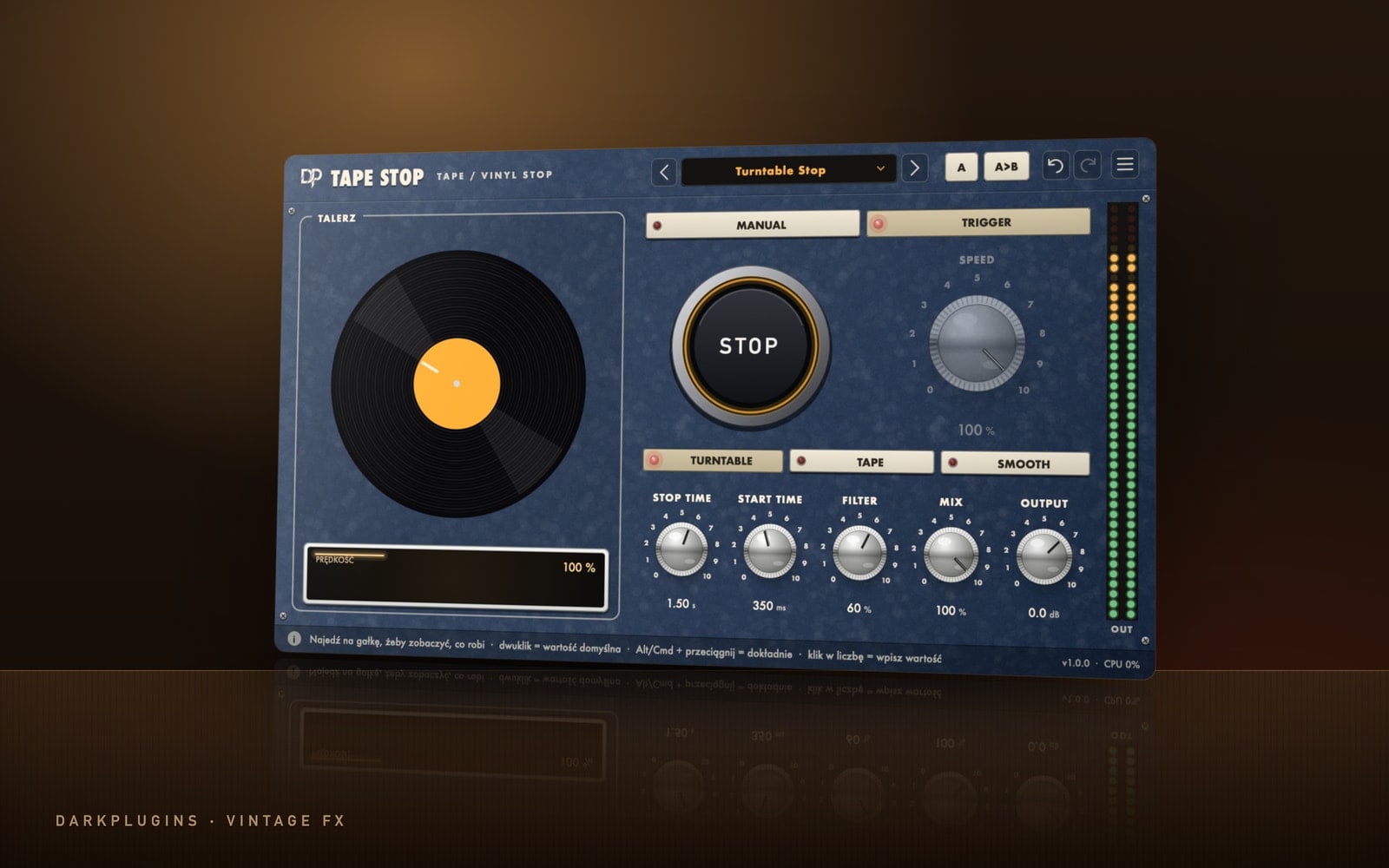 Tape Stop79 złRecord and tape brake — automate the speed or hit STOP.Vintage FX
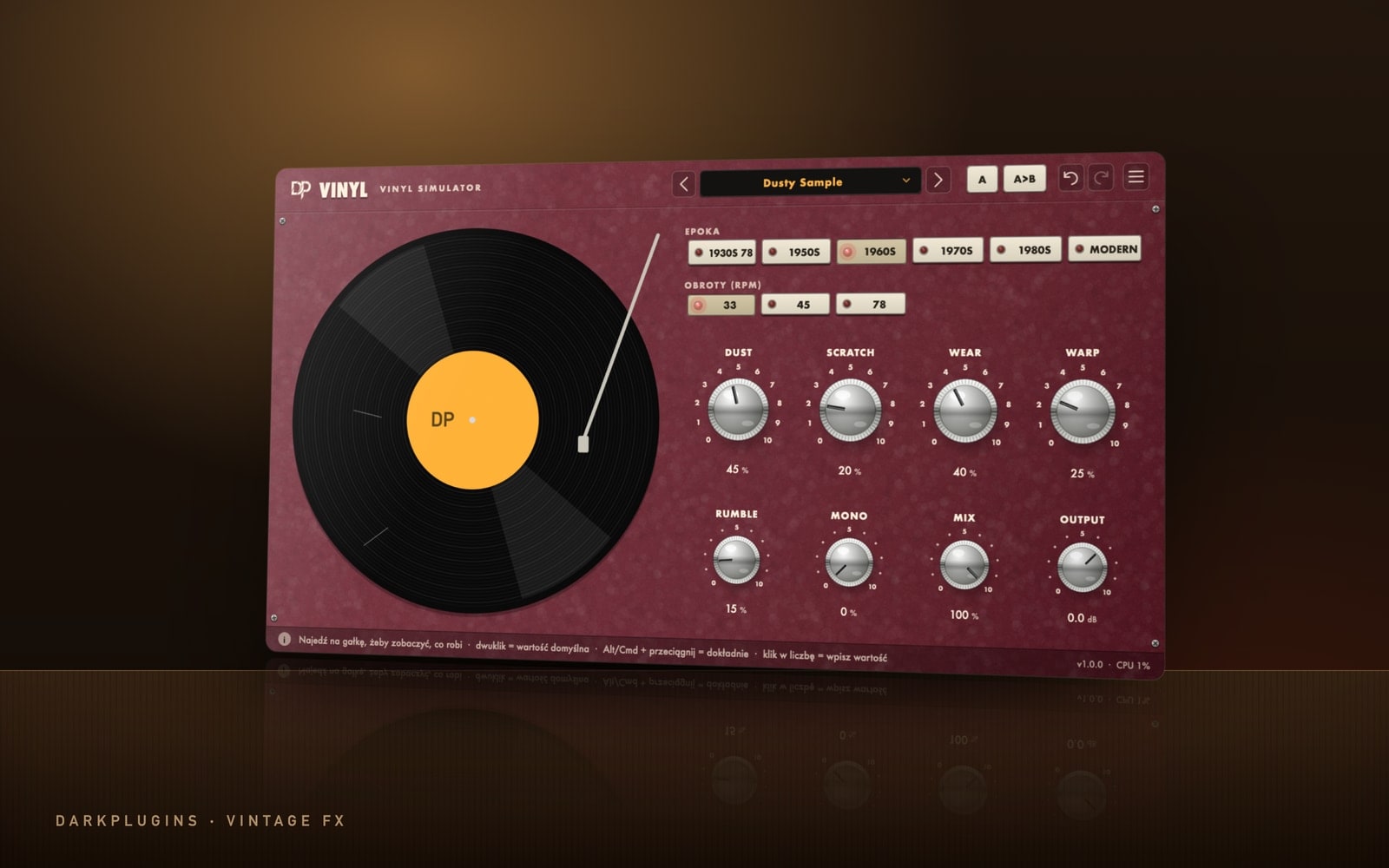 Vinyl99 złOld record sound — from 78 rpm shellac to a fresh pressing.Vintage FX
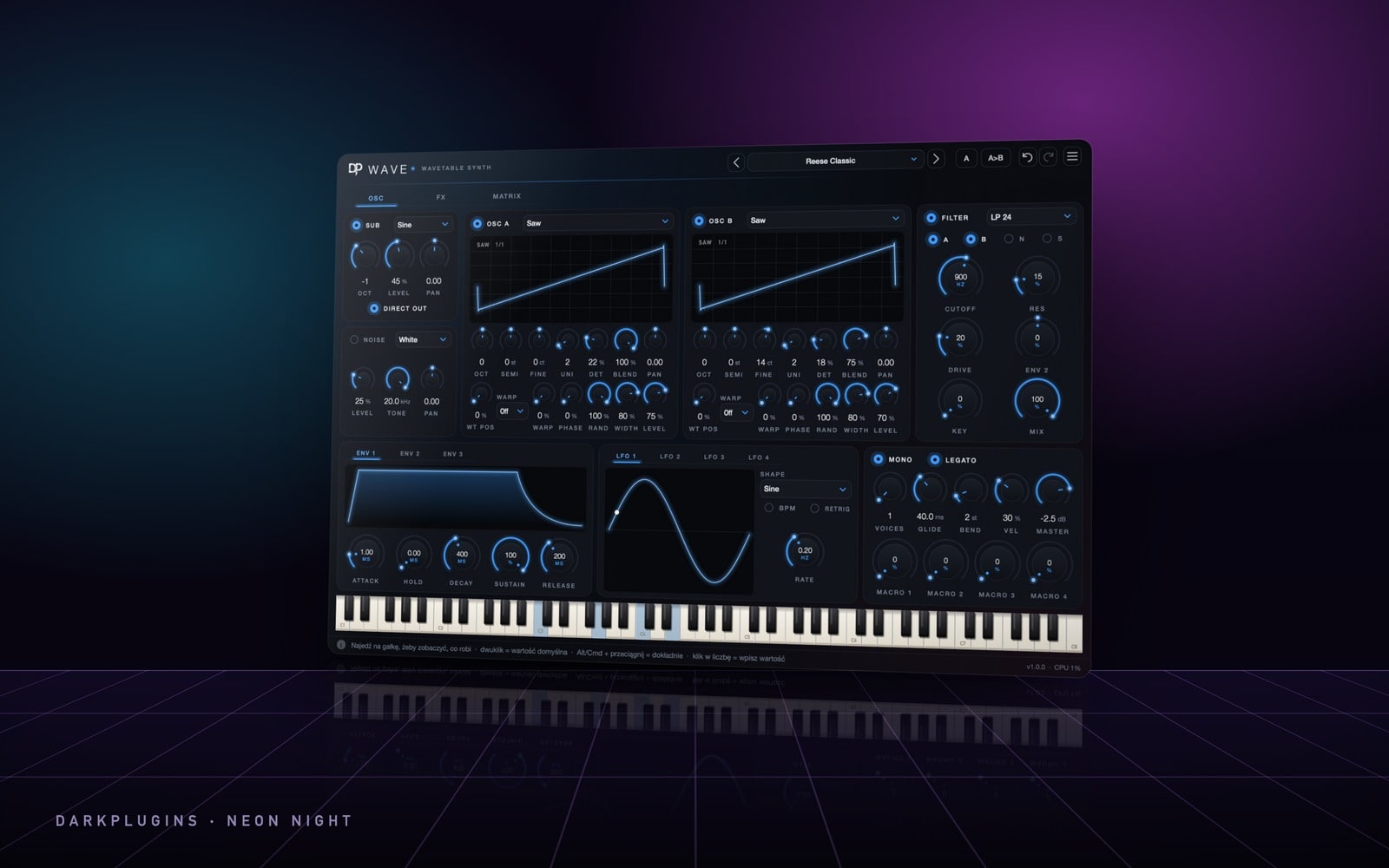 Wave220 złWavetable synth — two oscillators with unison, a mod matrix and an FX rack.Neon Night
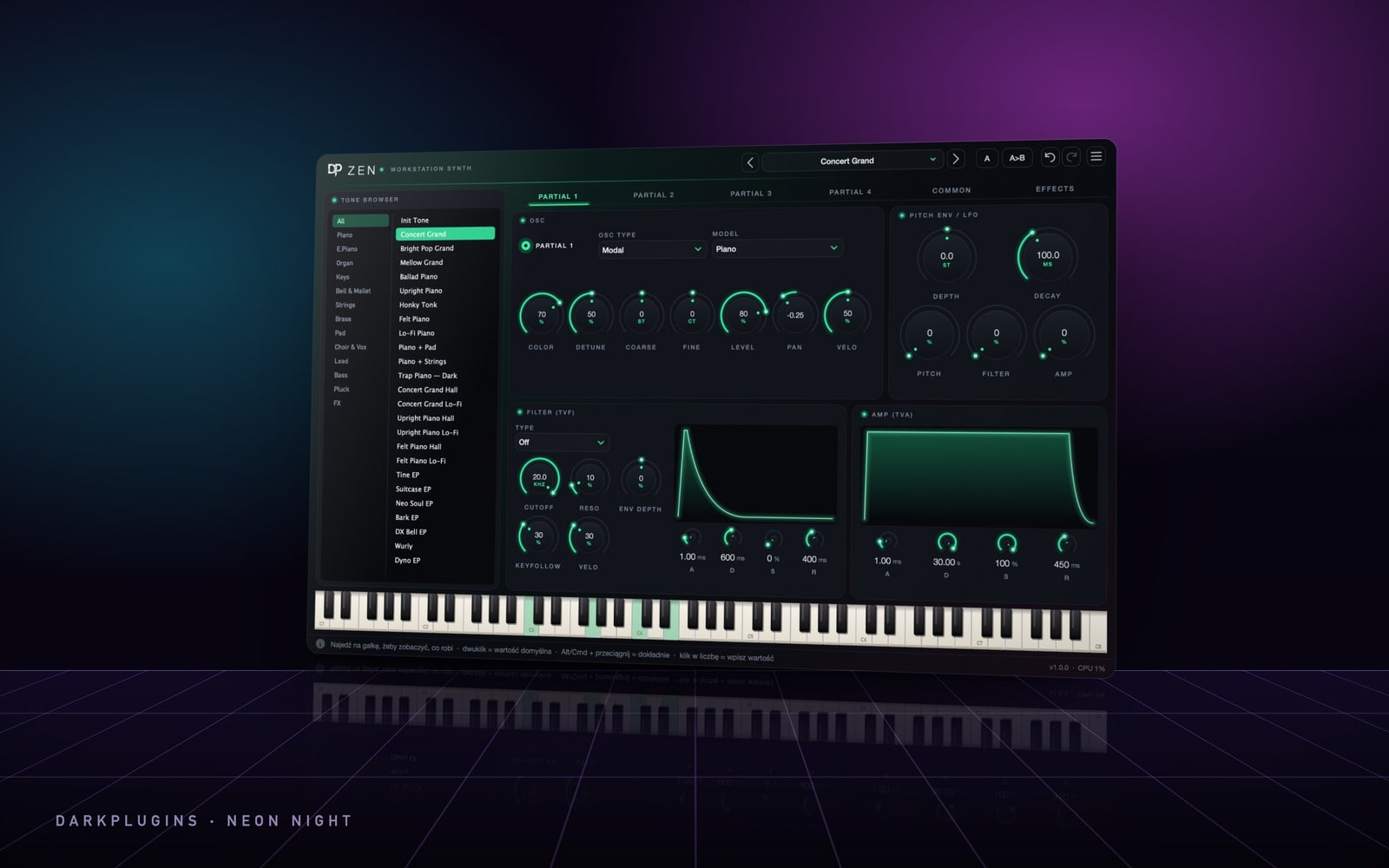 Zen220 złWorkstation synth — over 130 sounds: pianos, strings, brass, pads, leads and basses.Neon Night
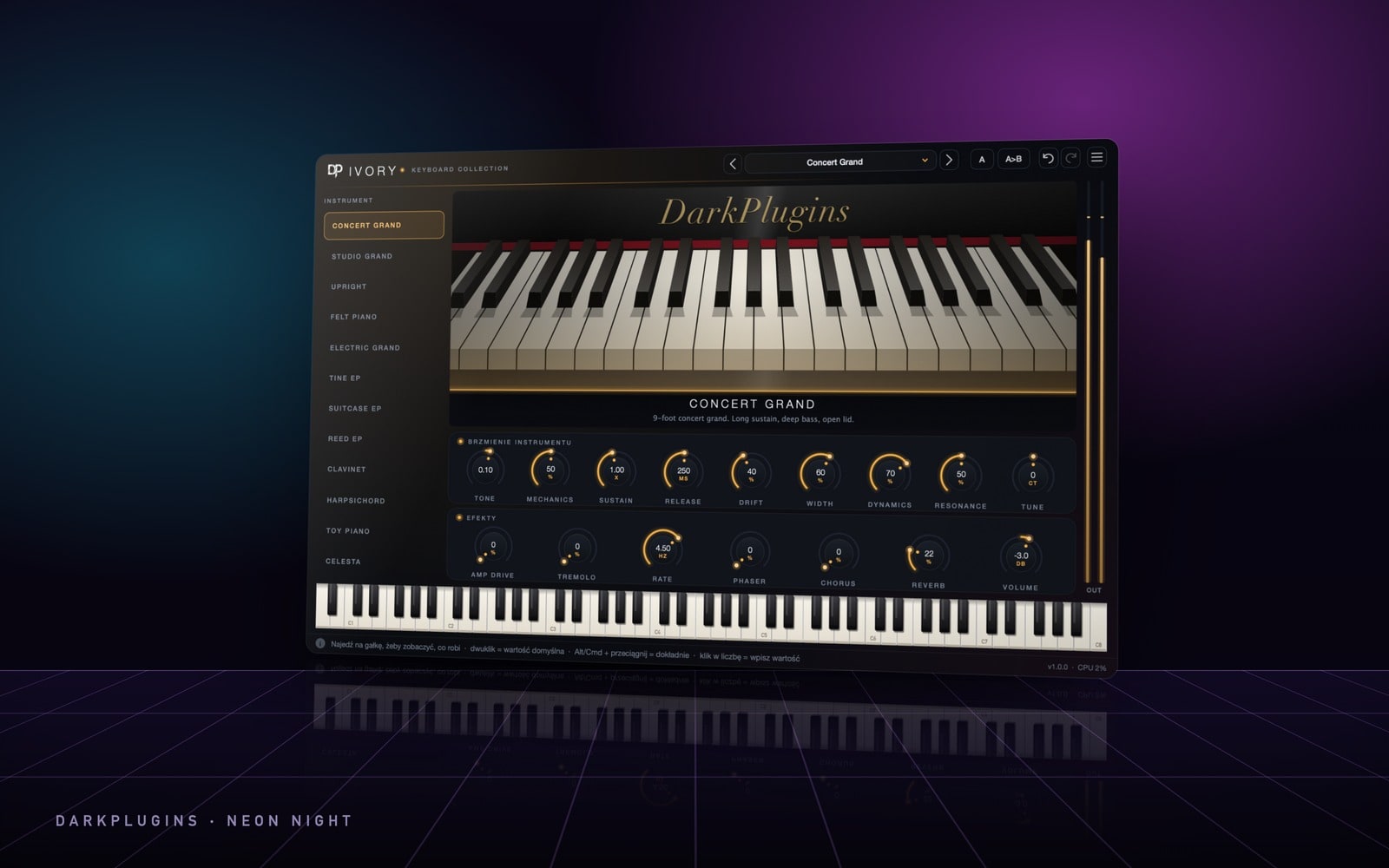 Ivory220 złA keyboard collection — grand and upright pianos, electric pianos, harpsichord and celesta.Neon Night
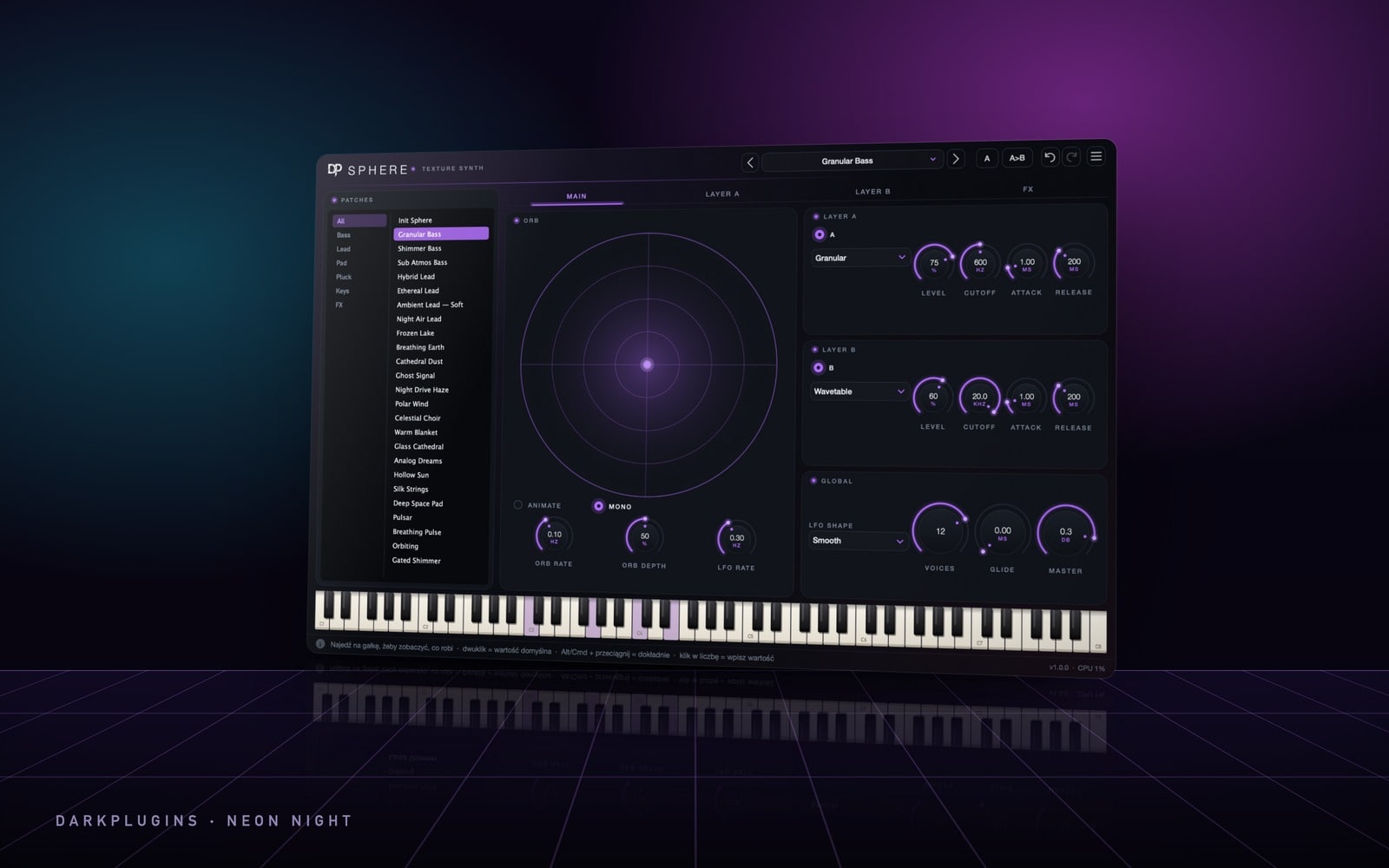 Sphere220 złTexture synth — two layers, granular textures, XY morphing and deep effects.Neon Night
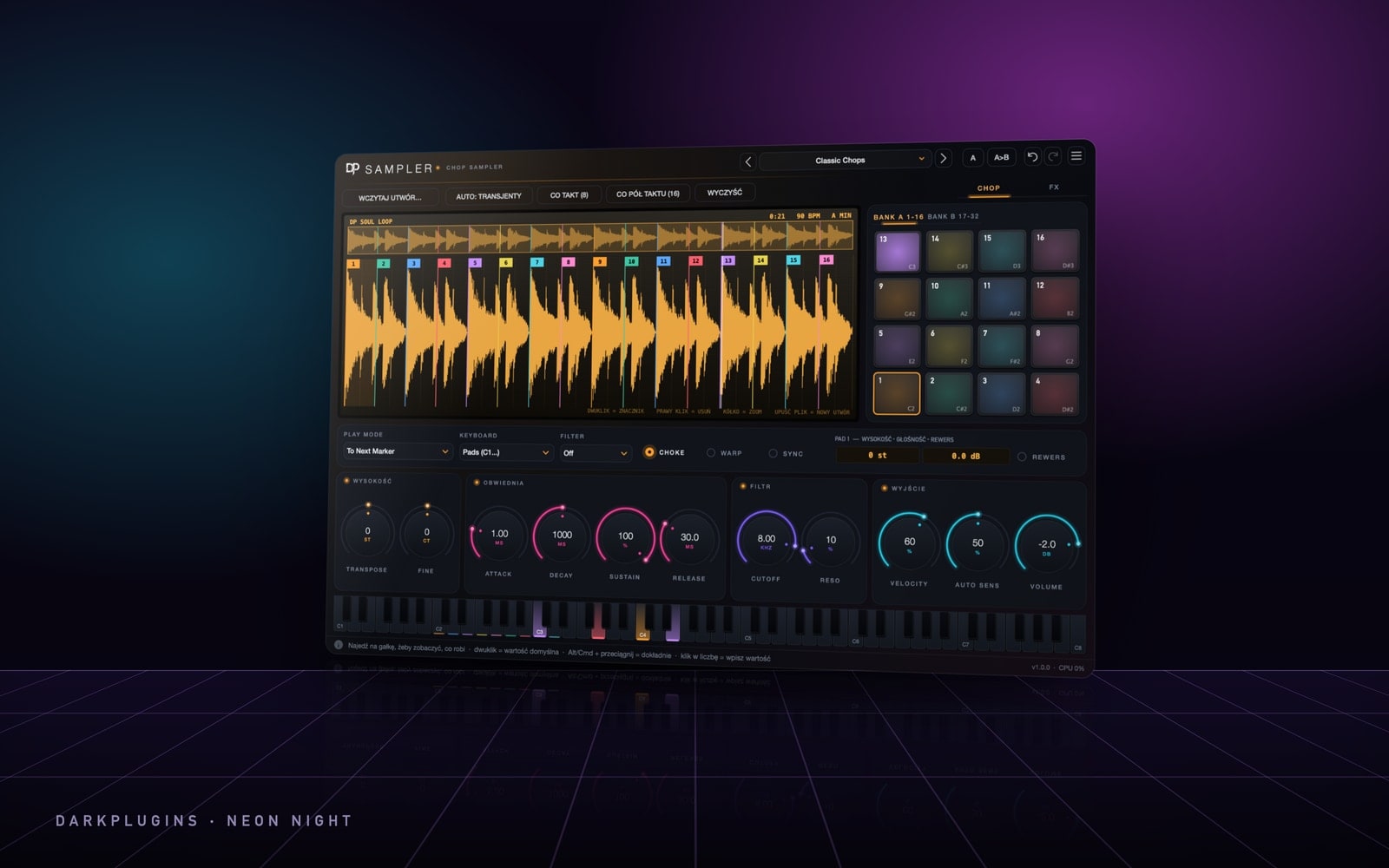 Sampler199 złChop sampler — drop a song, set markers, play the pads.Neon Night
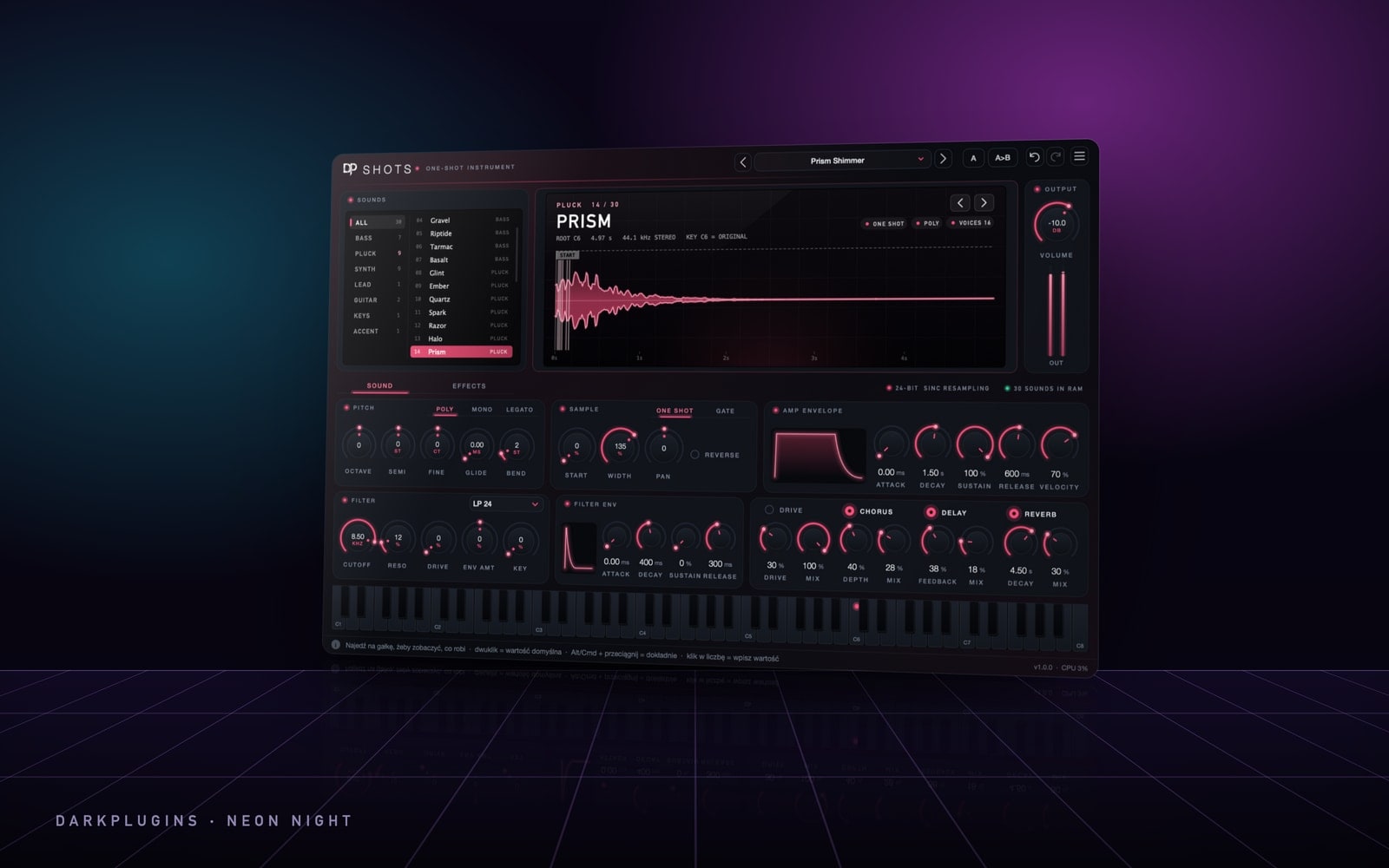 Shots149 złOne-shot ROMpler — 30 ready-to-play sounds: 808 basses, plucks, synths, guitars and keys.Neon Night
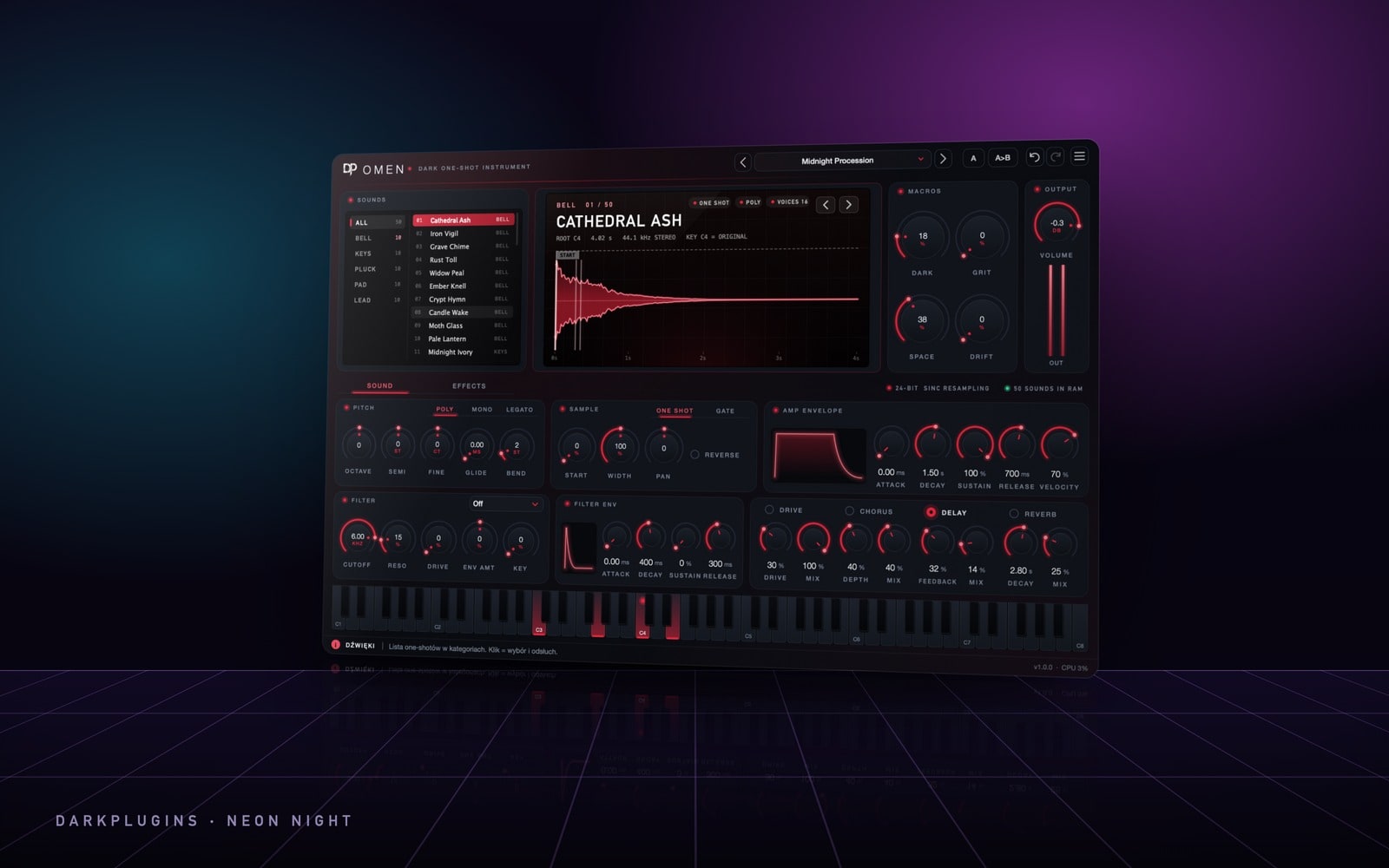 Omen149 złA dark trap & drill ROMpler — 50 one-shots: bells, keys, plucks, pads and leads.Neon Night
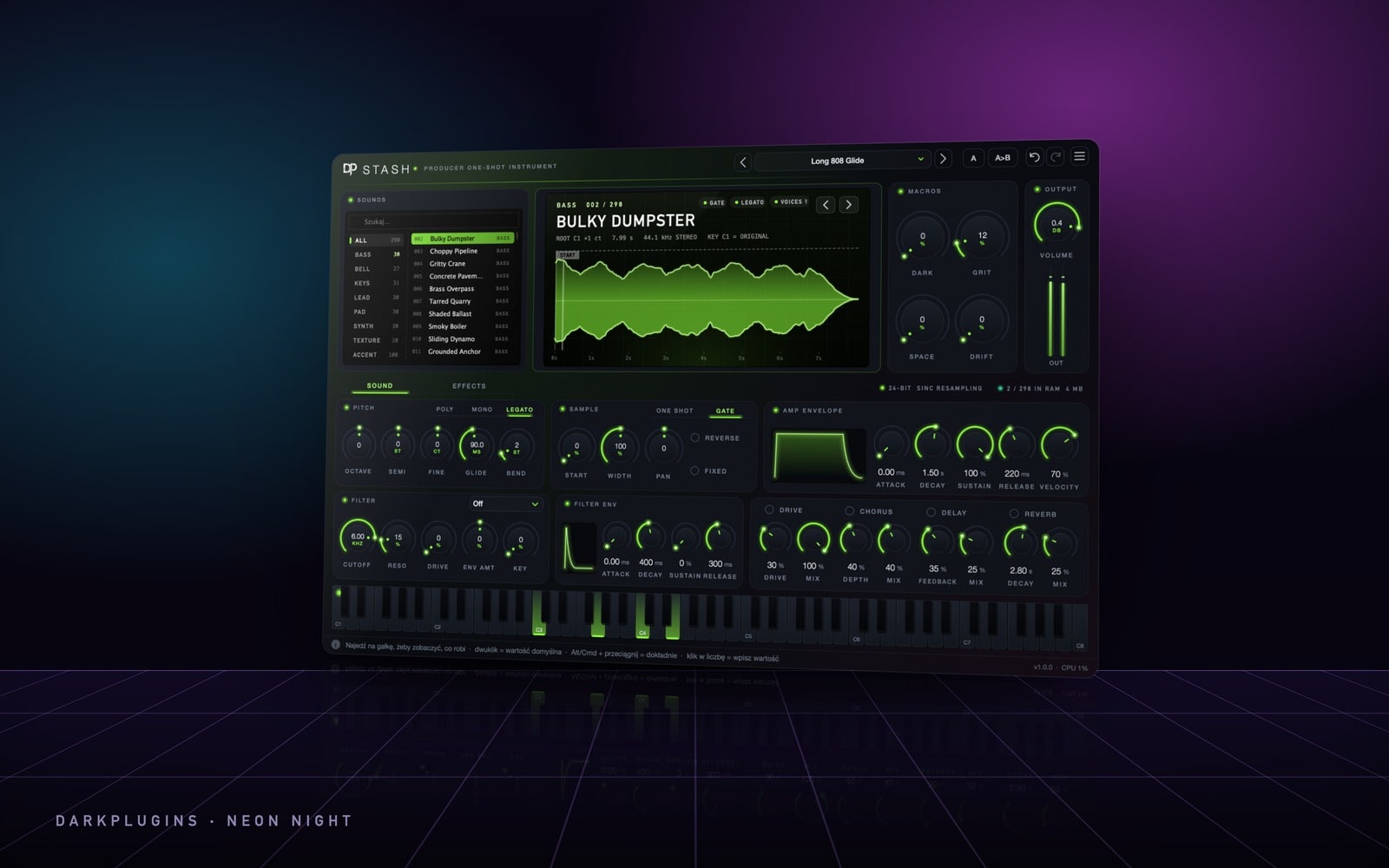 Stash149 złA producer ROMpler for trap and rap — 298 one-shots: 808 basses, bells, keys, leads, pads, synths, textures and accents.Neon Night
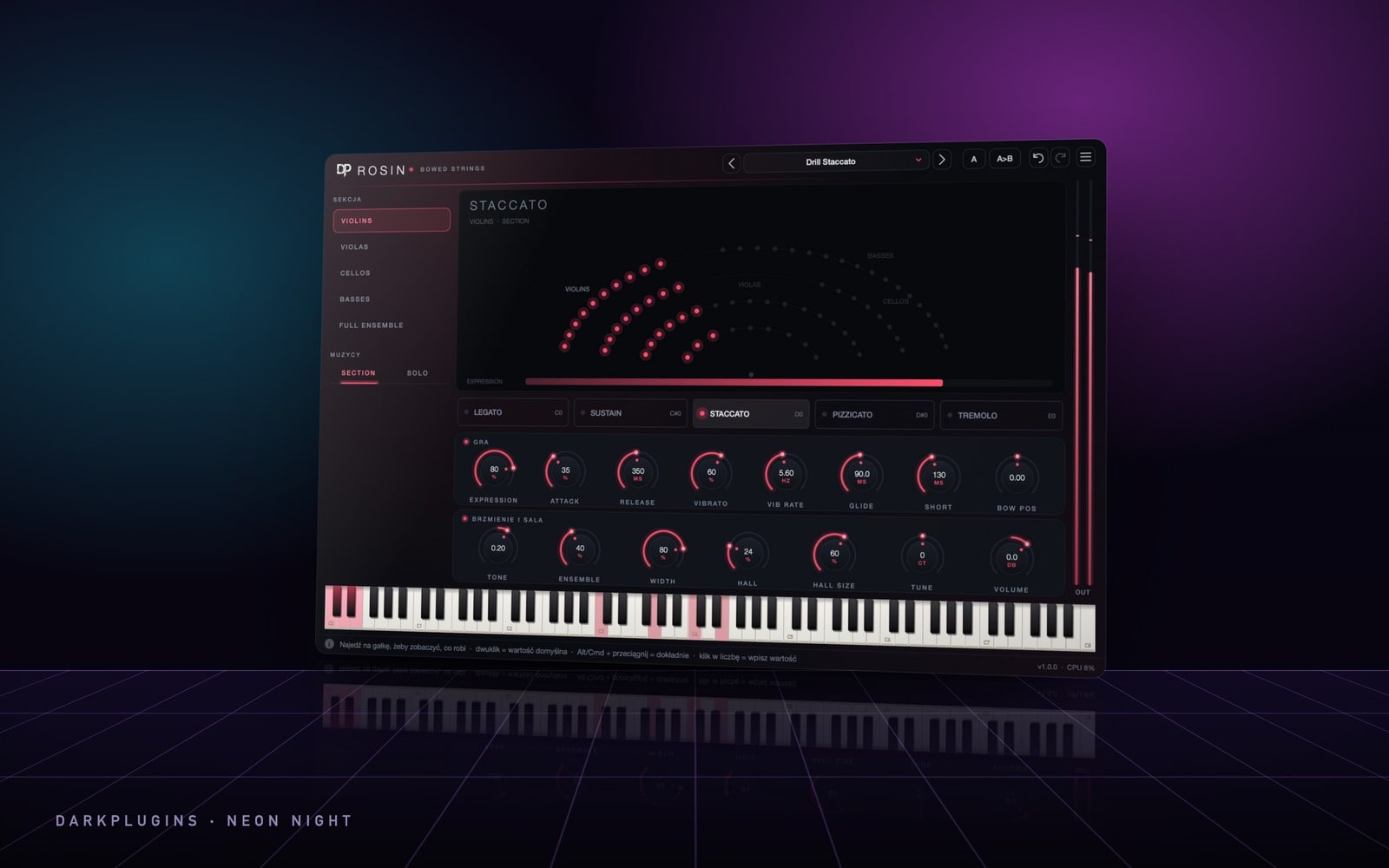 Rosin220 złStrings for trap, drill and film — violins, violas, cellos, basses and the full section, played like a real bow.Neon Night
 Velvet220 złA keys collection — 318 sounds: grands, uprights, electric pianos, bell keys, clavs, reed organs and key basses.Neon Night
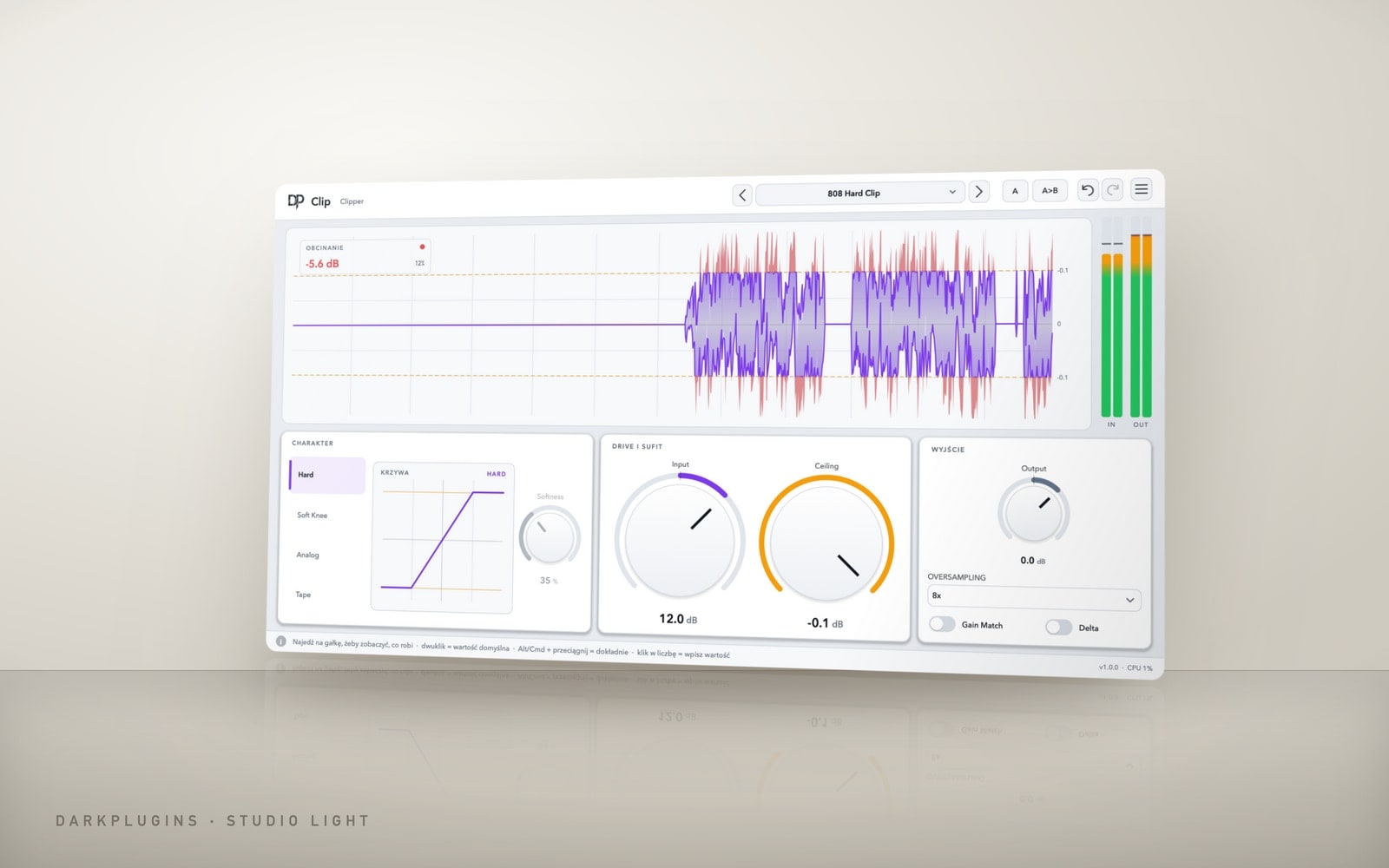 Clip79 złA clipper for 808s, drums and the master — louder without compression, clean thanks to oversampling.Studio Light
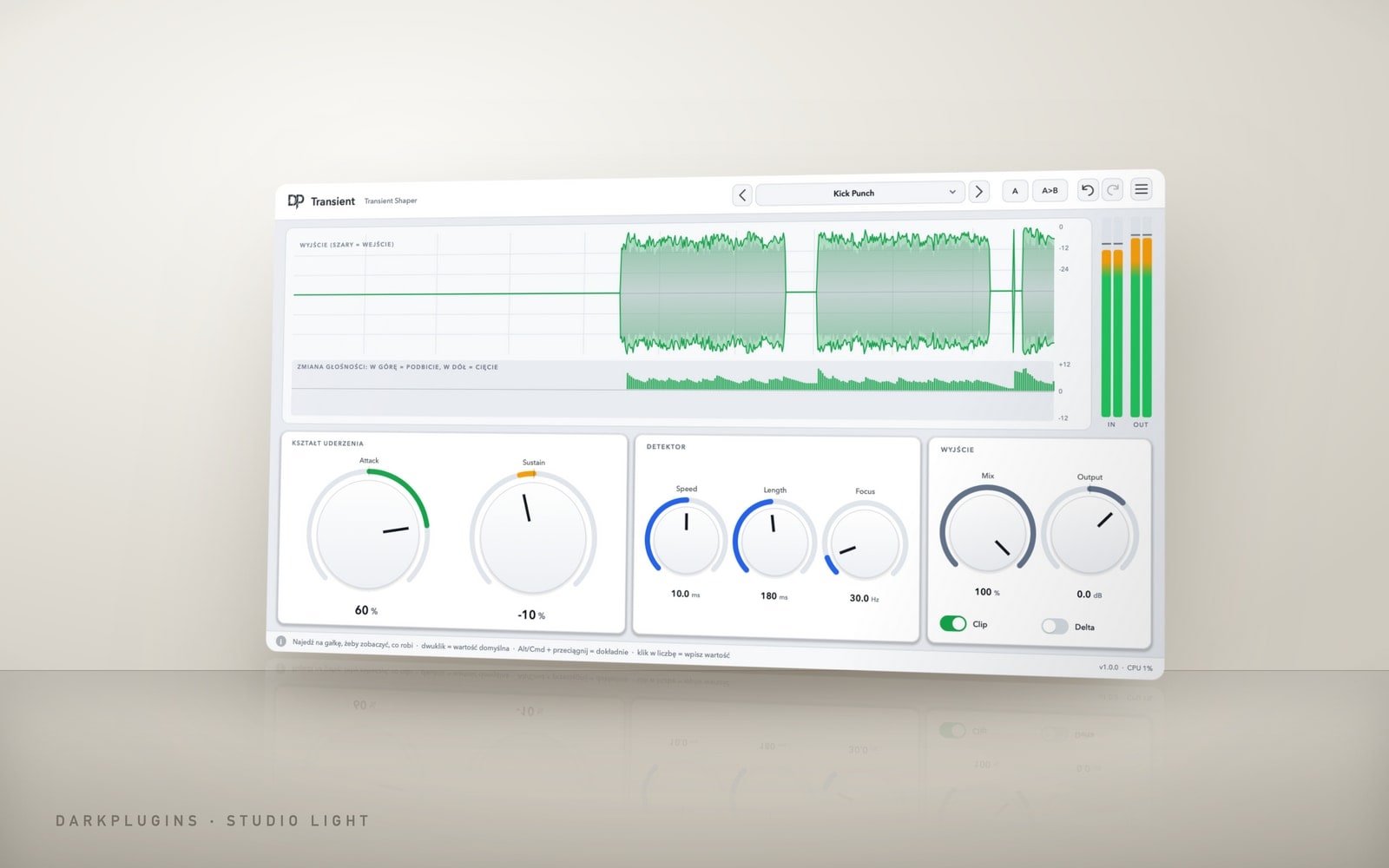 Transient69 złA harder attack or a shorter tail — drums and loops exactly the way you want them.Studio Light
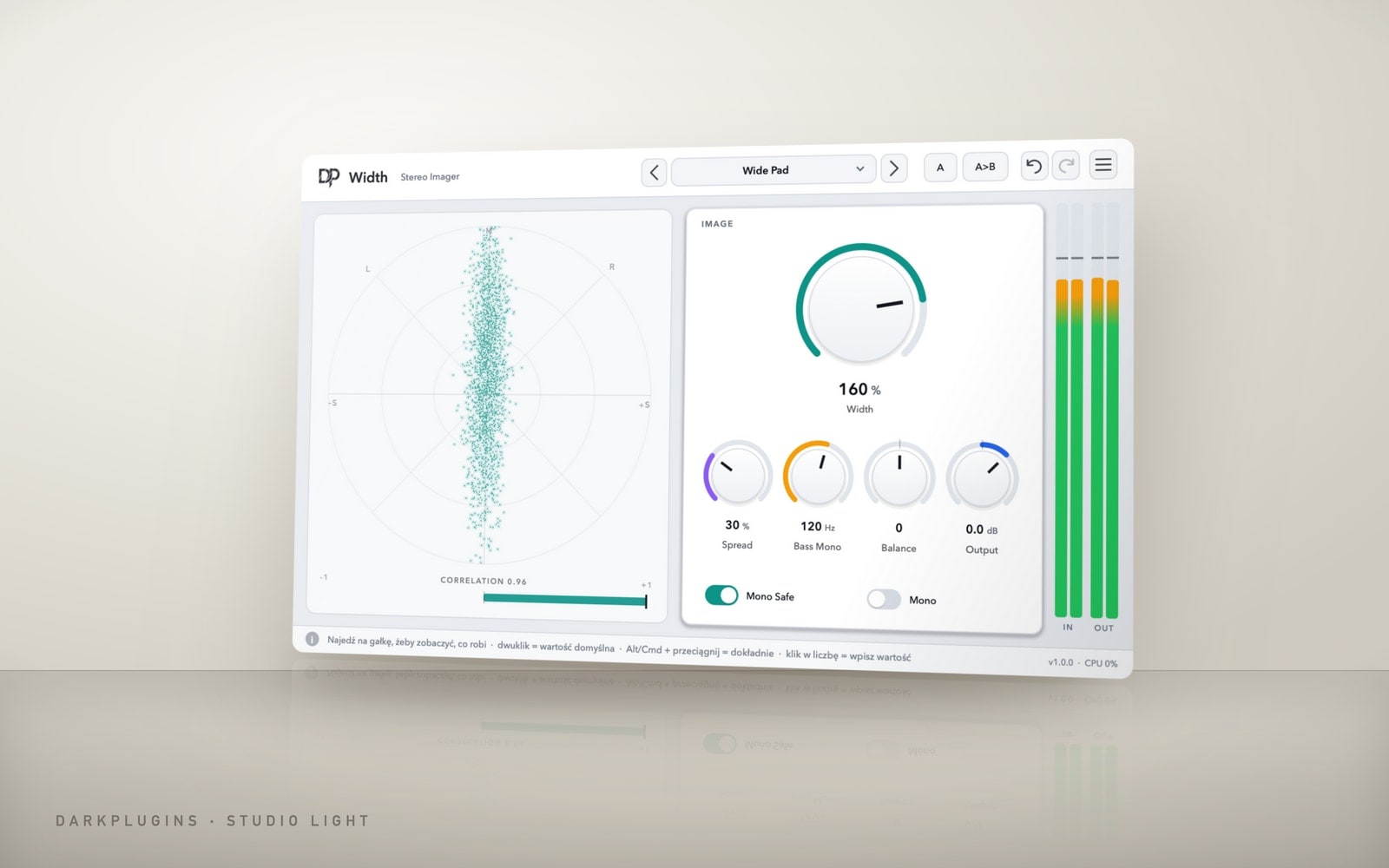 Width59 złWide stereo that doesn't vanish in mono — with the bass kept in the centre.Studio Light
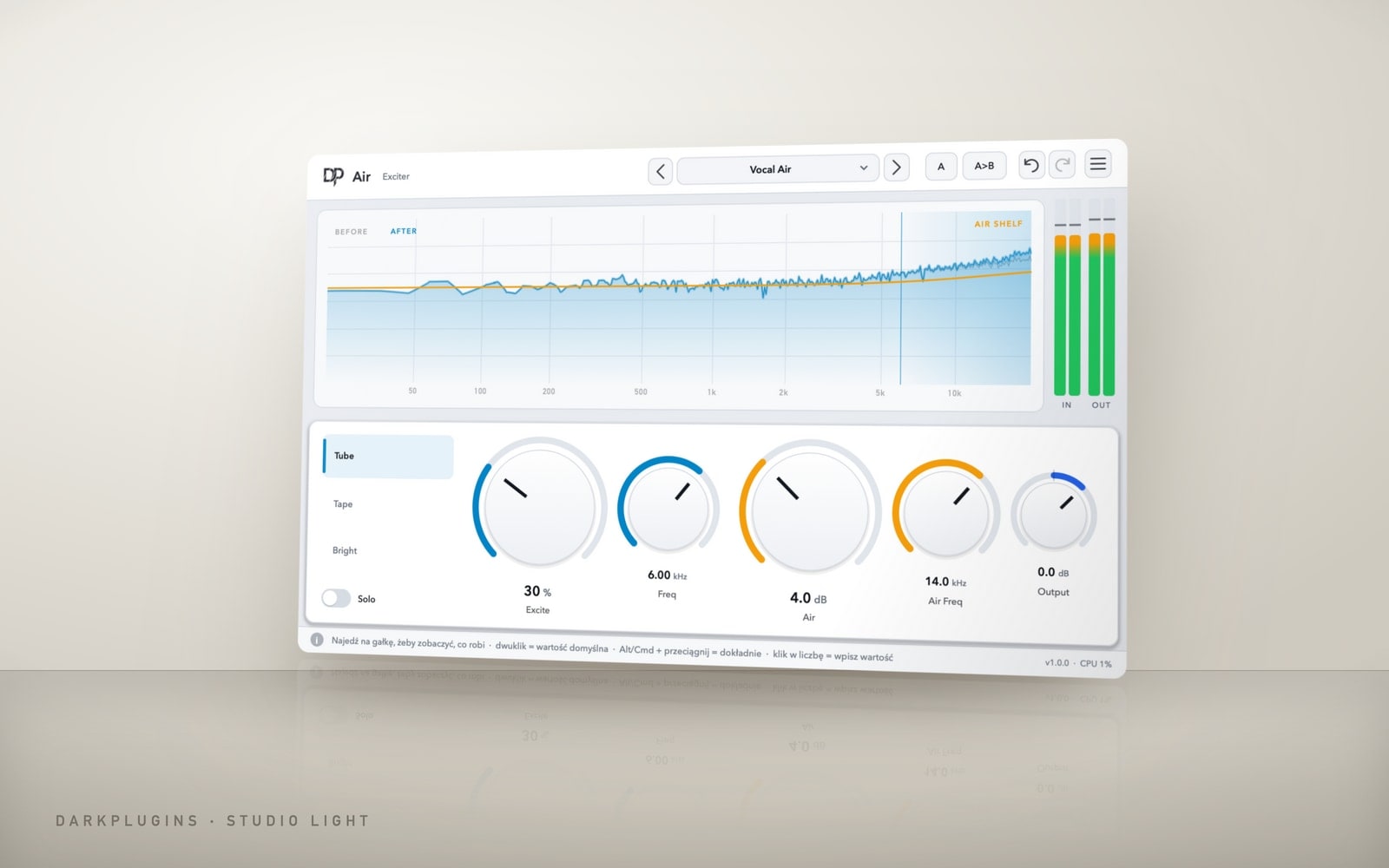 Air69 złSheen and air up top — vocals, hi-hats and old samples instantly closer.Studio Light
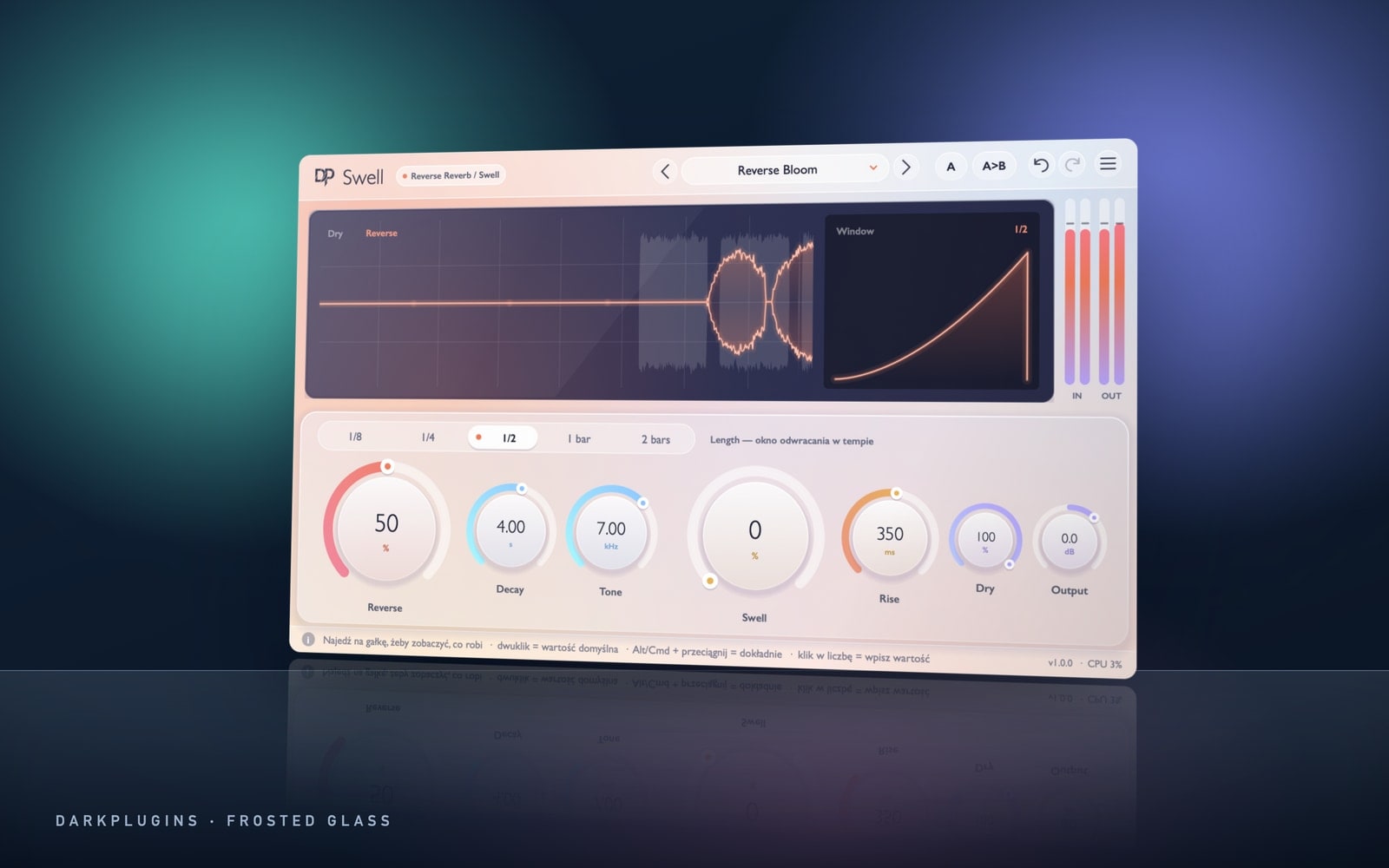 Swell79 złReverse reverb and swells — melodies and vocals that pull you in.Frosted Glass
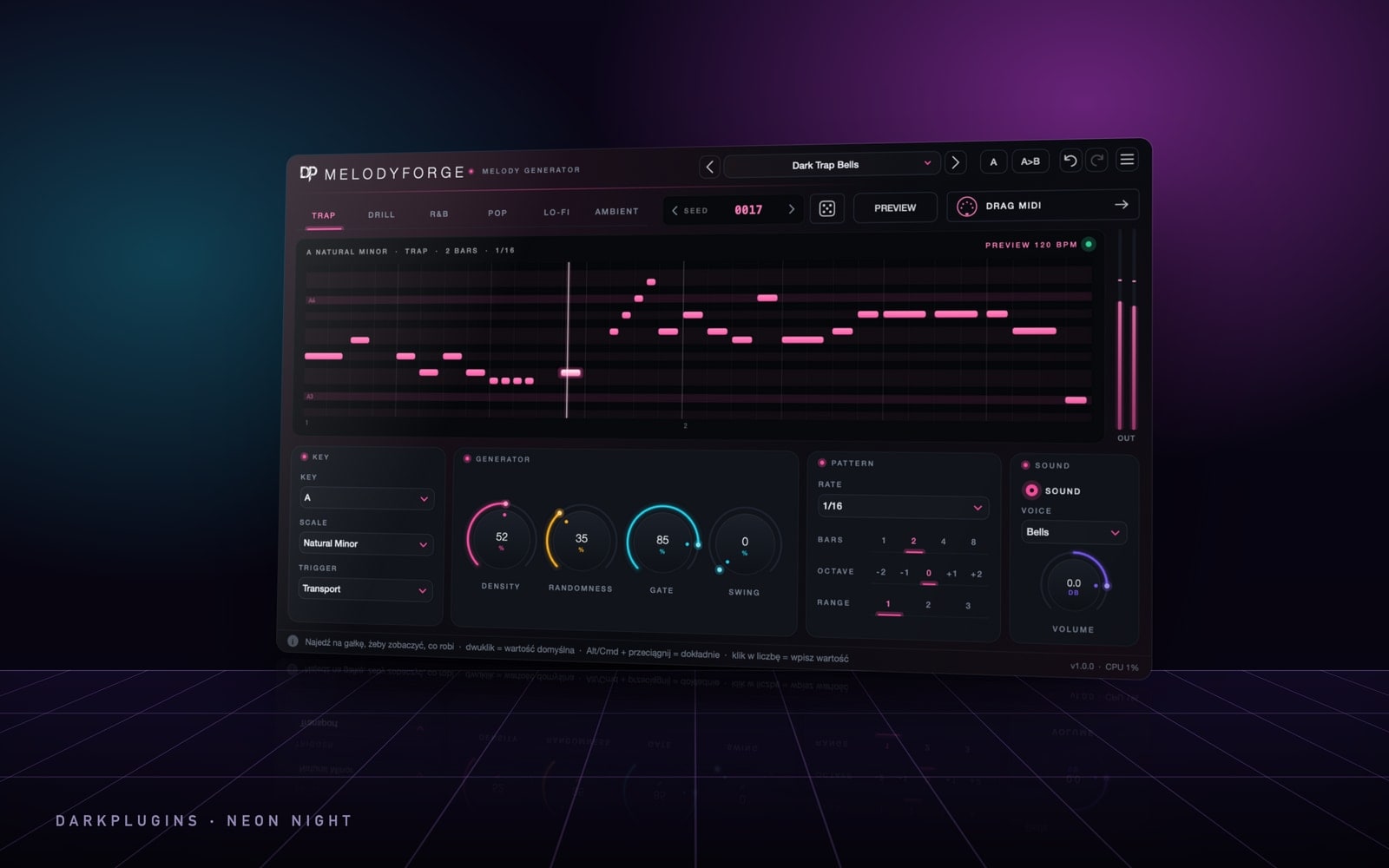 MelodyForge99 złA melody generator in your DAW's key and tempo — one click and you have a hook for the beat.Neon Night
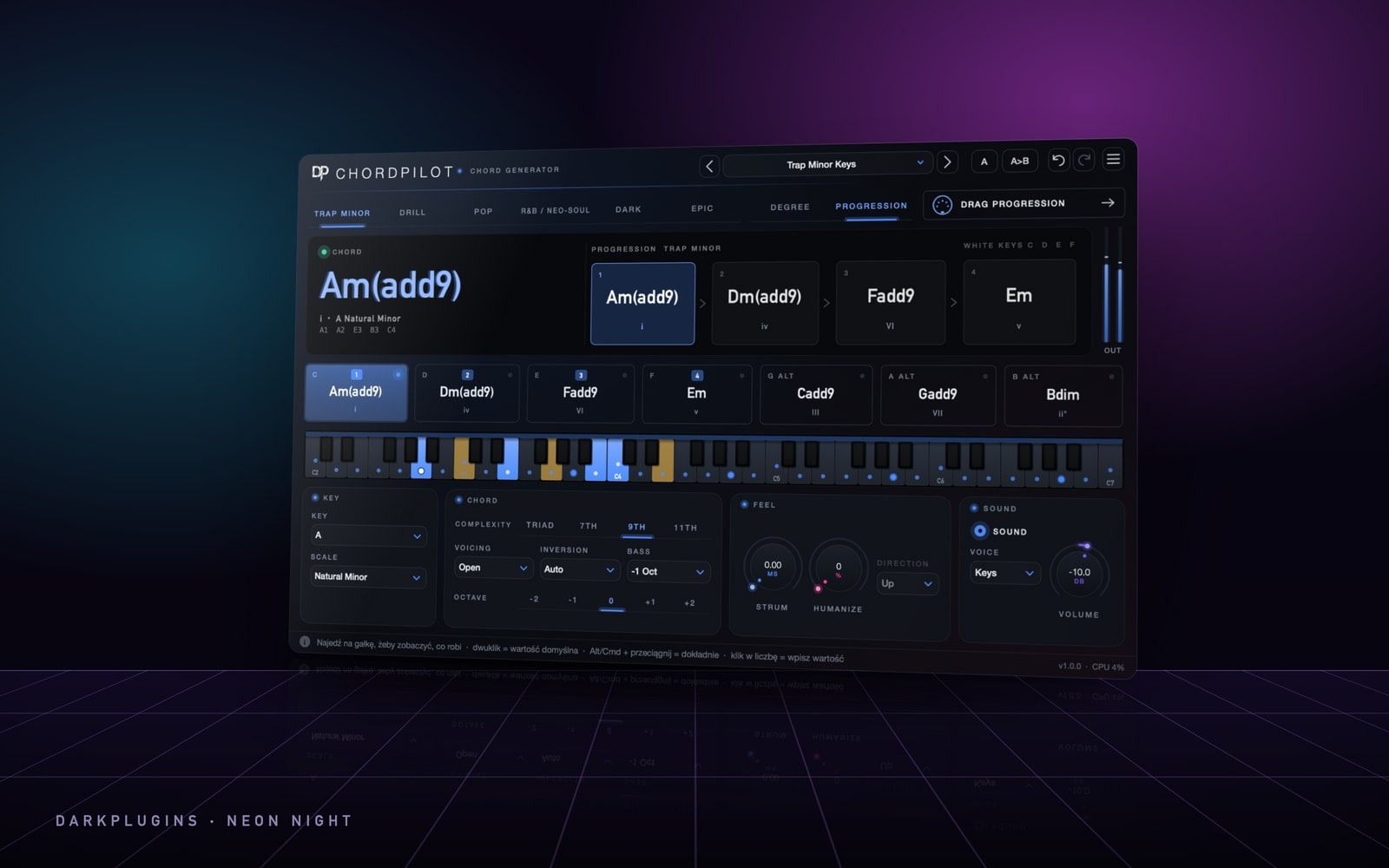 ChordPilot99 złOne finger, full chords — trap, drill, pop, R&B, dark and epic progressions.Neon Night
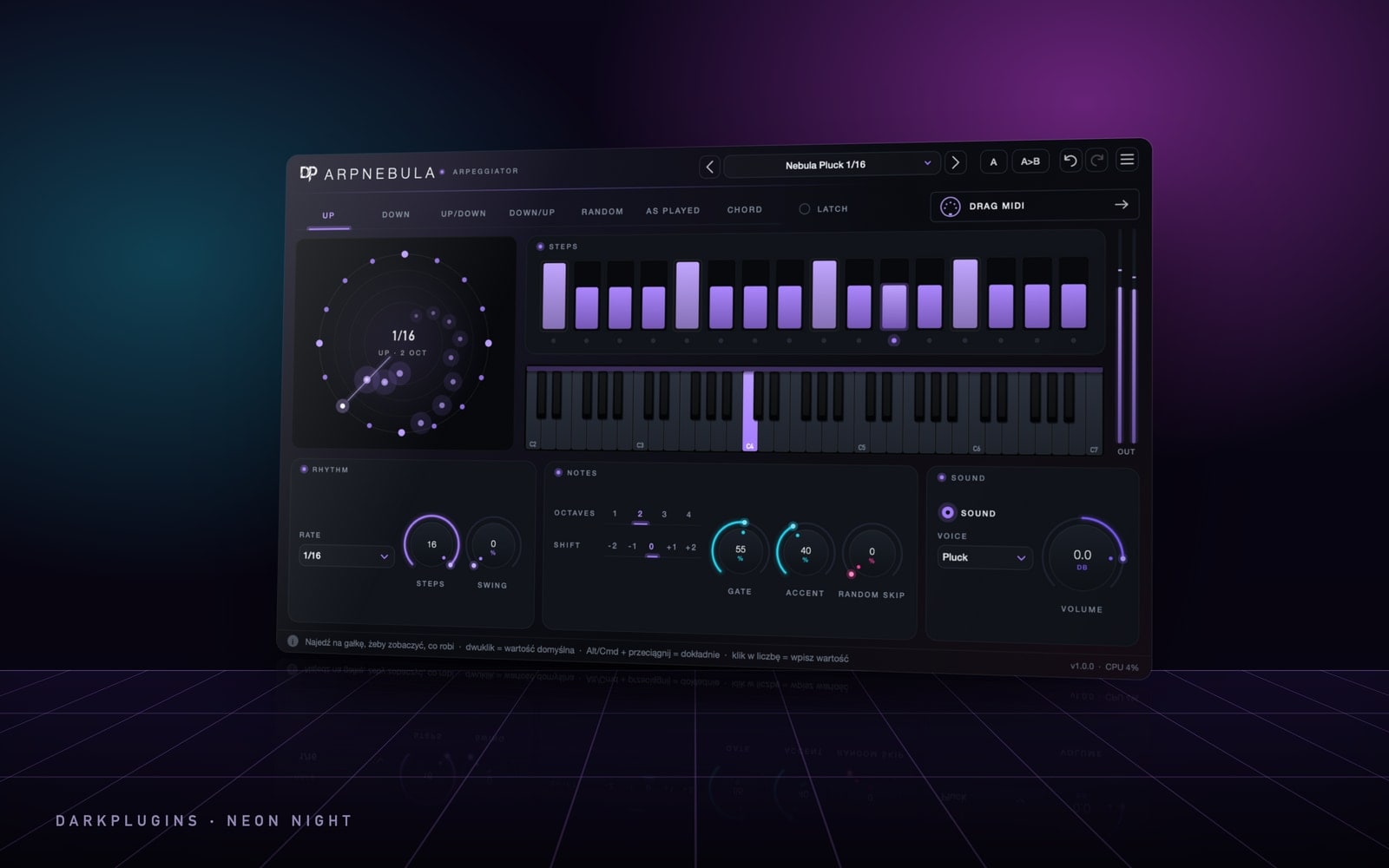 ArpNebula79 złAn arpeggiator in your DAW's tempo — chord in, rhythmic arpeggio out.Neon Night
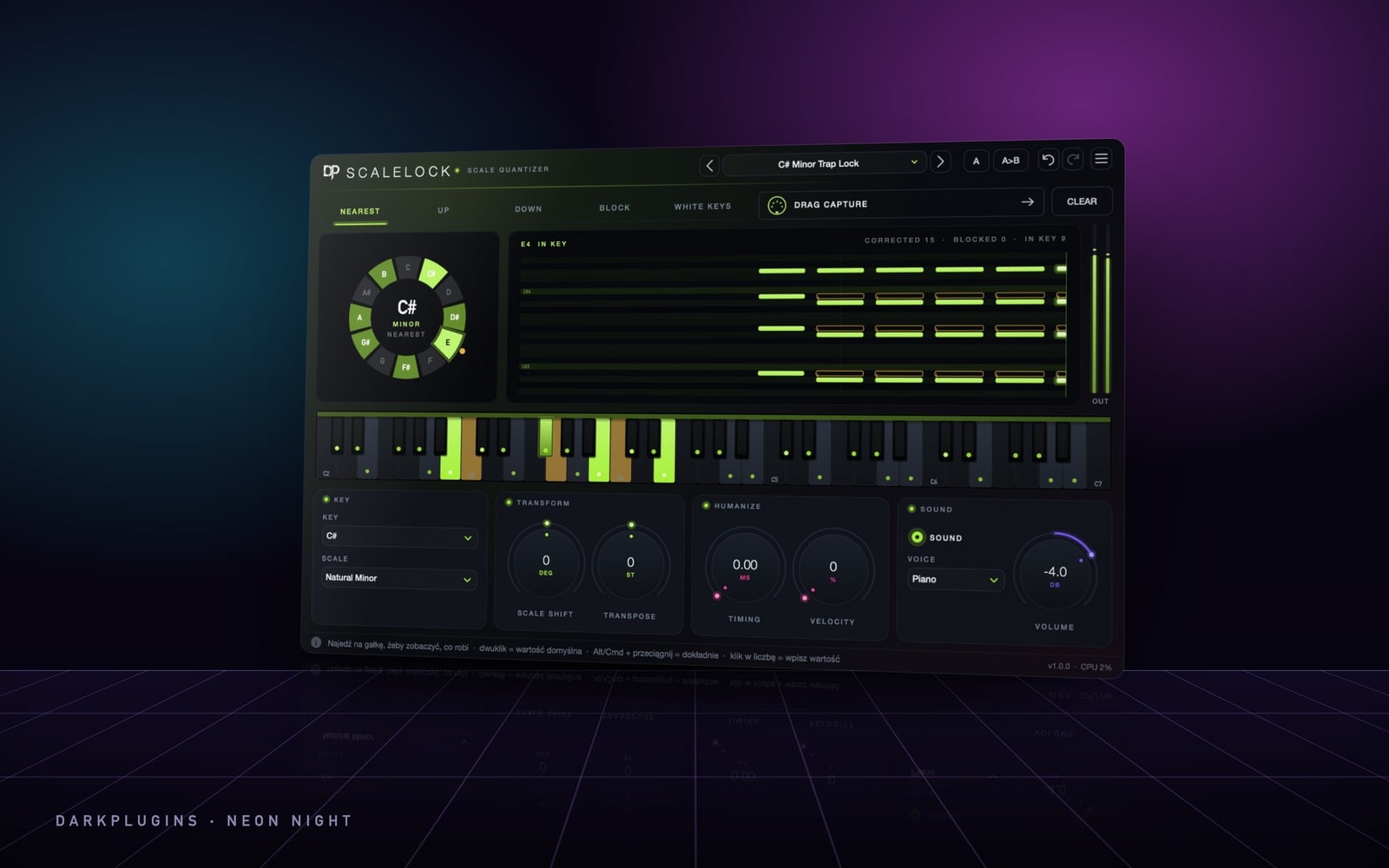 ScaleLock49 złNo more wrong notes — every key lands in the song's key.Neon Night
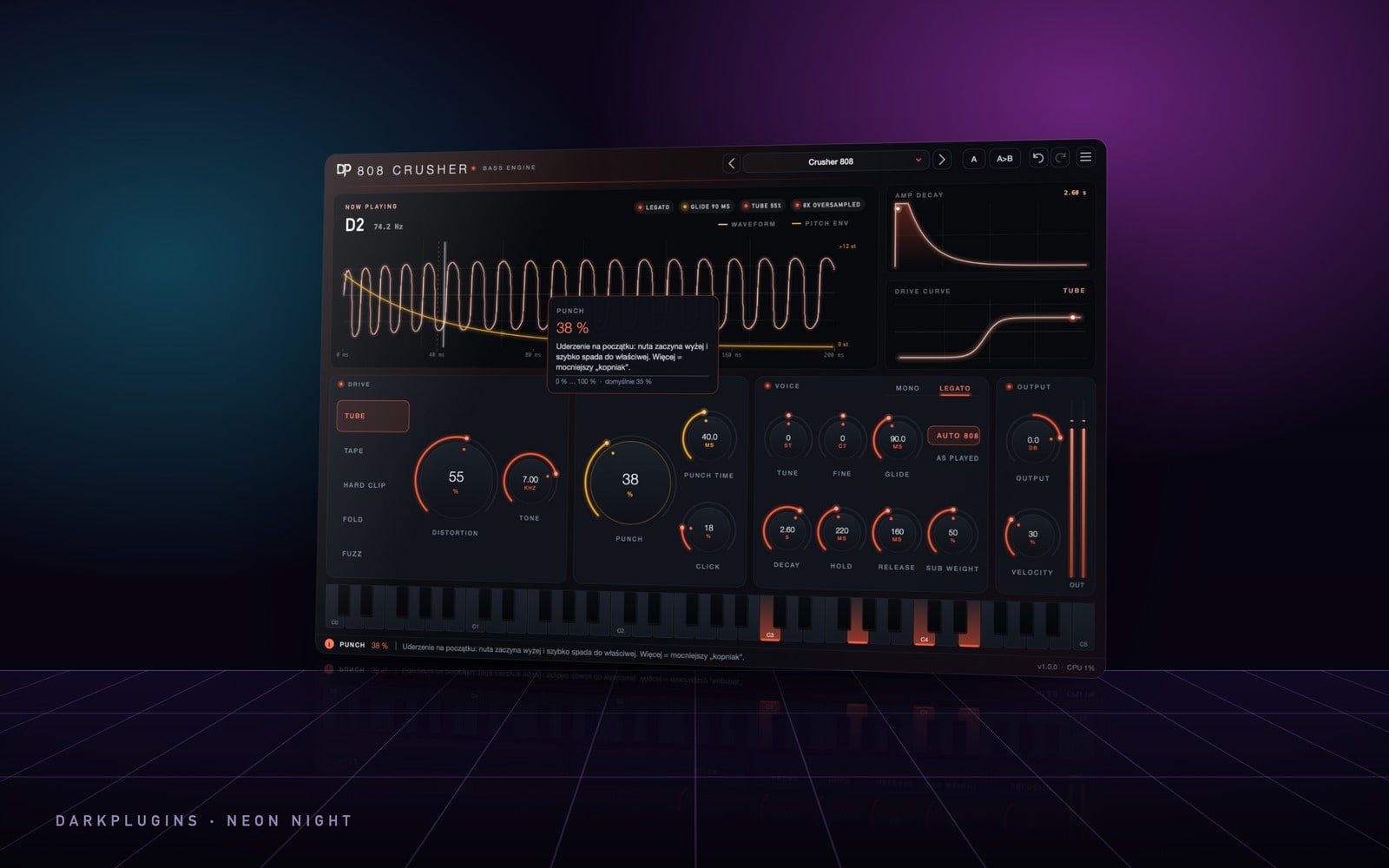 808 Crusher129 złAn 808 generator — huge sub, punch, slides and alias-free distortion.Neon Night
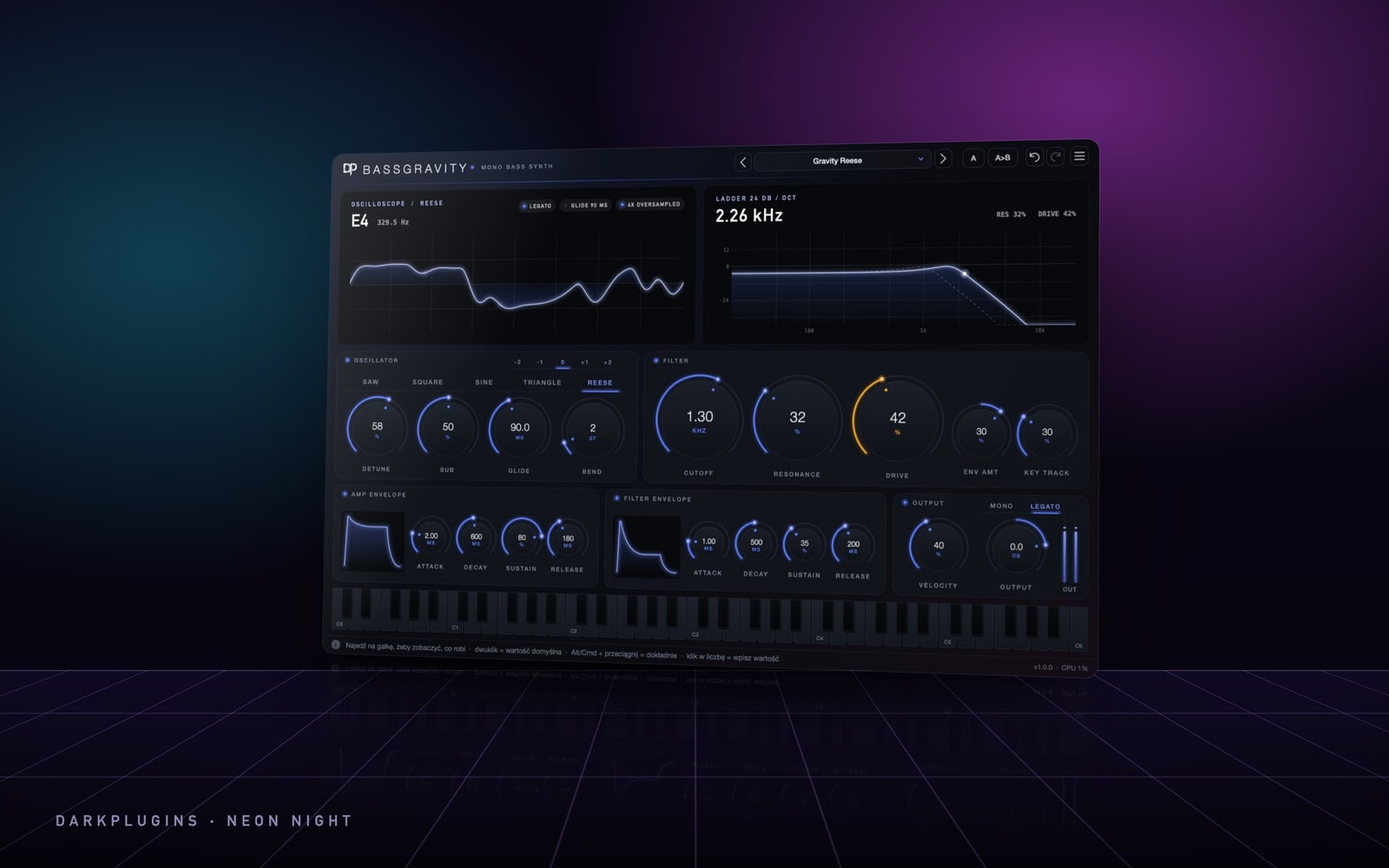 BassGravity149 złA monophonic bass synth — saw, square, sine and Reese, a 24 dB ladder filter and glide.Neon Night
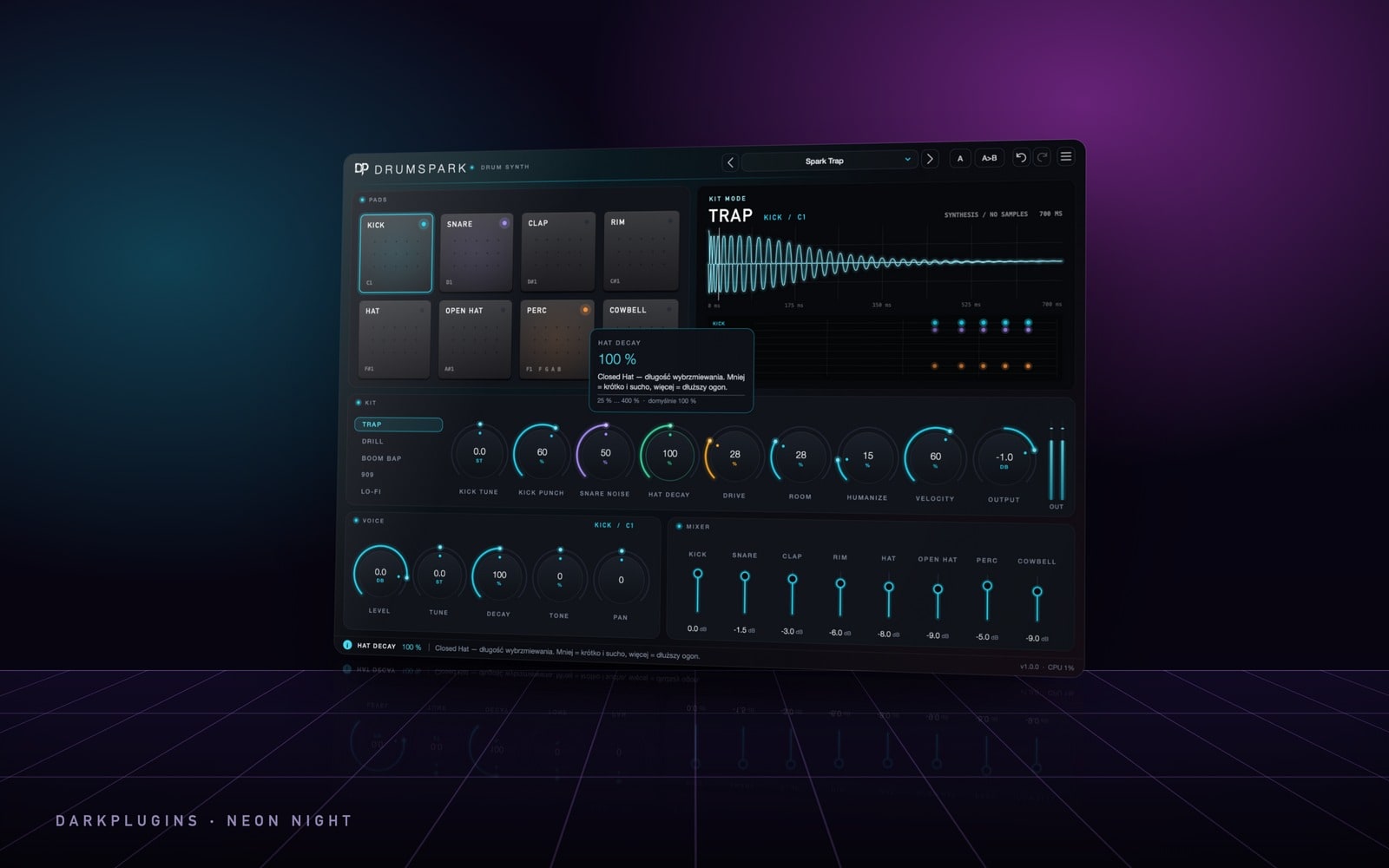 DrumSpark169 złA sample-free drum synth — five kits from trap to lo-fi, pads and a mixer.Neon Night
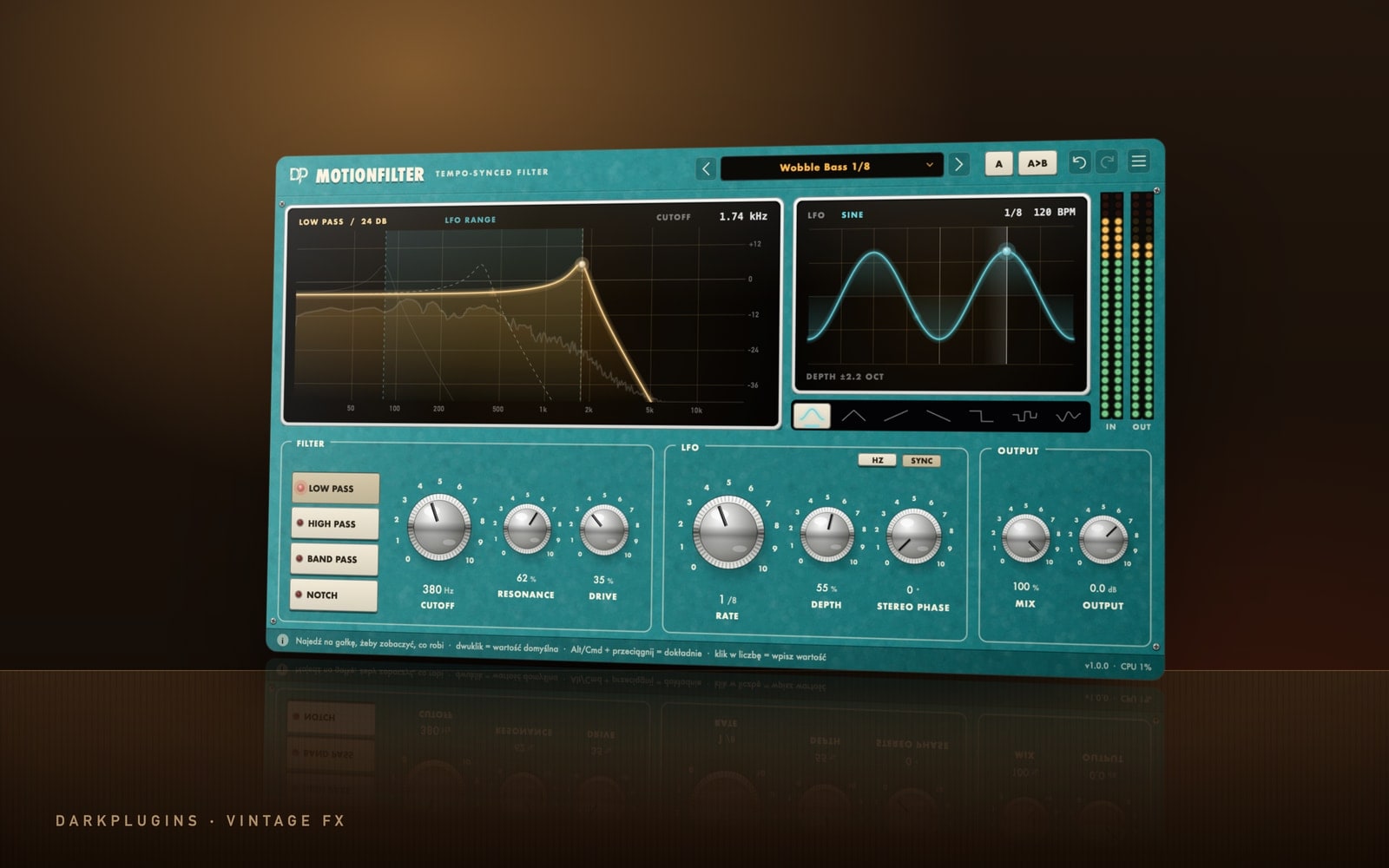 MotionFilter79 złA filter that breathes in time with your track — wobble, sweep, gate and auto-wah in one click.Vintage FX
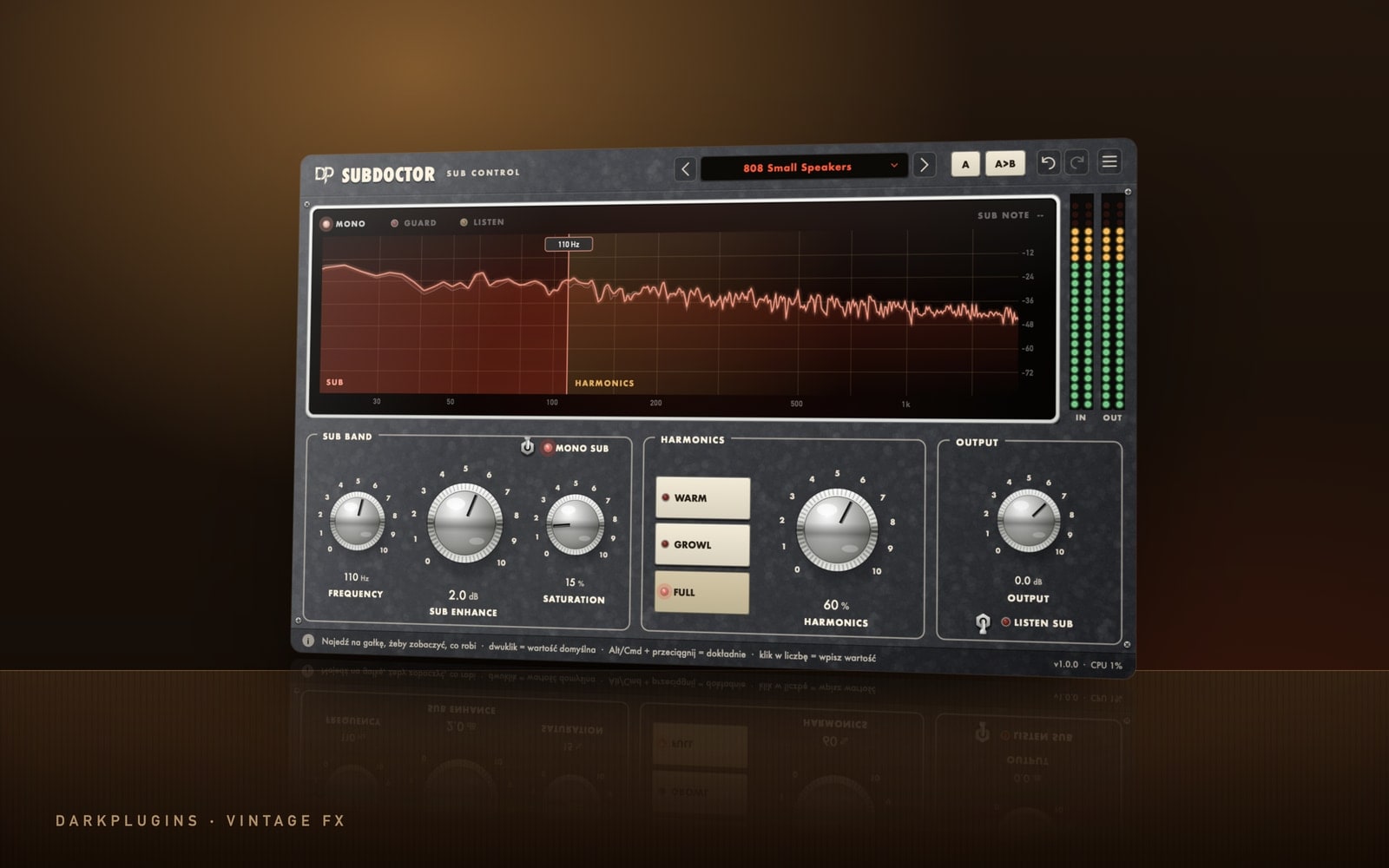 SubDoctor69 złTotal control over 808s and sub — a bigger low end you can hear even on a phone.Vintage FX
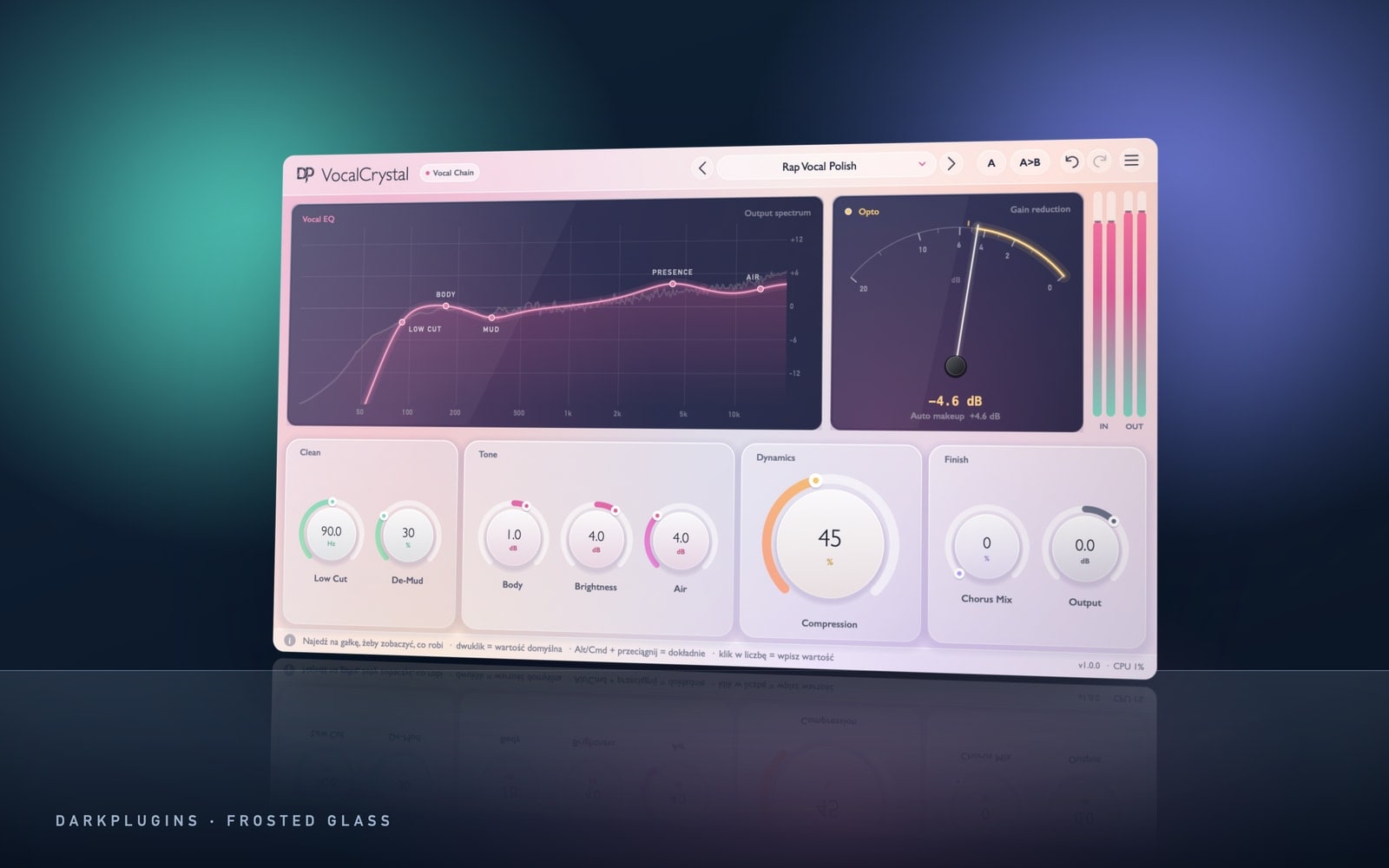 VocalCrystal99 złA ready vocal chain — clean, close, even and polished. A few knobs instead of five plug-ins.Frosted Glass
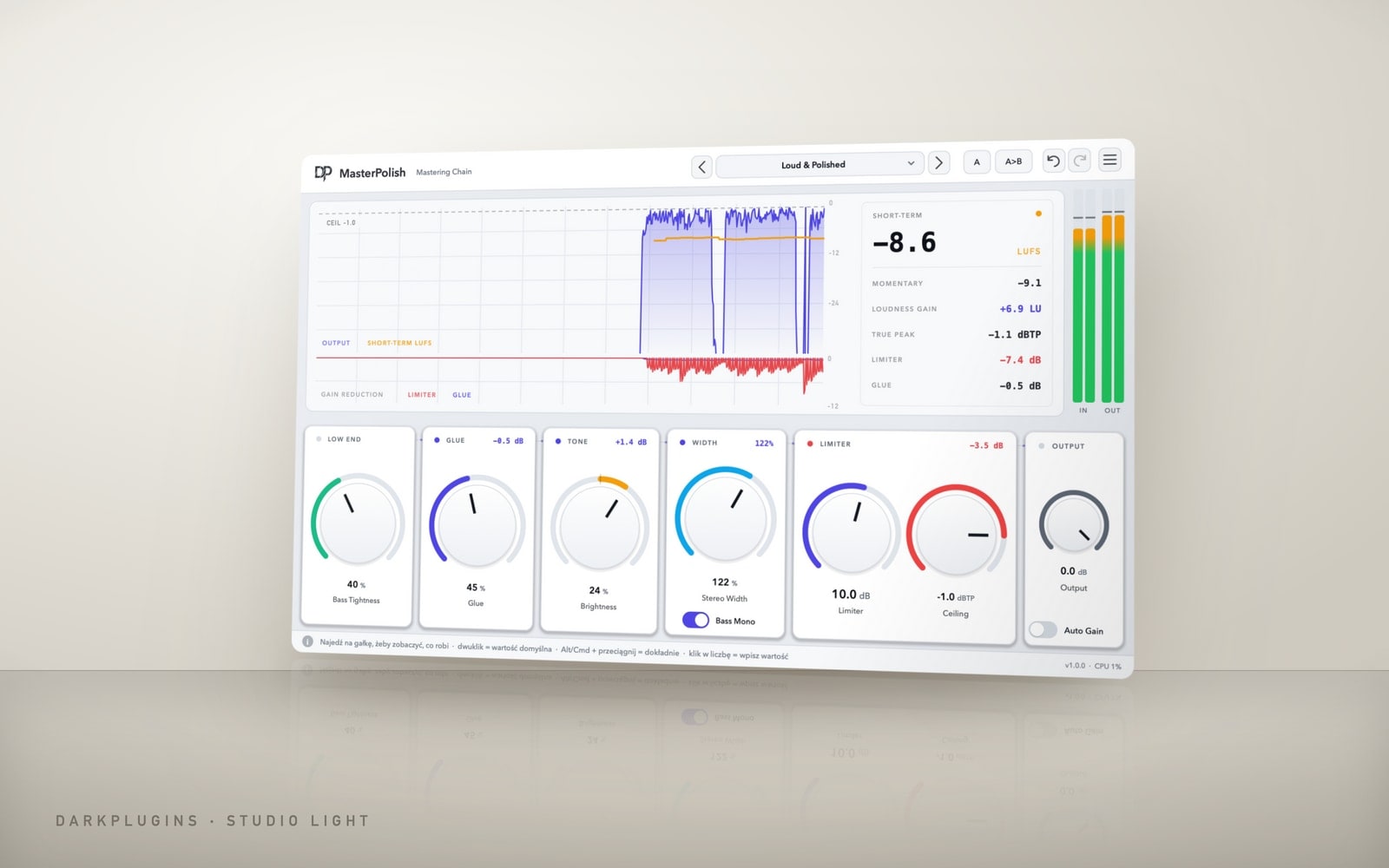 MasterPolish119 złMastering in one window — glue, shine, a tight low end, width and loudness with no overs.Studio Light
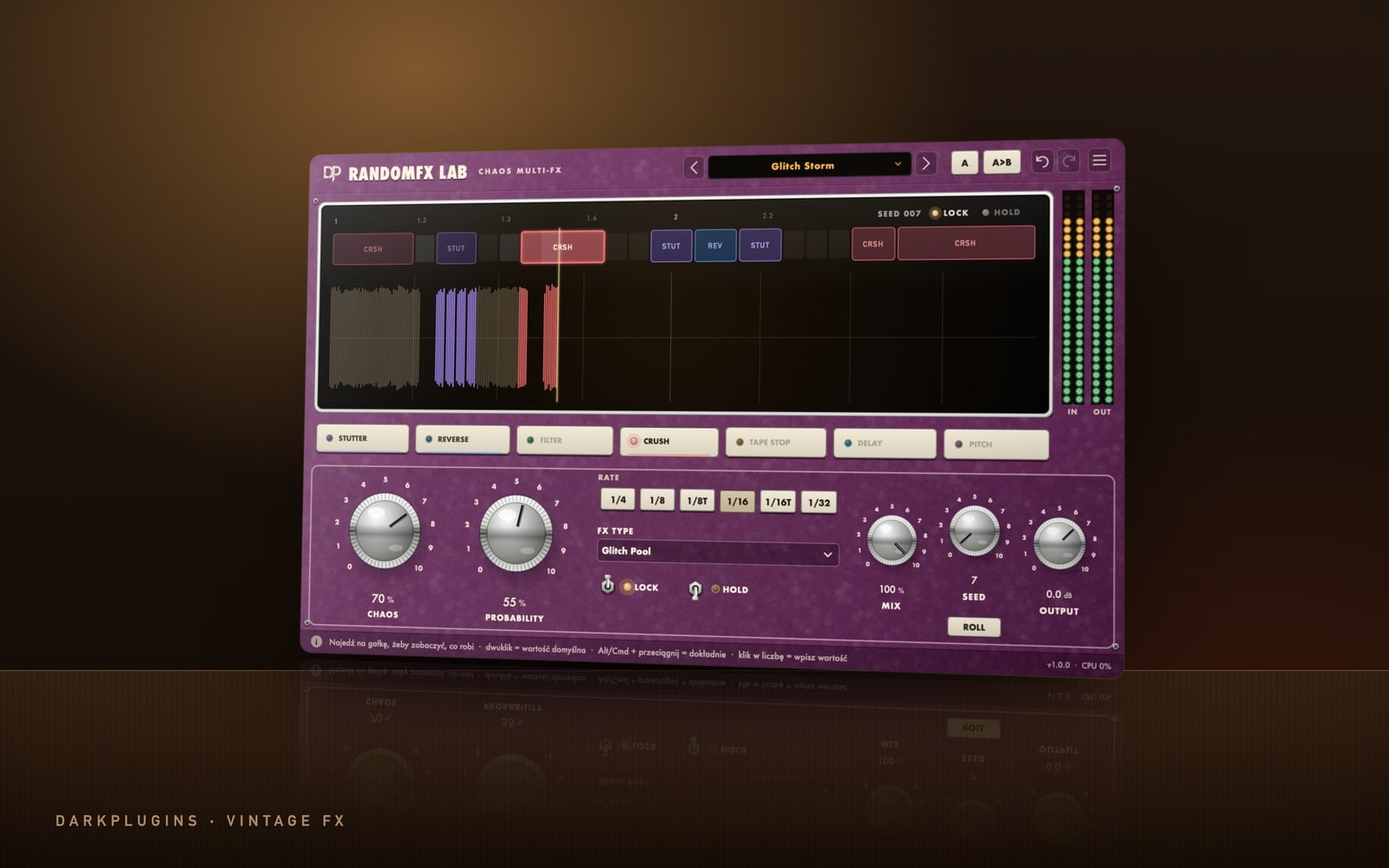 RandomFX Lab89 złControlled chaos in time with your track — stutter, reverse, filter, crush, tape stop, delay and pitch.Vintage FX
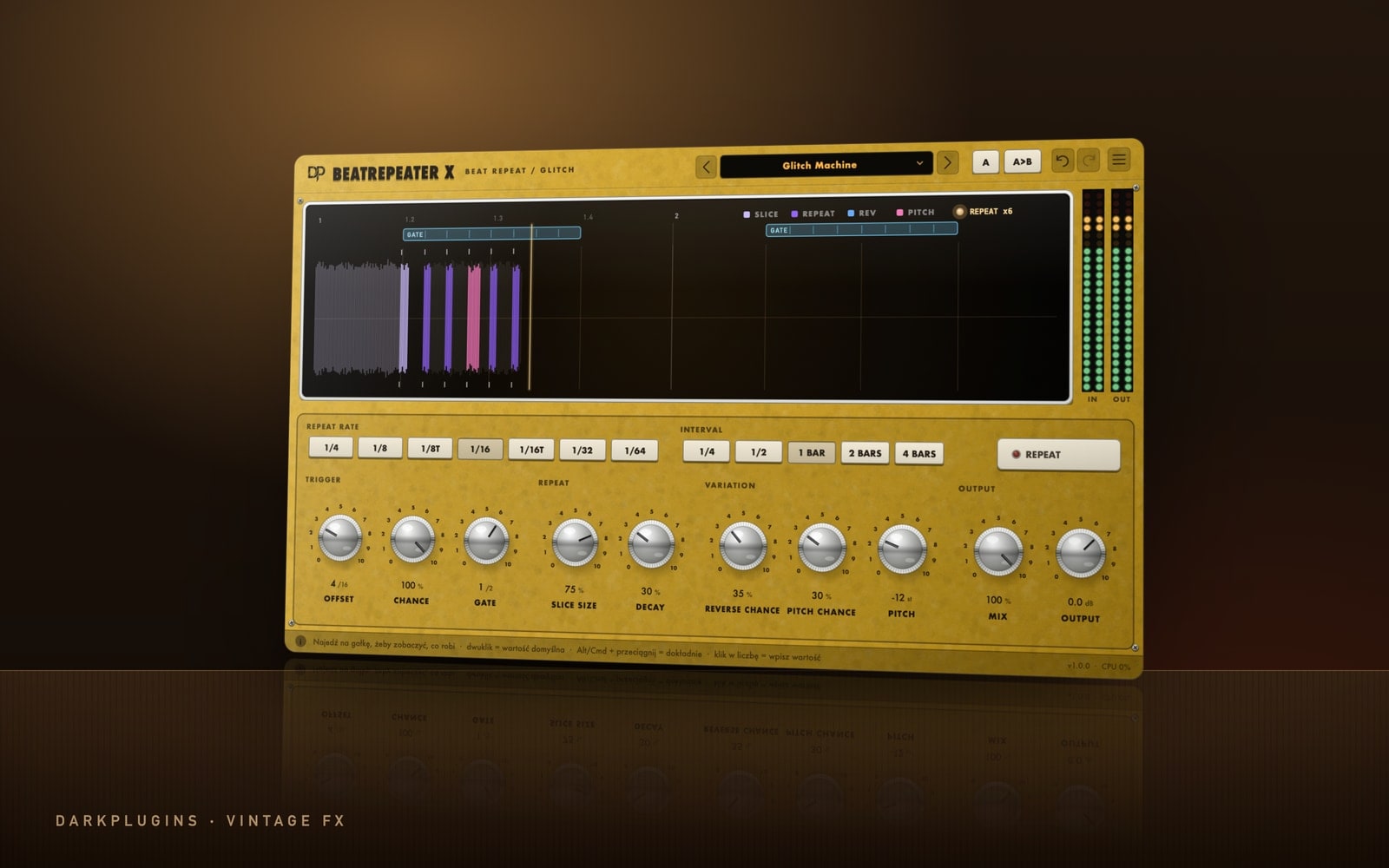 BeatRepeater X69 złTempo-synced stutter and glitch — repeats with gate, decay, reverse and pitch.Vintage FX
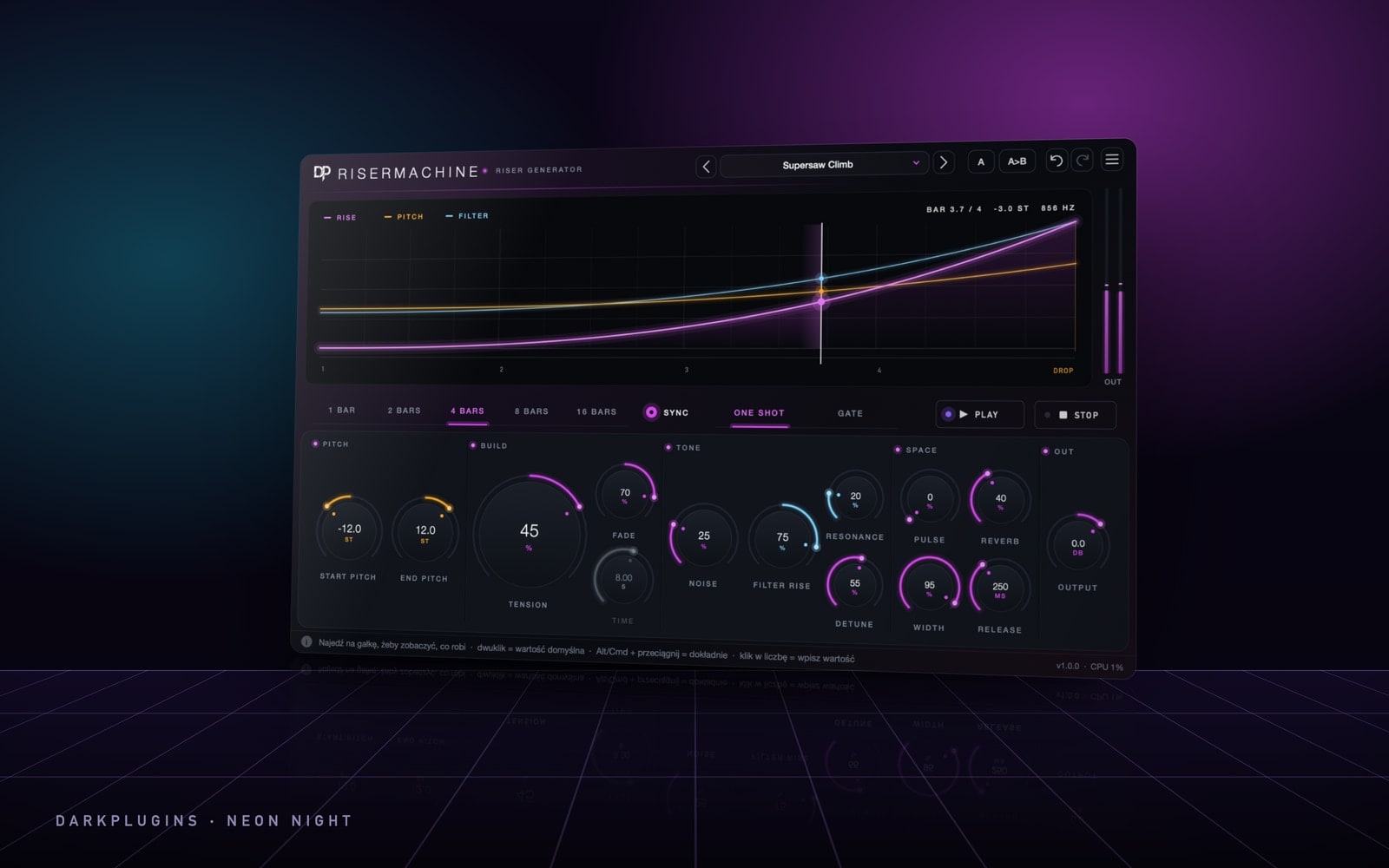 RiserMachine99 złPre-drop risers in seconds — one note, and the build lands right on the beat.Neon Night
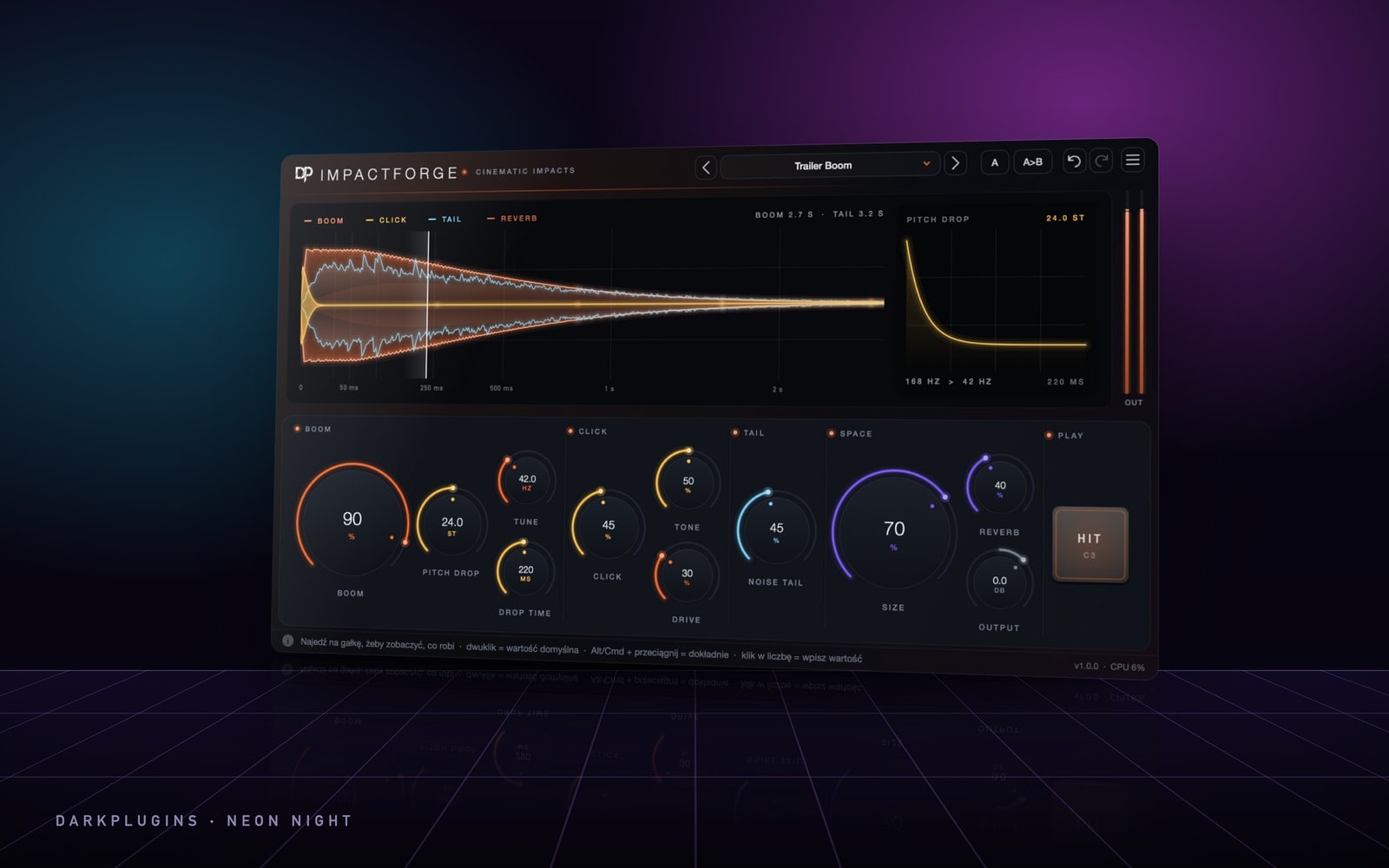 ImpactForge79 złCinematic impacts from pure synthesis — boom, crack and a tail that fills the hall.Neon Night
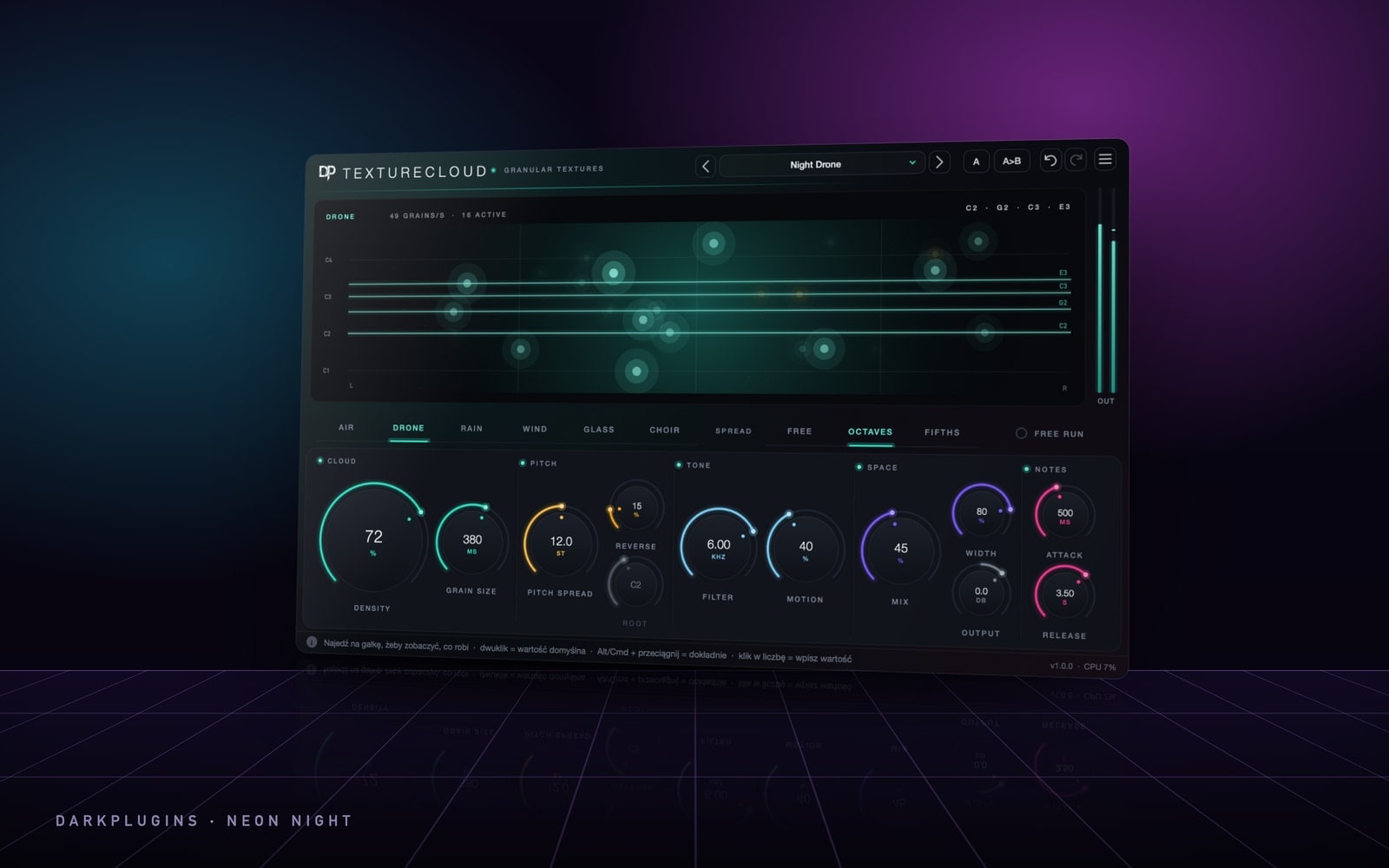 TextureCloud99 złA cloud of sound grains — drones, atmospheres and textures that live a life of their own.Neon Night
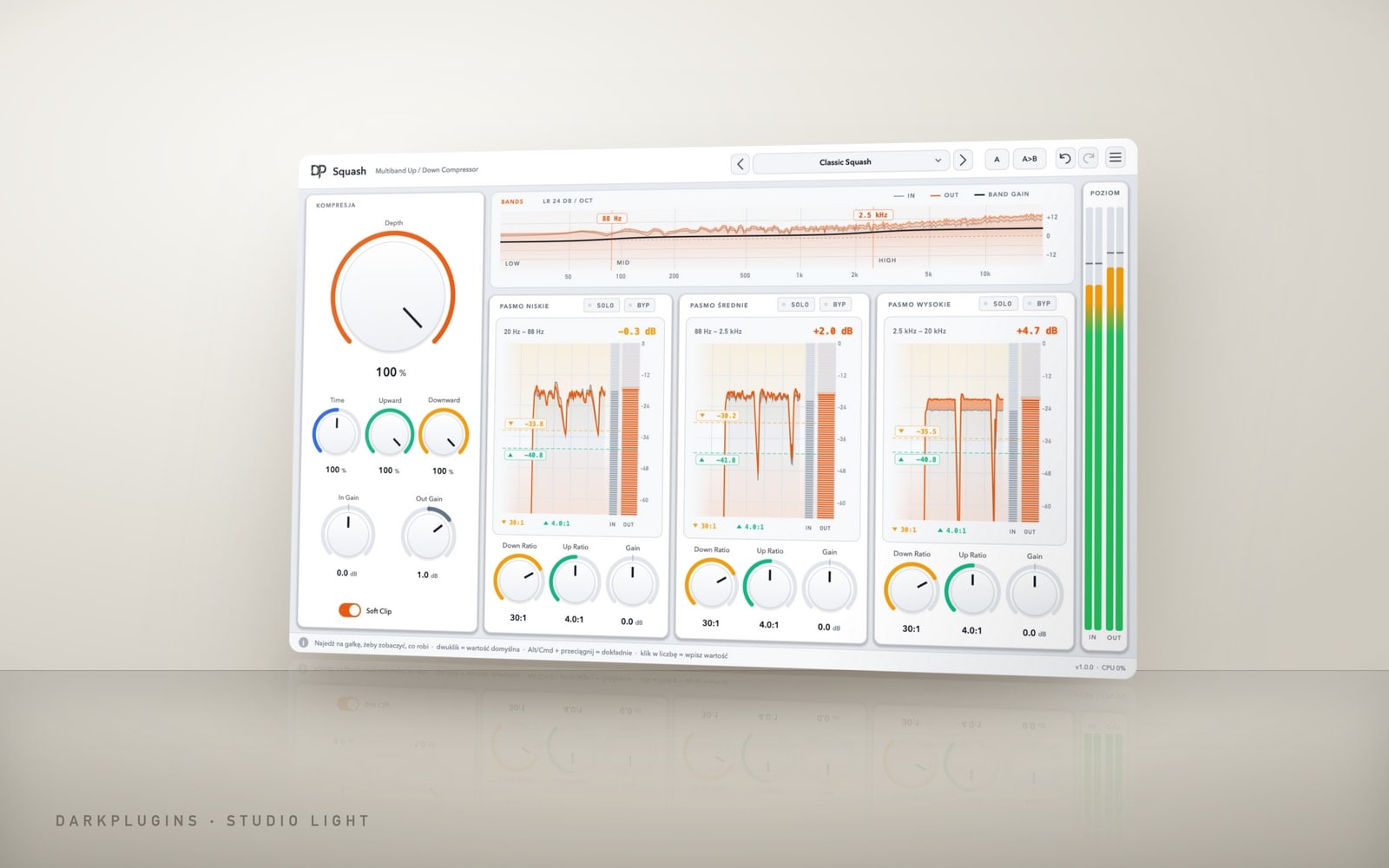 Squash99 złMultiband upward and downward compression — density, shine and punch on everything from 808s to vocals.Studio Light
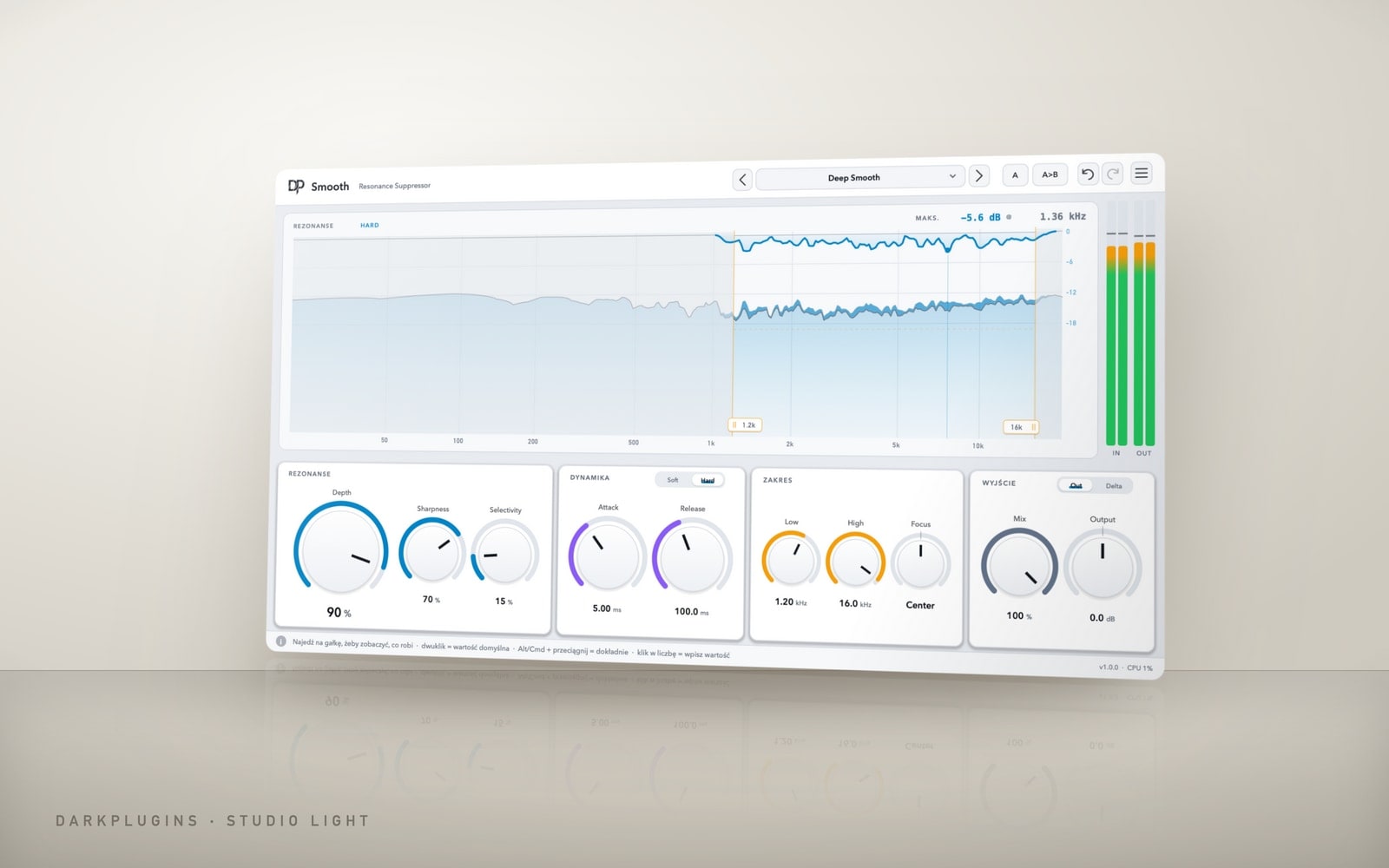 Smooth149 złIntelligent resonance suppression — harsh highs, sibilance and mud smoothed out on their own, only when they appear.Studio Light
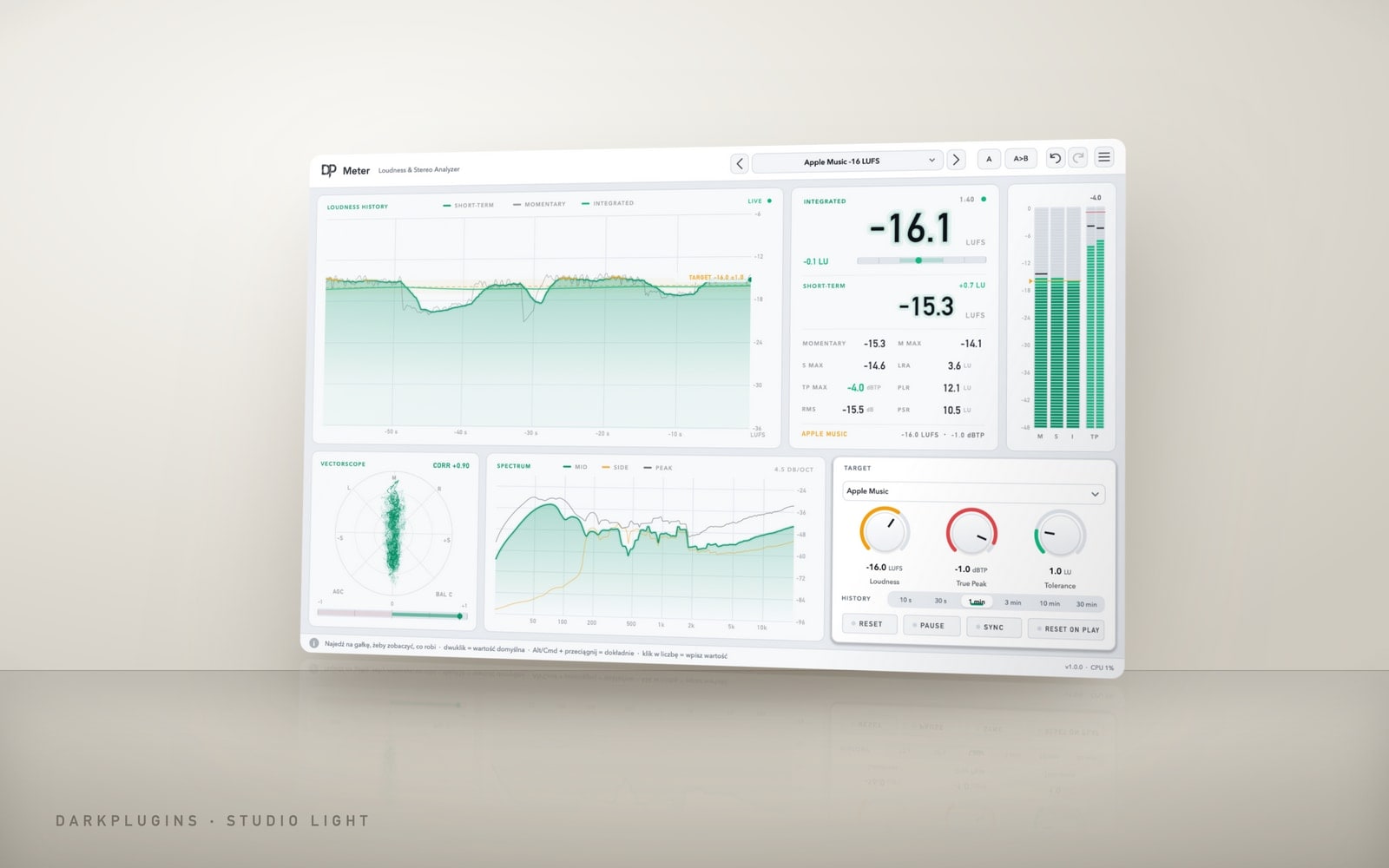 Meter99 złLUFS, True Peak and stereo image meter — know how your master will sound on Spotify, Apple Music and in the club.Studio Light
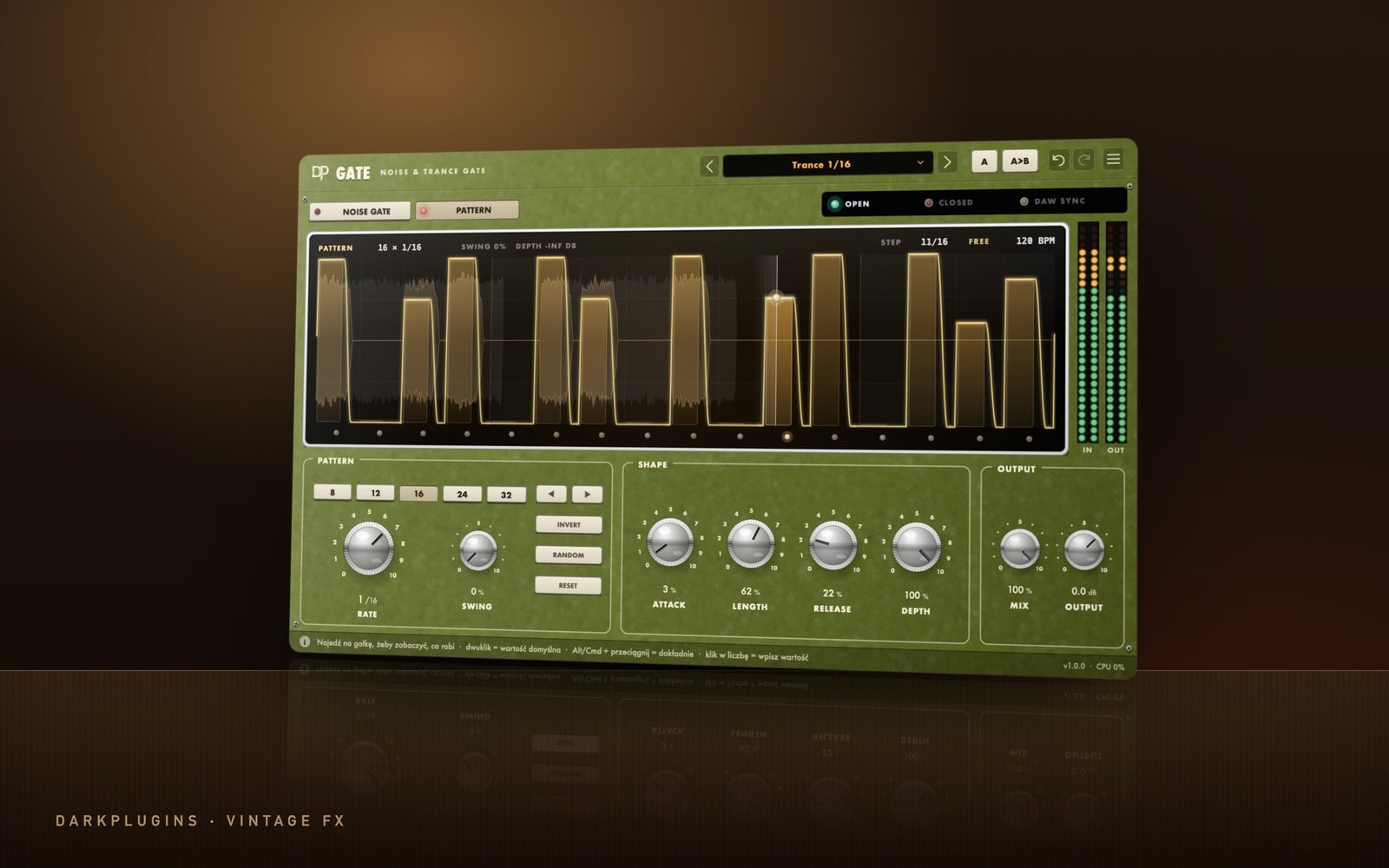 Gate89 złA noise gate and a trance gate in one — clean up your tracks or chop them to the beat.Vintage FX
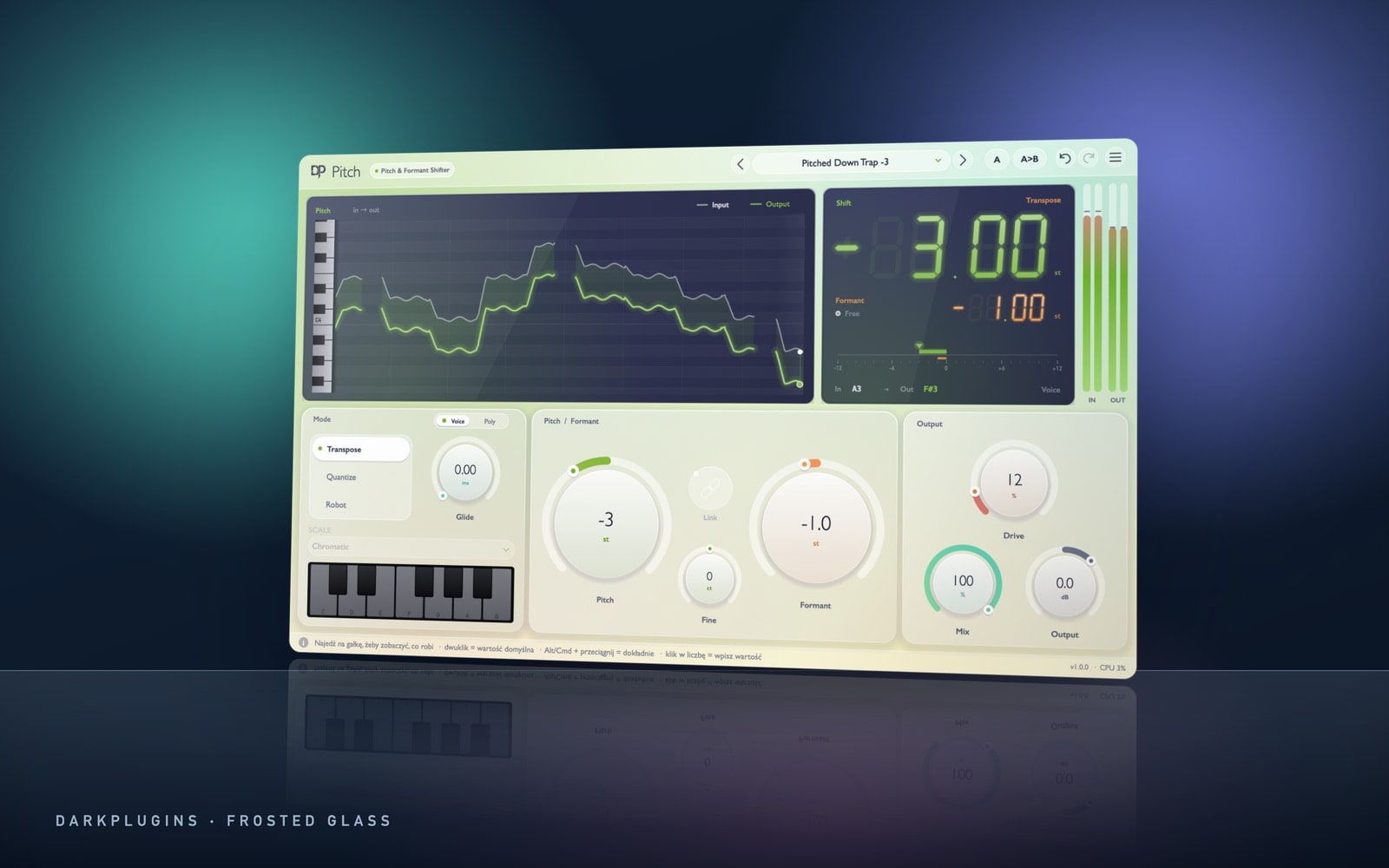 Pitch99 złReal-time pitch and formant shifting — pitched trap vocals, chipmunk, demon and a brand-new voice with one knob.Frosted Glass
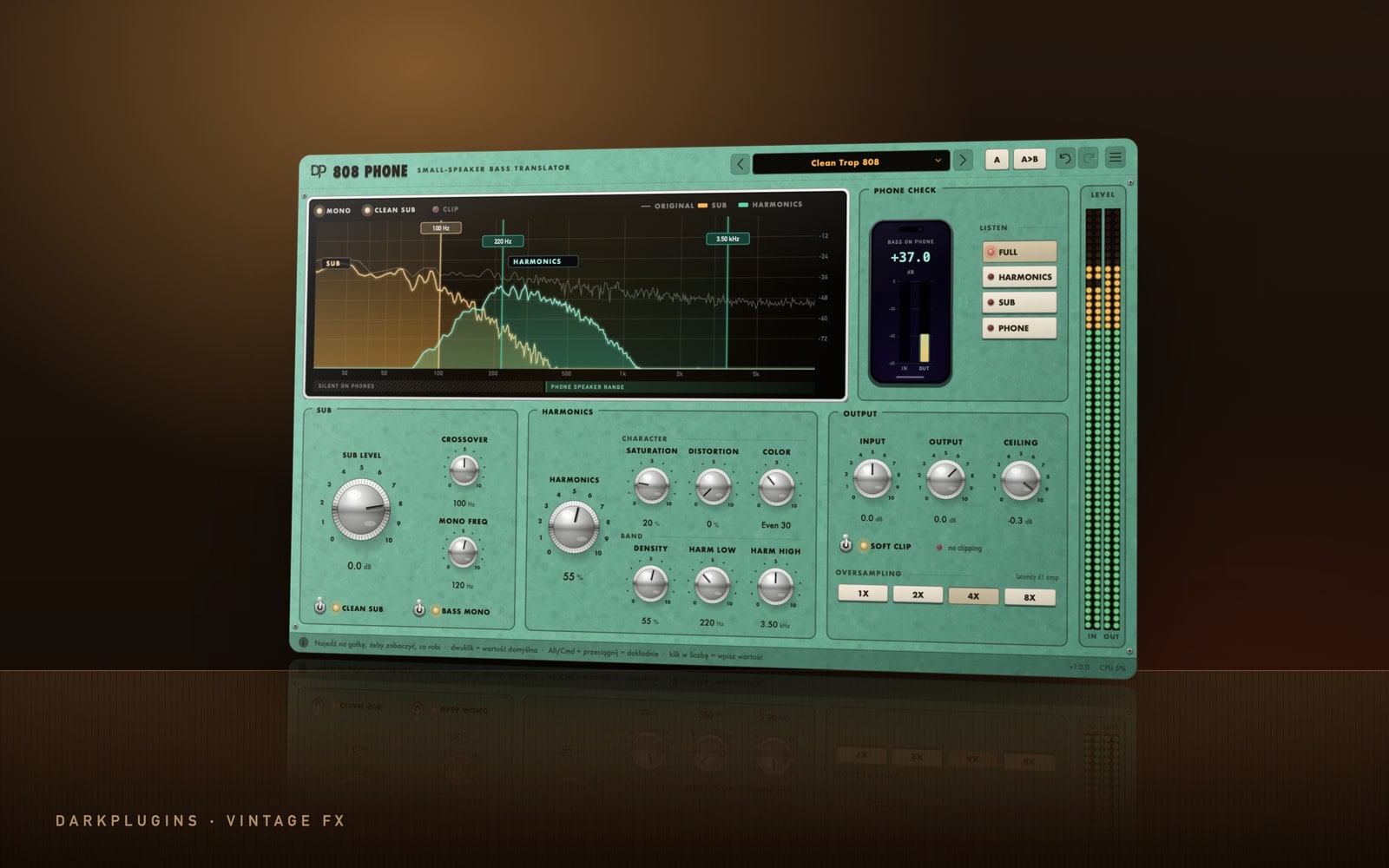 808 PhoneFree808s you can hear on a phone — the sub stays clean, the harmonics reach the small speaker.Vintage FX
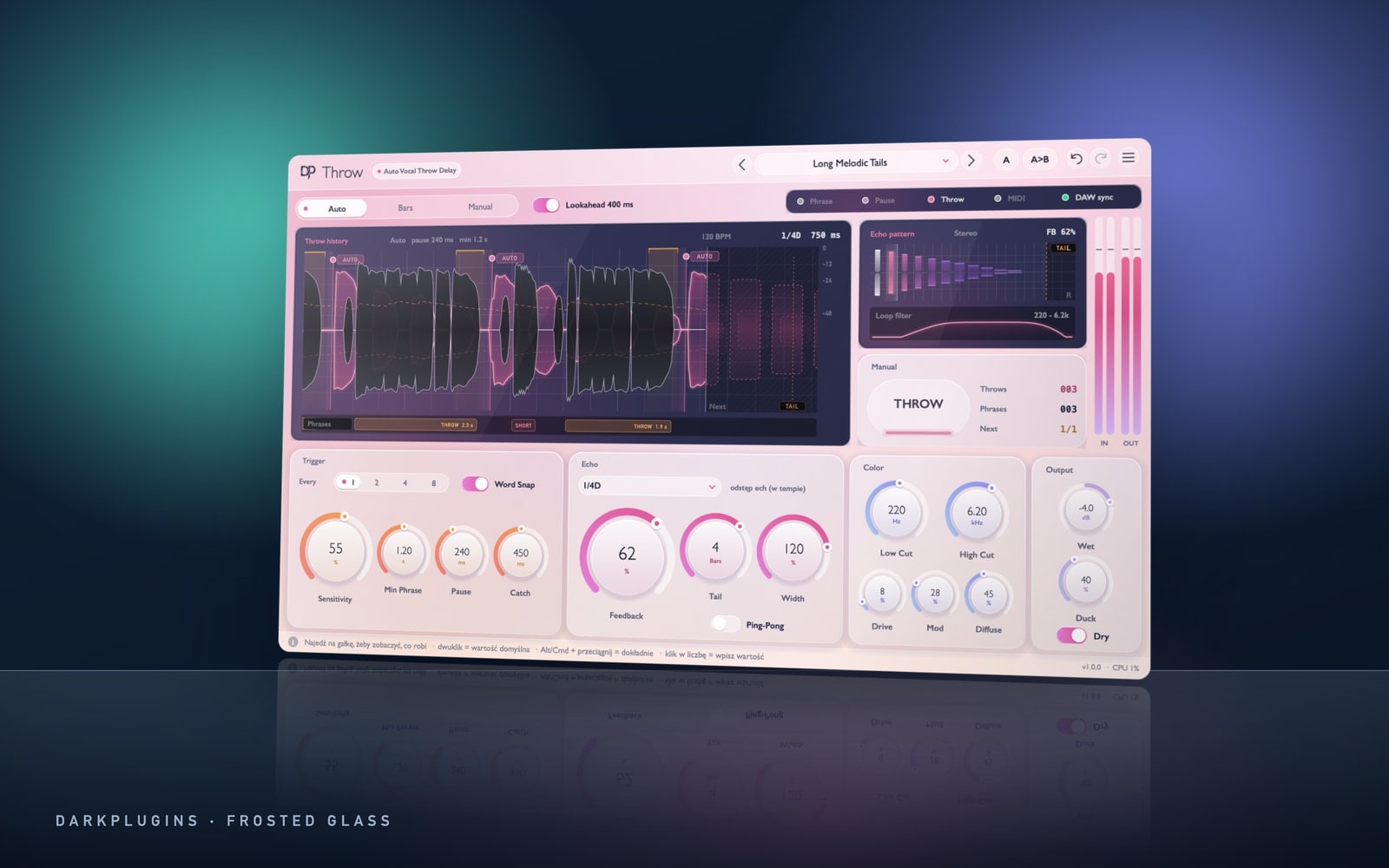 Throw89 złA delay that throws the last word of every phrase into echo by itself — no send automation needed.Frosted Glass
 Reverse99 złA reverse reverb that swells before the word and lands right on the consonant — no rendering, no trimming.Frosted Glass
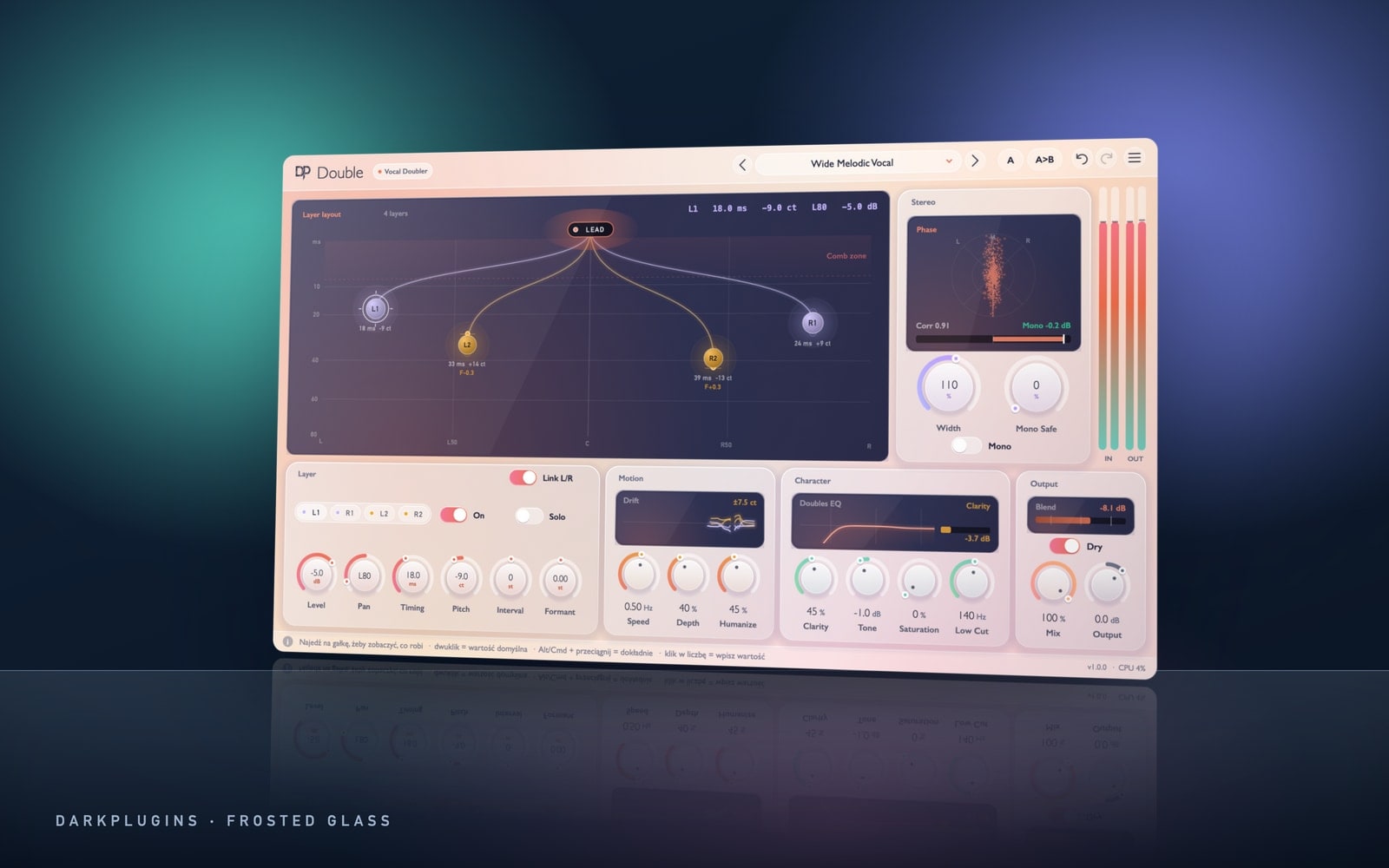 DoubleFreeA natural vocal double from a single take — wide, thick, without the chorus effect and without just getting louder.Frosted Glass
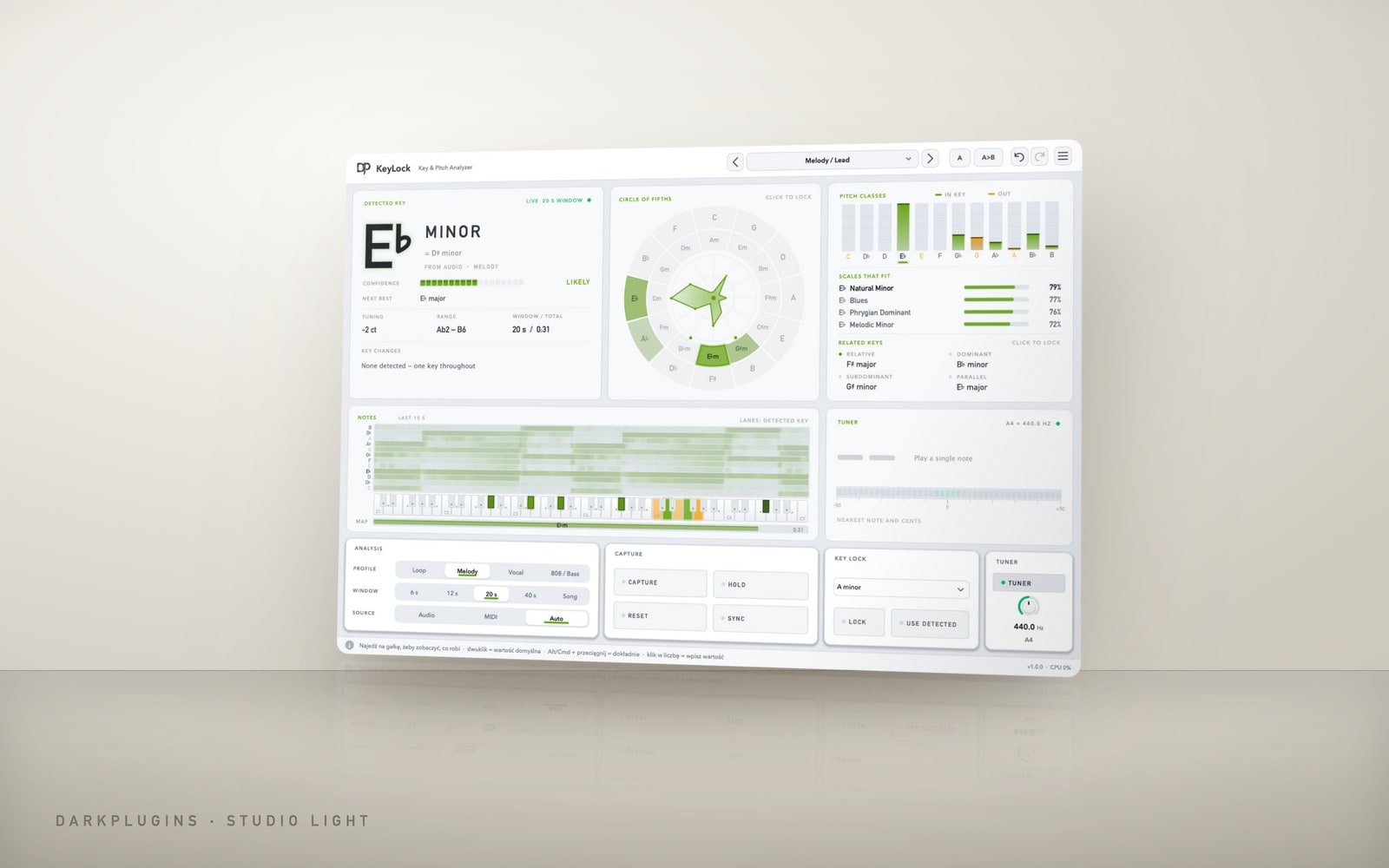 KeyLockFreeThe key, scale and notes of any sample in seconds — with a confidence reading, a tuner and a lock to your beat's key.Studio Light
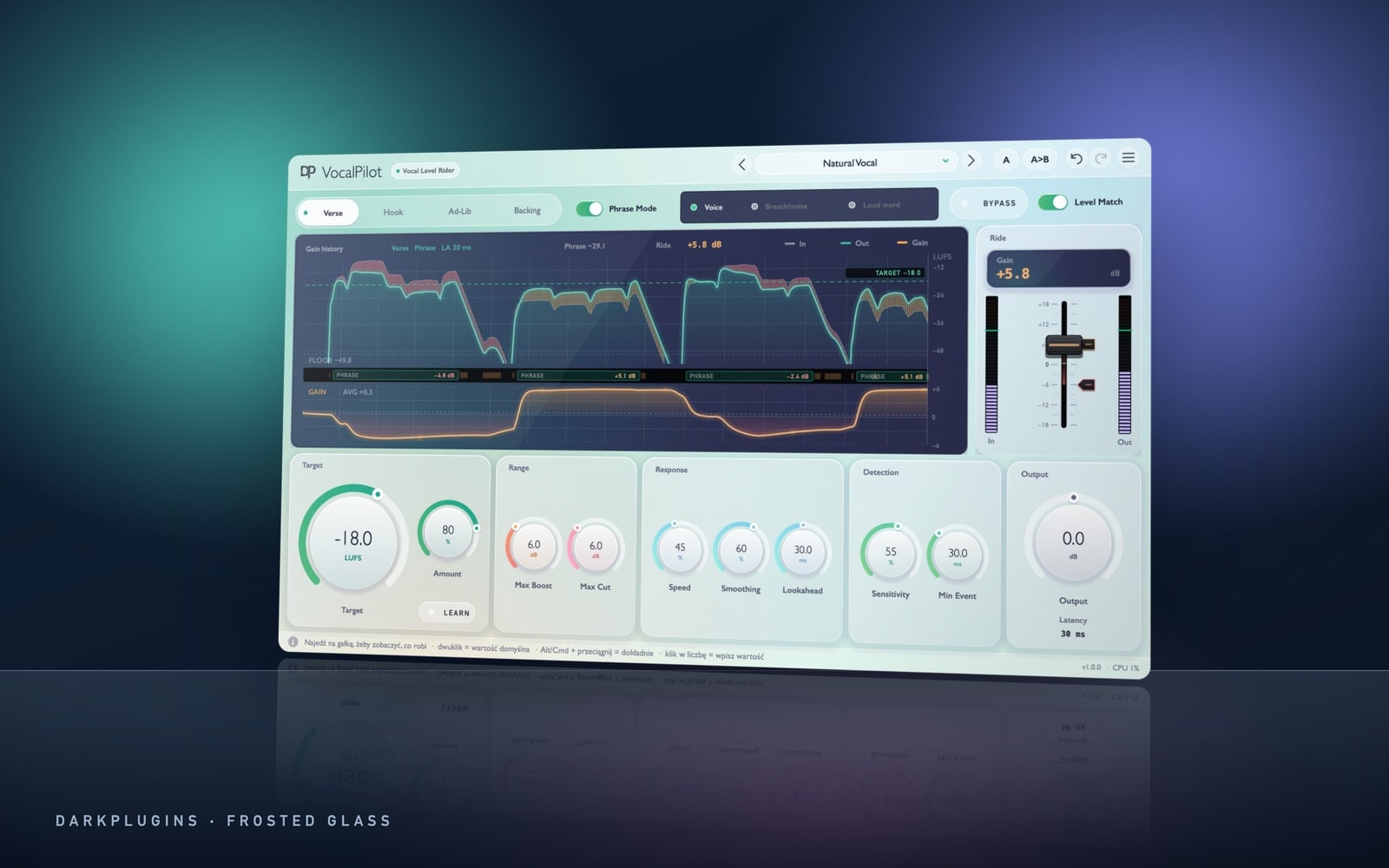 VocalPilot99 złAn automatic vocal fader — quiet lines up, loud lines down, to the average level of the voice, before the vocal ever hits your compressor.Frosted Glass
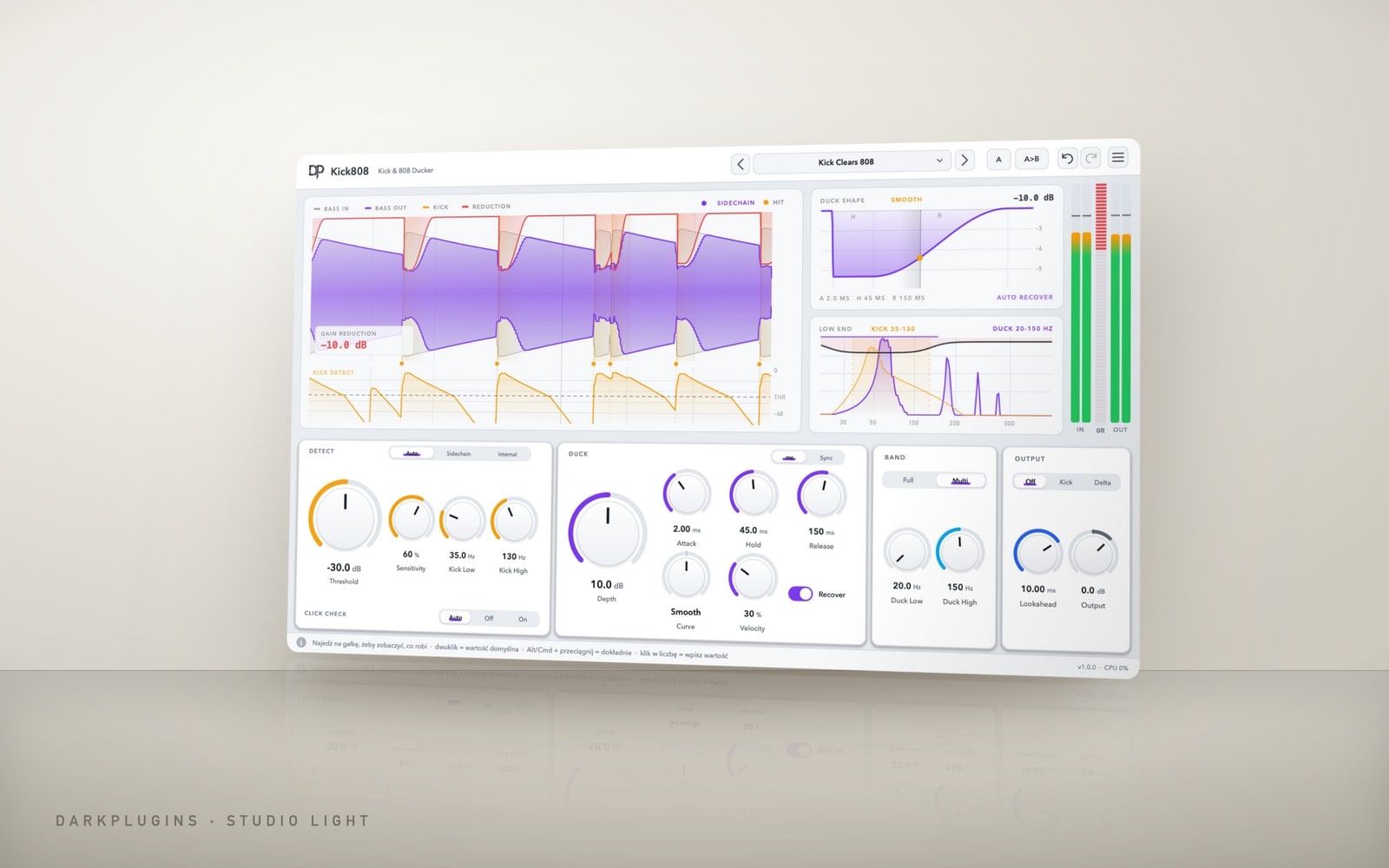 Kick80889 złKick and 808 stop fighting — a clean, hard kick over a full 808, no pumping.Studio Light
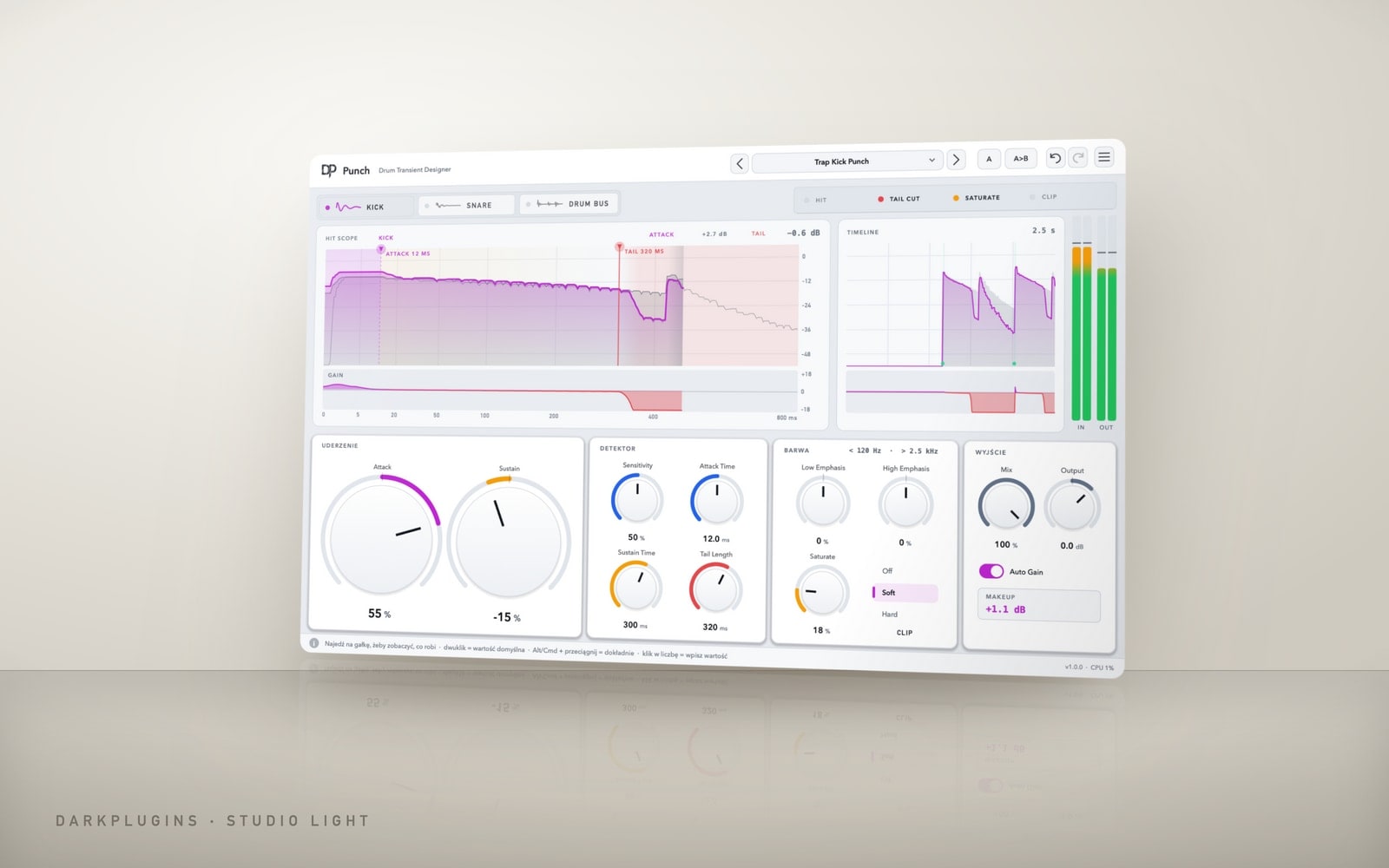 Punch89 złDrums and 808s jump forward — harder attacks at the same loudness, no clipping.Studio Light
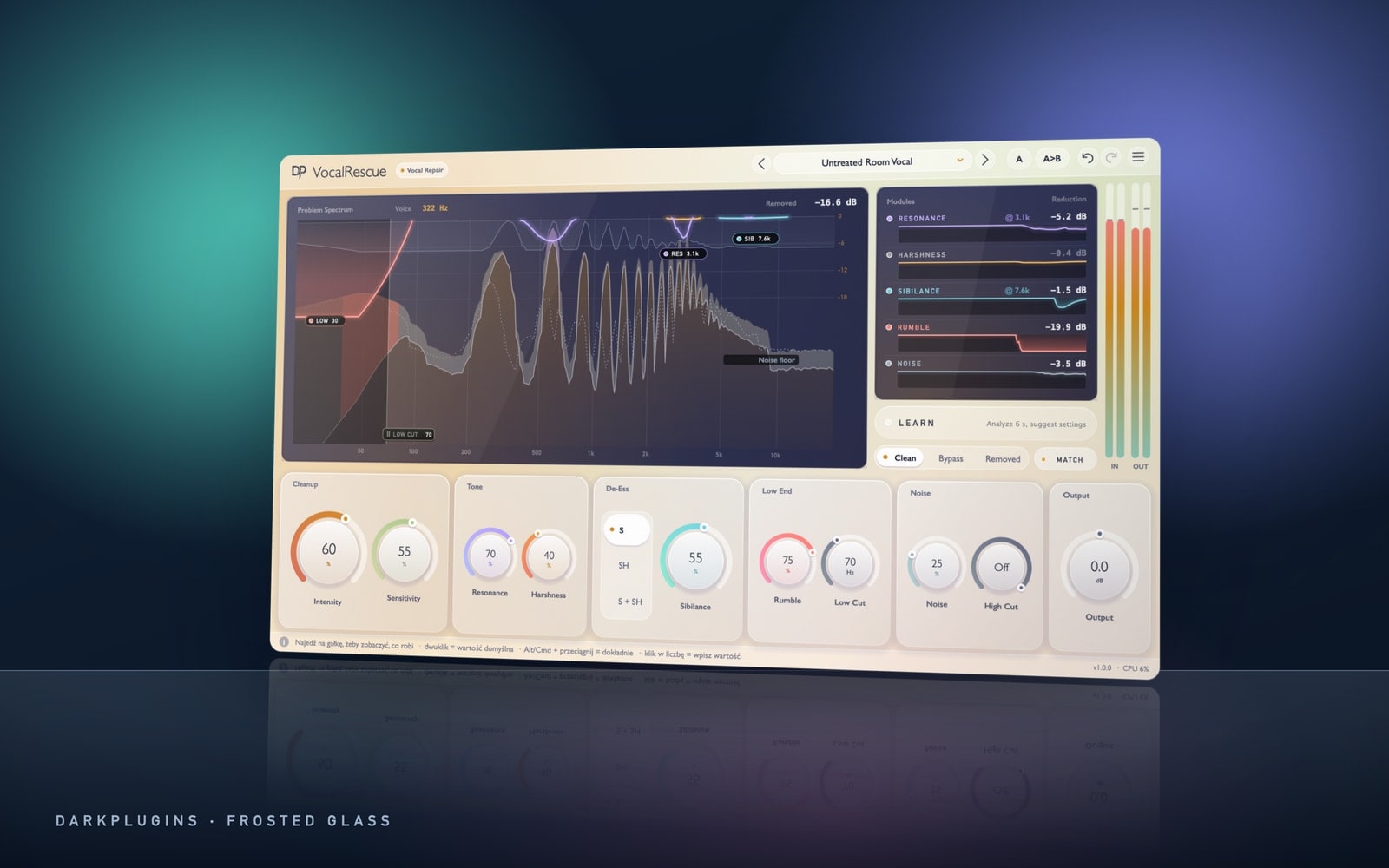 VocalRescue129 złVocal repair that touches only the problems and leaves the body of the voice alone — resonances, harshness, hissing S, rumble, plosives and background noise.Frosted Glass
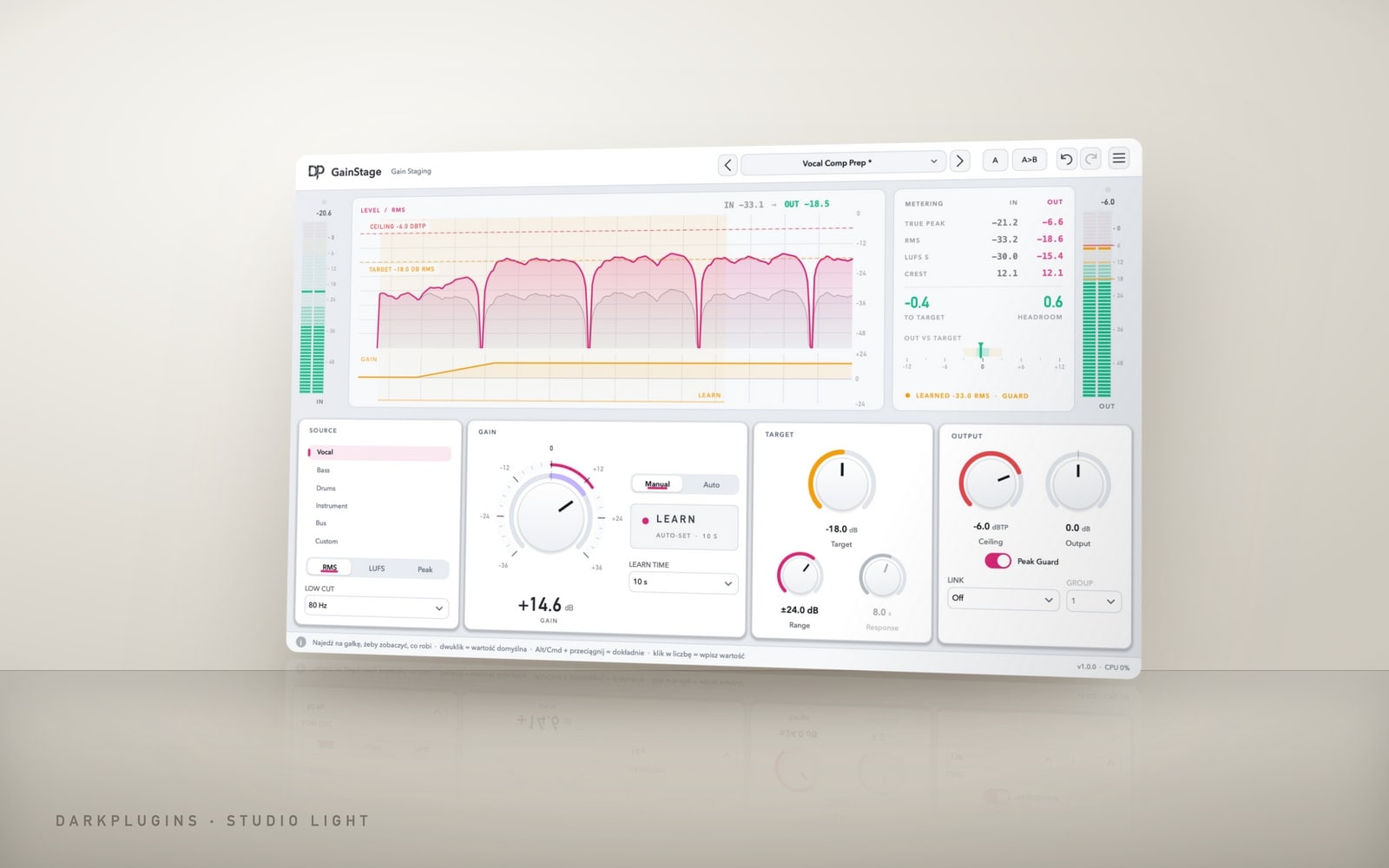 GainStage79 złThe right level before your compressor and saturator — one click of Learn and the track sits on target, dynamics untouched.Studio Light
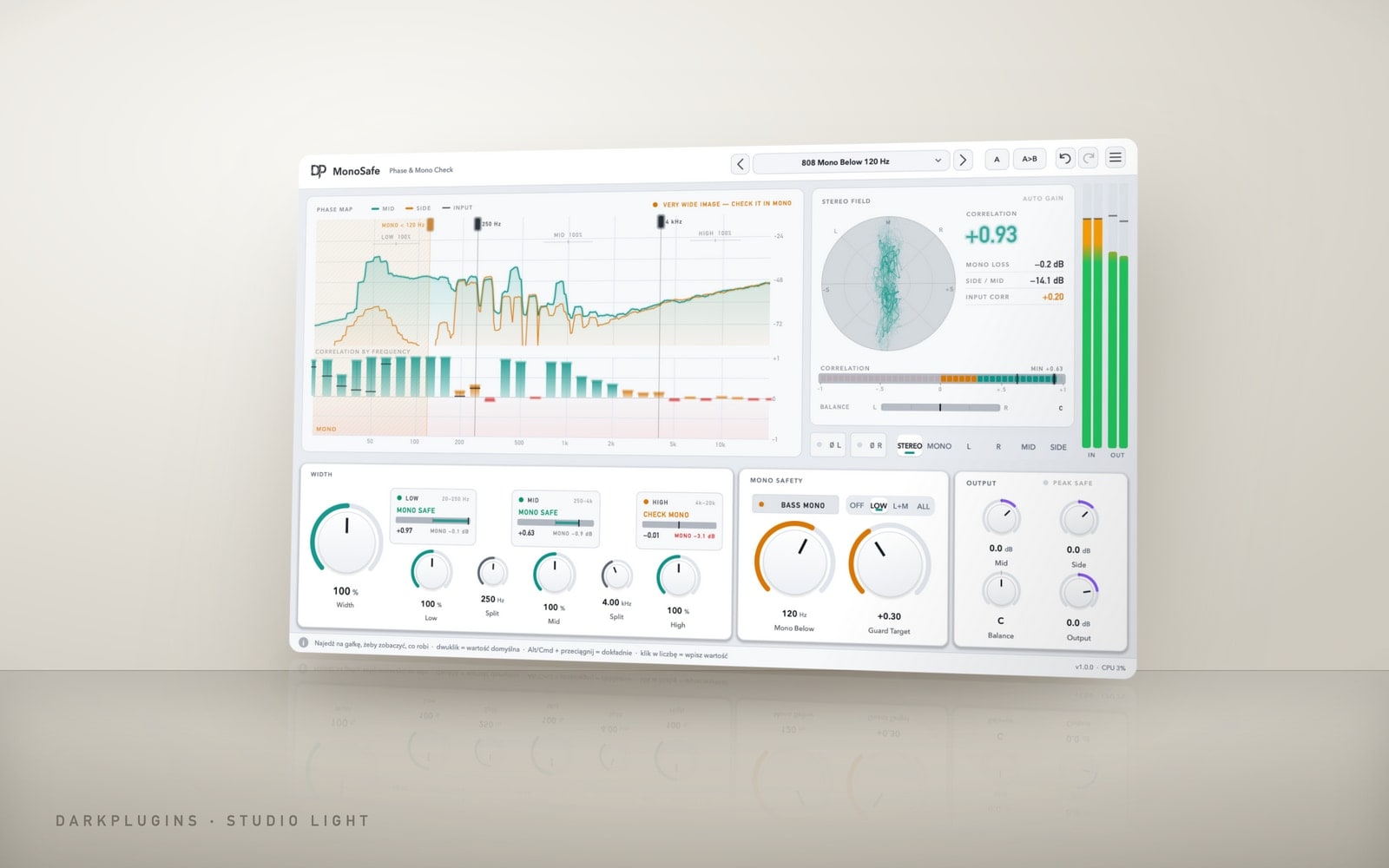 MonoSafe79 złSee what disappears in mono before the club or a phone speaker does — per-band correlation, Bass Mono and width that leaves the mono sum alone.Studio Light
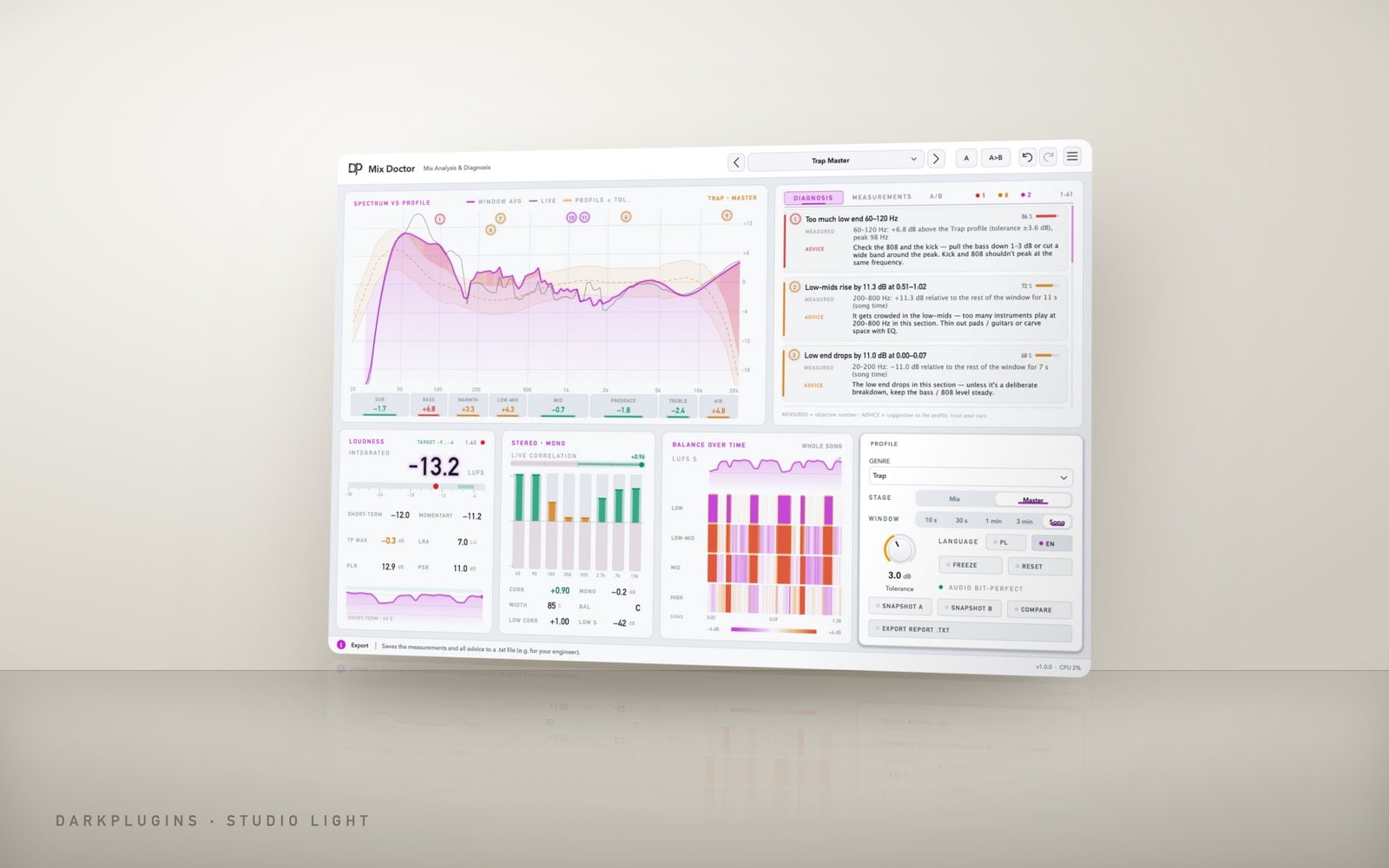 Mix Doctor129 złA mix diagnosis that fixes things on the spot — mud, harshness, boomy lows and band balance, showing exactly what it changes.Studio Light
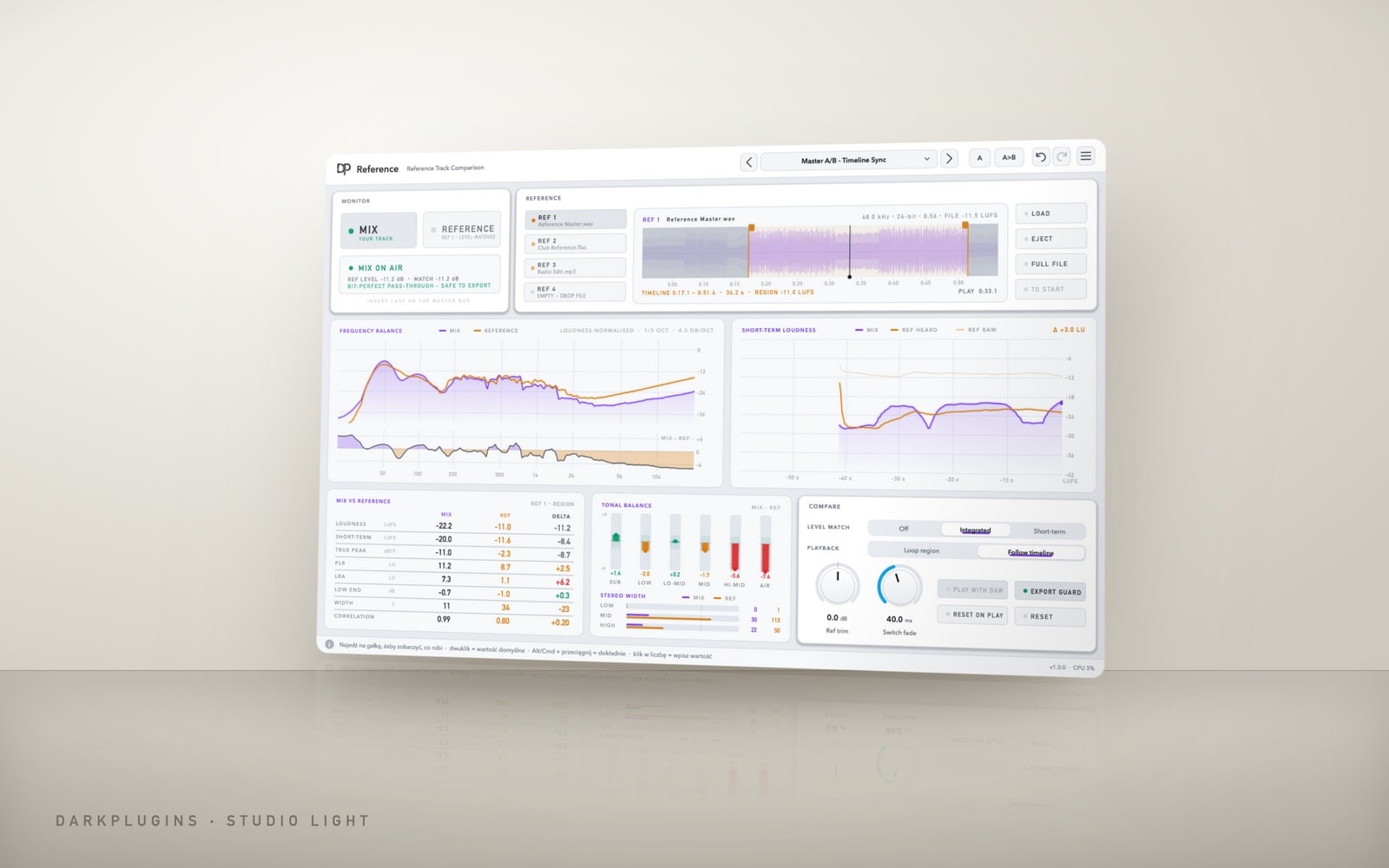 Reference119 złCompare your mix with your favourite record in one click — at the same loudness, so your ears can't be fooled.Studio Light
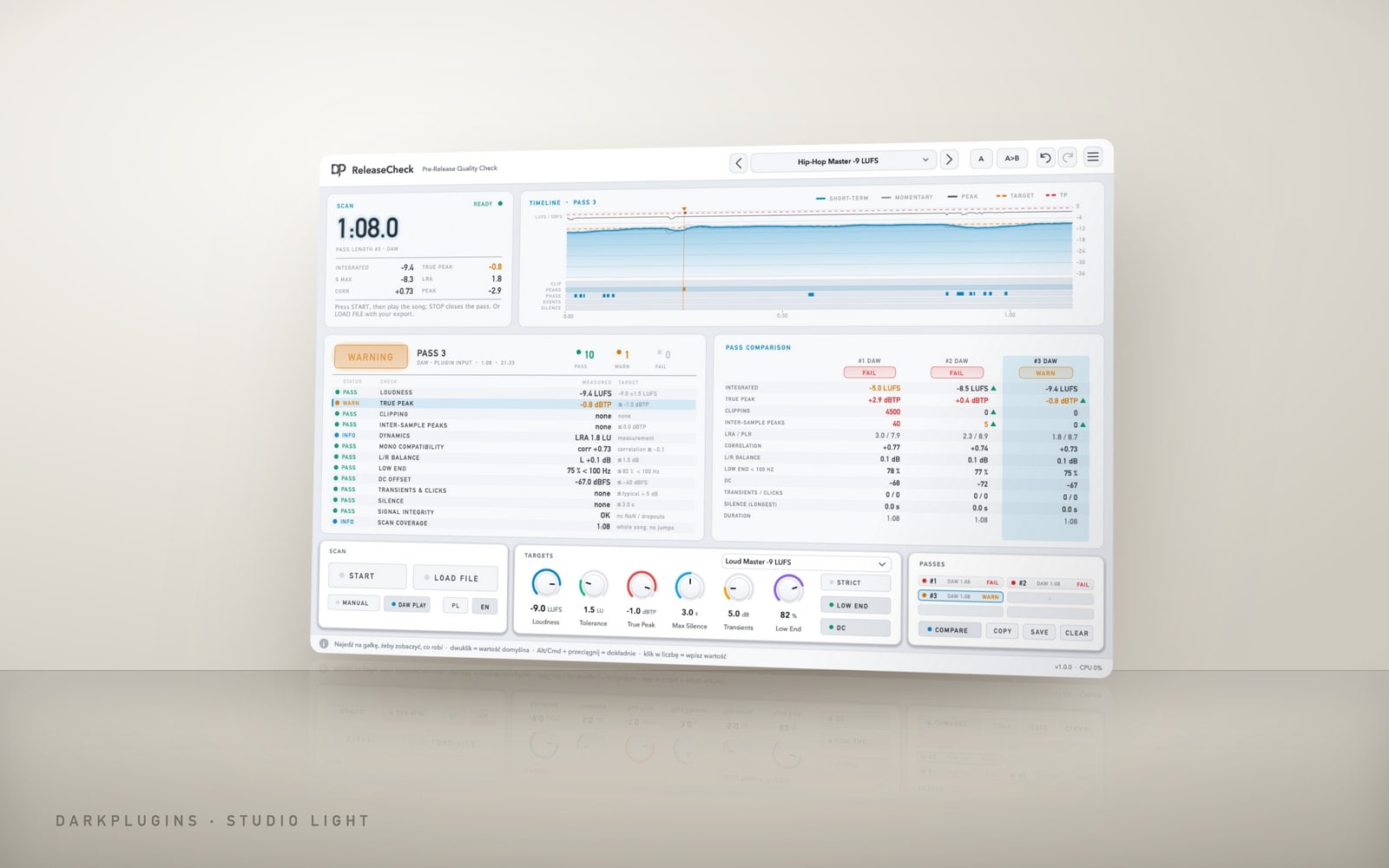 ReleaseCheck119 złPre-release master check — a PASS / WARNING / FAIL report with measurements, timeline locations and concrete advice.Studio Light
 SamplePilot99 złYour whole sample library inside your DAW — search it, audition it in your project's tempo and key, drag it to a track.Neon Night
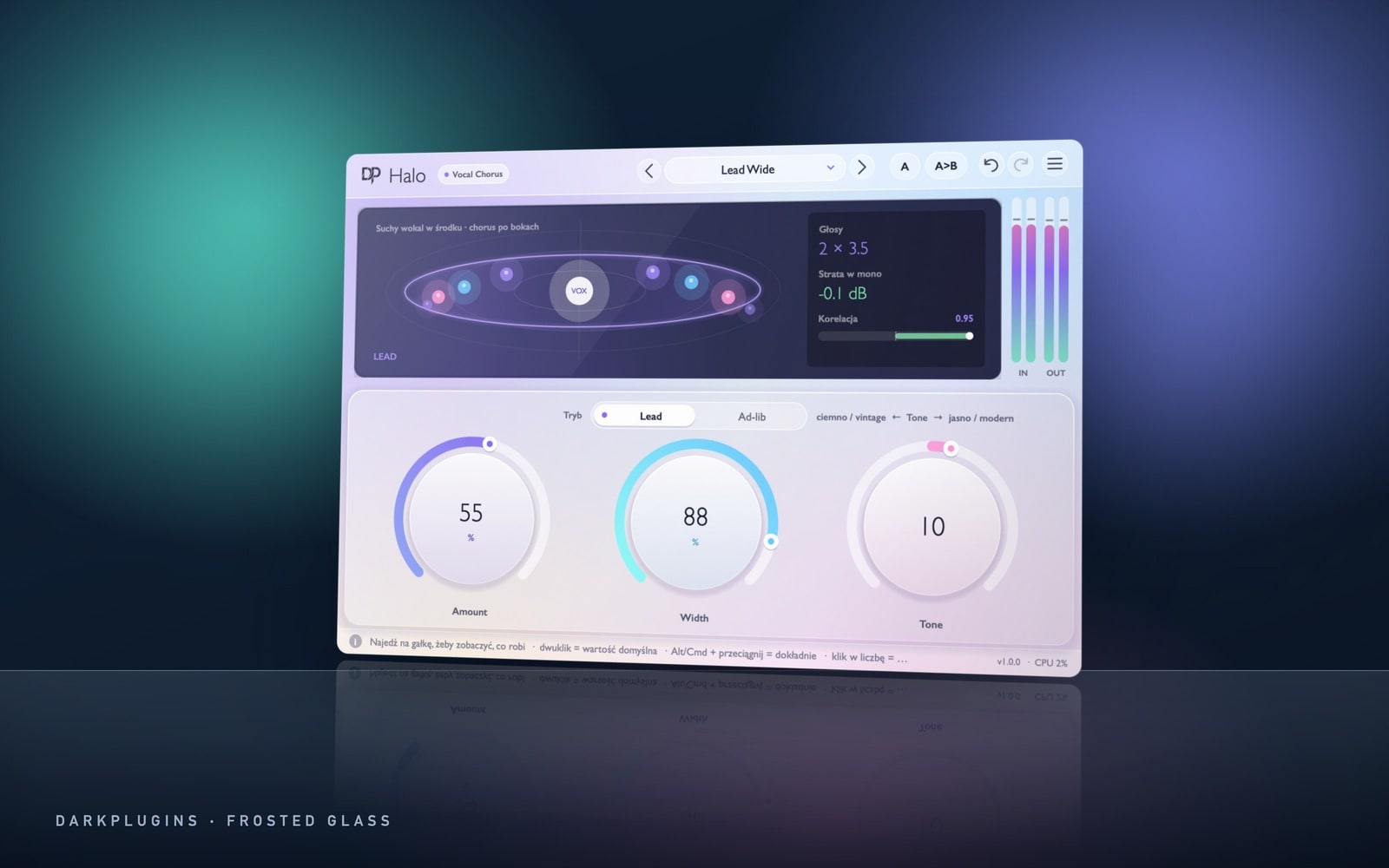 Halo79 złA vocal chorus that just works — three knobs, wide on the sides, a dry and clear centre.Frosted Glass
 Fret220 złA physically modelled guitar — nylon, acoustic, clean electric, jazz and ambient. You play keys, it sounds like a guitarist.Neon Night
 Apex249 złA mastering assistant that listens to your song — pick a genre, click Listen, and Apex sets up the whole chain.Studio Light
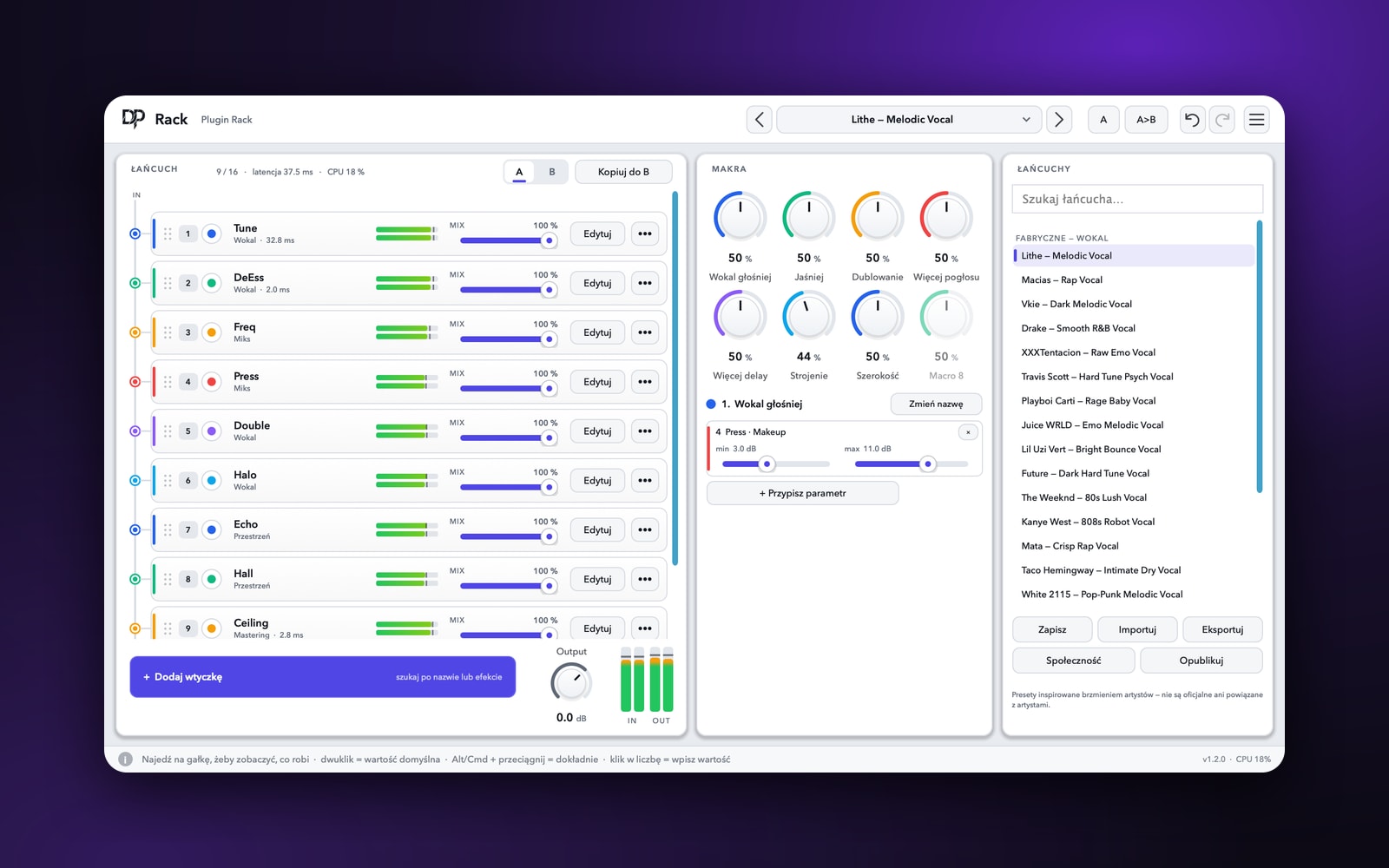 RackFreeYour whole vocal chain in one slot — up to 16 DarkPlugins plugins, 8 macros and ready-made chains saved in two clicks.Studio Light
VocalsTune
Real-time vocal tuning — from natural correction to the hard effect.
Frosted GlassVST3 · AUEffect Pack
EQ & dynamicsFreq
Precise EQ with an analyser — 16 bands, dynamics, Mid/Side and Linear Phase.
Studio LightVST3 · AUMix Pack
EQ & dynamicsPress
A compressor with six characters and a graph that shows every dB.
Studio LightVST3 · AUMix Pack
MasteringCeiling
True-peak limiter with LUFS metering — loud and clean, ready for Spotify.
Studio LightVST3 · AUMix Pack
Reverb & delayHall
Algorithmic reverb — from a small room to a cathedral and an endless Bloom.
Frosted GlassVST3 · AUEffect Pack
Reverb & delayNebula
Huge spaces: echoes that blur into fog, shimmer and freeze.
Frosted GlassVST3 · AUEffect Pack
Reverb & delayEcho
Delay with character: tape, analog, ping-pong, reverse and clean digital.
Vintage FXVST3 · AUEffect Pack
ModulationDrift
Chorus, ensemble, flanger, phaser and vibrato in one.
Vintage FXVST3 · AUEffect Pack
VocalsDeEss
Smooth "s" sounds without a lisp — only where it hisses.
Studio LightVST3 · AUMix Pack
Colour & lo-fiGrit
Warm saturation: tape, tube, transistor and fuzz.
Vintage FXVST3 · AUEffect Pack
Colour & lo-fiDust
Lo-fi in six modules: vinyl, tape, digital dirt and wear.
Vintage FXVST3 · AUEffect Pack
RhythmMotion
Stutter, half-time, tape stop, reverse and gate — draw the rhythm with a curve.
Vintage FXVST3 · AUMix Pack
InstrumentsProd PackKeys
Grand pianos and electric pianos — synthesised, light, ready for melodies.
Neon NightVST3 · AUProd Pack
InstrumentsProd PackChop
A sampler for melodies from samples — drag, chop, play.
Neon NightVST3 · AUProd Pack
UtilitiesProd PackTranscribe
Audio to MIDI: melody, bass, chords and drums — drag out a ready .mid.
Frosted GlassVST3 · AUProd Pack
RhythmTape Stop
Record and tape brake — automate the speed or hit STOP.
Vintage FXVST3 · AUEffect Pack
Colour & lo-fiVinyl
Old record sound — from 78 rpm shellac to a fresh pressing.
Vintage FXVST3 · AUEffect Pack
InstrumentsProd PackWave
Wavetable synth — two oscillators with unison, a mod matrix and an FX rack.
Neon NightVST3 · AUProd Pack
InstrumentsProd PackZen
Workstation synth — over 130 sounds: pianos, strings, brass, pads, leads and basses.
Neon NightVST3 · AUProd Pack
InstrumentsProd PackIvory
A keyboard collection — grand and upright pianos, electric pianos, harpsichord and celesta.
Neon NightVST3 · AUProd Pack
InstrumentsProd PackSphere
Texture synth — two layers, granular textures, XY morphing and deep effects.
Neon NightVST3 · AUProd Pack
InstrumentsProd PackSampler
Chop sampler — drop a song, set markers, play the pads.
Neon NightVST3 · AUProd Pack
InstrumentsProd PackShots
One-shot ROMpler — 30 ready-to-play sounds: 808 basses, plucks, synths, guitars and keys.
Neon NightVST3 · AUProd Pack
InstrumentsProd PackOmen
A dark trap & drill ROMpler — 50 one-shots: bells, keys, plucks, pads and leads.
Neon NightVST3 · AUProd Pack
InstrumentsProd PackStash
A producer ROMpler for trap and rap — 298 one-shots: 808 basses, bells, keys, leads, pads, synths, textures and accents.
Neon NightVST3 · AUProd Pack
InstrumentsProd PackRosin
Strings for trap, drill and film — violins, violas, cellos, basses and the full section, played like a real bow.
Neon NightVST3 · AUProd Pack
InstrumentsProd PackVelvet
A keys collection — 318 sounds: grands, uprights, electric pianos, bell keys, clavs, reed organs and key basses.
Neon NightVST3 · AUProd Pack
EQ & dynamicsClip
A clipper for 808s, drums and the master — louder without compression, clean thanks to oversampling.
Studio LightVST3 · AUMix Pack
EQ & dynamicsTransient
A harder attack or a shorter tail — drums and loops exactly the way you want them.
Studio LightVST3 · AUMix Pack
EQ & dynamicsWidth
Wide stereo that doesn't vanish in mono — with the bass kept in the centre.
Studio LightVST3 · AUMix Pack
Colour & lo-fiAir
Sheen and air up top — vocals, hi-hats and old samples instantly closer.
Studio LightVST3 · AUMix Pack
Reverb & delaySwell
Reverse reverb and swells — melodies and vocals that pull you in.
Frosted GlassVST3 · AUEffect Pack
UtilitiesProd PackMelodyForge
A melody generator in your DAW's key and tempo — one click and you have a hook for the beat.
Neon NightVST3 · AUProd Pack
UtilitiesProd PackChordPilot
One finger, full chords — trap, drill, pop, R&B, dark and epic progressions.
Neon NightVST3 · AUProd Pack
RhythmProd PackArpNebula
An arpeggiator in your DAW's tempo — chord in, rhythmic arpeggio out.
Neon NightVST3 · AUProd Pack
UtilitiesProd PackScaleLock
No more wrong notes — every key lands in the song's key.
Neon NightVST3 · AUProd Pack
InstrumentsProd Pack808 Crusher
An 808 generator — huge sub, punch, slides and alias-free distortion.
Neon NightVST3 · AUProd Pack
InstrumentsProd PackBassGravity
A monophonic bass synth — saw, square, sine and Reese, a 24 dB ladder filter and glide.
Neon NightVST3 · AUProd Pack
InstrumentsProd PackDrumSpark
A sample-free drum synth — five kits from trap to lo-fi, pads and a mixer.
Neon NightVST3 · AUProd Pack
ModulationMotionFilter
A filter that breathes in time with your track — wobble, sweep, gate and auto-wah in one click.
Vintage FXVST3 · AUEffect Pack
EQ & dynamicsSubDoctor
Total control over 808s and sub — a bigger low end you can hear even on a phone.
Vintage FXVST3 · AUMix Pack
VocalsVocalCrystal
A ready vocal chain — clean, close, even and polished. A few knobs instead of five plug-ins.
Frosted GlassVST3 · AUMix Pack
MasteringMasterPolish
Mastering in one window — glue, shine, a tight low end, width and loudness with no overs.
Studio LightVST3 · AUMix Pack
RhythmRandomFX Lab
Controlled chaos in time with your track — stutter, reverse, filter, crush, tape stop, delay and pitch.
Vintage FXVST3 · AUEffect Pack
RhythmBeatRepeater X
Tempo-synced stutter and glitch — repeats with gate, decay, reverse and pitch.
Vintage FXVST3 · AUEffect Pack
InstrumentsProd PackRiserMachine
Pre-drop risers in seconds — one note, and the build lands right on the beat.
Neon NightVST3 · AUProd Pack
InstrumentsProd PackImpactForge
Cinematic impacts from pure synthesis — boom, crack and a tail that fills the hall.
Neon NightVST3 · AUProd Pack
InstrumentsProd PackTextureCloud
A cloud of sound grains — drones, atmospheres and textures that live a life of their own.
Neon NightVST3 · AUProd Pack
EQ & dynamicsSquash
Multiband upward and downward compression — density, shine and punch on everything from 808s to vocals.
Studio LightVST3 · AUMix Pack
EQ & dynamicsSmooth
Intelligent resonance suppression — harsh highs, sibilance and mud smoothed out on their own, only when they appear.
Studio LightVST3 · AUMix Pack
UtilitiesMeter
LUFS, True Peak and stereo image meter — know how your master will sound on Spotify, Apple Music and in the club.
Studio LightVST3 · AUMix Pack
RhythmGate
A noise gate and a trance gate in one — clean up your tracks or chop them to the beat.
Vintage FXVST3 · AUEffect Pack
VocalsPitch
Real-time pitch and formant shifting — pitched trap vocals, chipmunk, demon and a brand-new voice with one knob.
Frosted GlassVST3 · AUEffect Pack
Colour & lo-fiProd Pack808 Phone
808s you can hear on a phone — the sub stays clean, the harmonics reach the small speaker.
Vintage FXVST3 · AUProd Pack
Reverb & delayThrow
A delay that throws the last word of every phrase into echo by itself — no send automation needed.
Frosted GlassVST3 · AUEffect Pack
Reverb & delayReverse
A reverse reverb that swells before the word and lands right on the consonant — no rendering, no trimming.
Frosted GlassVST3 · AUEffect Pack
VocalsDouble
A natural vocal double from a single take — wide, thick, without the chorus effect and without just getting louder.
Frosted GlassVST3 · AUEffect Pack
UtilitiesKeyLock
The key, scale and notes of any sample in seconds — with a confidence reading, a tuner and a lock to your beat's key.
Studio LightVST3 · AUMix Pack
VocalsVocalPilot
An automatic vocal fader — quiet lines up, loud lines down, to the average level of the voice, before the vocal ever hits your compressor.
Frosted GlassVST3 · AUMix Pack
EQ & dynamicsKick808
Kick and 808 stop fighting — a clean, hard kick over a full 808, no pumping.
Studio LightVST3 · AUMix Pack
EQ & dynamicsPunch
Drums and 808s jump forward — harder attacks at the same loudness, no clipping.
Studio LightVST3 · AUMix Pack
VocalsVocalRescue
Vocal repair that touches only the problems and leaves the body of the voice alone — resonances, harshness, hissing S, rumble, plosives and background noise.
Frosted GlassVST3 · AUMix Pack
UtilitiesGainStage
The right level before your compressor and saturator — one click of Learn and the track sits on target, dynamics untouched.
Studio LightVST3 · AUMix Pack
UtilitiesMonoSafe
See what disappears in mono before the club or a phone speaker does — per-band correlation, Bass Mono and width that leaves the mono sum alone.
Studio LightVST3 · AUMix Pack
MasteringMix Doctor
A mix diagnosis that fixes things on the spot — mud, harshness, boomy lows and band balance, showing exactly what it changes.
Studio LightVST3 · AUMix Pack
MasteringReference
Compare your mix with your favourite record in one click — at the same loudness, so your ears can't be fooled.
Studio LightVST3 · AUMix Pack
MasteringReleaseCheck
Pre-release master check — a PASS / WARNING / FAIL report with measurements, timeline locations and concrete advice.
Studio LightVST3 · AUMix Pack
UtilitiesProd PackSamplePilot
Your whole sample library inside your DAW — search it, audition it in your project's tempo and key, drag it to a track.
Neon NightVST3 · AUProd Pack
VocalsHalo
A vocal chorus that just works — three knobs, wide on the sides, a dry and clear centre.
Frosted GlassVST3 · AUEffect Pack
InstrumentsProd PackFret
A physically modelled guitar — nylon, acoustic, clean electric, jazz and ambient. You play keys, it sounds like a guitarist.
Neon NightVST3 · AUProd Pack
MasteringApex
A mastering assistant that listens to your song — pick a genre, click Listen, and Apex sets up the whole chain.
Studio LightVST3 · AUMix Pack
UtilitiesRack
Your whole vocal chain in one slot — up to 16 DarkPlugins plugins, 8 macros and ready-made chains saved in two clicks.
Studio LightVST3 · AUMix Pack
- 2 computers per licence
- Works offline
- Updates included
- Secure Przelewy24 payments
From purchase to playing
- 1
Buy the plug-in
On your DarkPlugins account. Licence and invoice arrive straight away.
- 2
Install in DarkPlugins App
“My plug-ins” → Install. The app puts the plug-in in your VST3 and AU folder.
- 3
Open your DAW
FL Studio, Ableton Live, Logic Pro, Cubase, Studio One, Reaper.
- 4
Rescan plug-ins
In FL Studio: Options → Manage plugins → Find plugins. Logic and Ableton do it on launch.
- 5
Done — start making music
The plug-in is listed under DarkPlugins. Works offline for up to 30 days.
DarkPlugins App
One app for all your music.
All your plug-ins in one place: one-click installs and updates, licences in the background. Preview kits and drag them straight into your DAW.
Discover the app- One-click install
- Plug-in updates
- Offline licences for 30 days
- Plug-in manager
- Kits and sounds
- Drag to DAW
Questions
How many computers can I use a plug-in on?+
On 2 at the same time (3 with the All in One plan), any mix of Mac and Windows. Disconnect a computer in DarkPlugins App or on My plug-ins and activate another.
Do I need internet?+
Only to install and to refresh the licence once every 30 days — the app does it in the background. On stage or in a studio without network everything works.
Which formats and systems?+
VST3 and AU on macOS 11+ (Apple Silicon and Intel), VST3 on Windows 10/11 64-bit.
Do I get updates?+
Yes, included. The app shows “Update” when a new version is out.
Can I return a plug-in?+
See the Refunds page. After a refund the licence stops on all computers.
Who makes these plug-ins and kits?+
The small DarkPlugins team — DSP developers and producers. Meet them on the Producers page.