
Vocals · rap · trap · drill
Vocal plug-ins.
Clean, close, upfront.
A rap or trap vocal has to be clear on every word and sit in front of the beat. A few plug-in types get you there, each with its own job.
What a vocal plug-in does
Pitch correction (often just called autotune) pulls the voice to the notes of the key. A de-esser tames harsh S sounds. A compressor evens out the level so quiet words don't get lost. EQ and exciters clear mud and add air. On top of that come pitch and formant effects, reverb and delay.
How to use it
Trap vocals are usually hard-tuned and bright, with long reverb on a send and delay throws on line endings. Drill vocals are drier and more aggressive. In rap, intelligibility at 2–5 kHz matters most. An order that almost always works: tuning → EQ cuts → compression → de-esser → air → space on sends. Full walkthrough in the vocal chain guide.
Watch out for
Tune before compressing and always with the right key. Add air after the de-esser. When recording through plug-ins, use a small buffer (64–128 samples) and leave high-latency plug-ins for the mix.
DarkPlugins vocal plug-ins
All plug-ins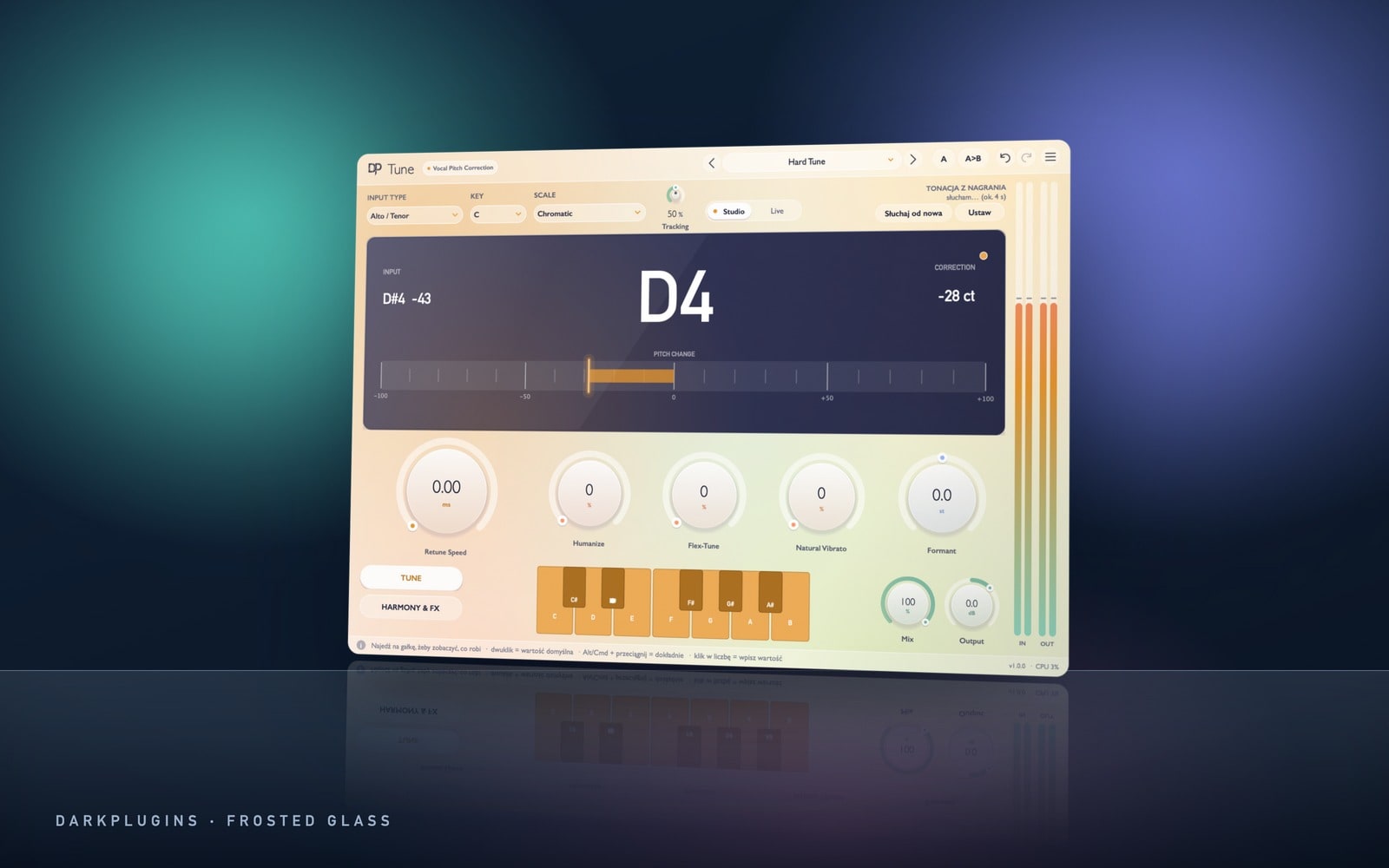 Tune249 złReal-time pitch correction, from natural fixes to the hard trap effect (retune speed at zero).Vocals
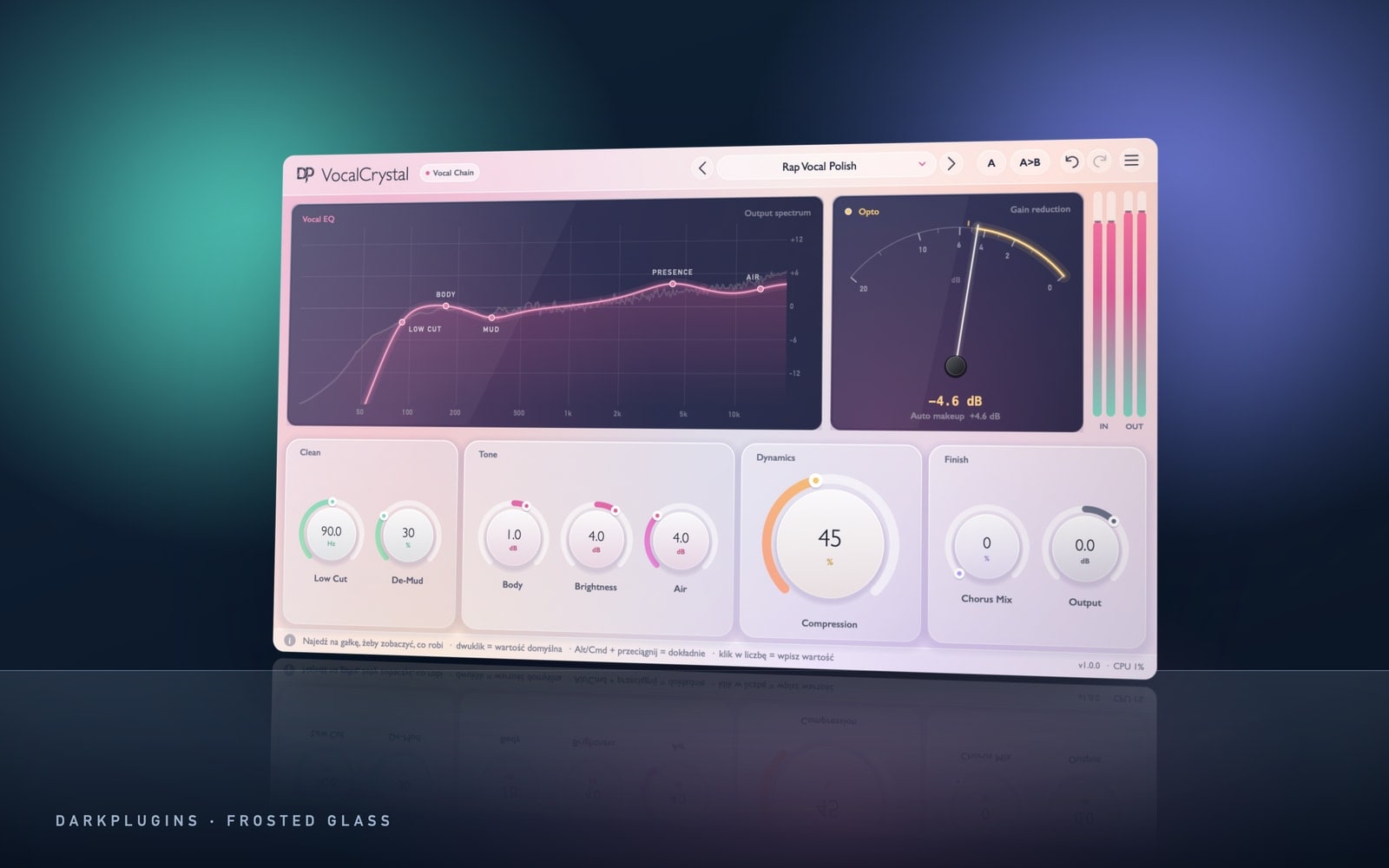 VocalCrystal99 złA full vocal channel in one window: low cut, De-Mud, opto compressor, Brightness and Air.Vocals
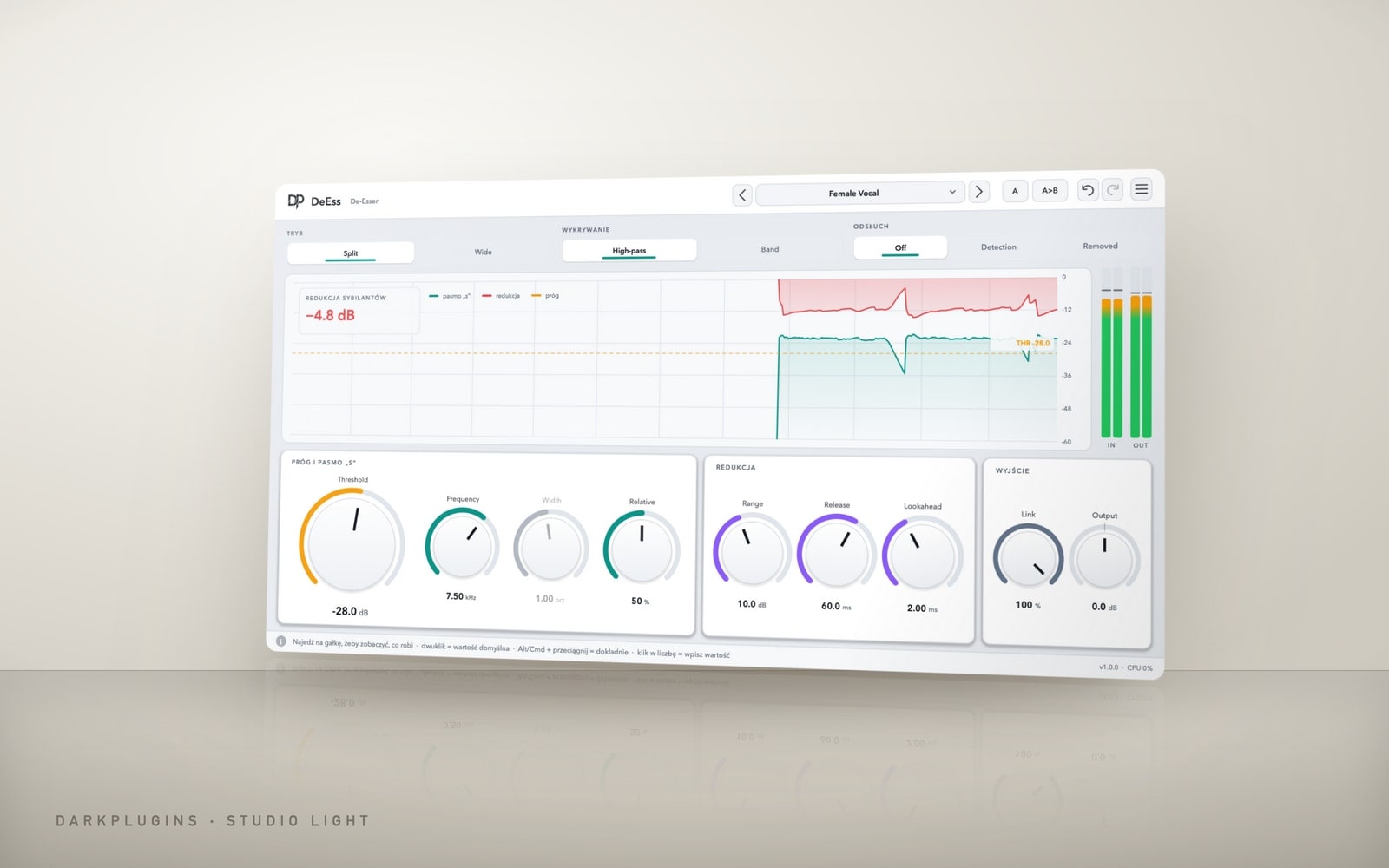 DeEss79 złTames only the S sounds. In Split mode the rest of the voice is left alone.Vocals
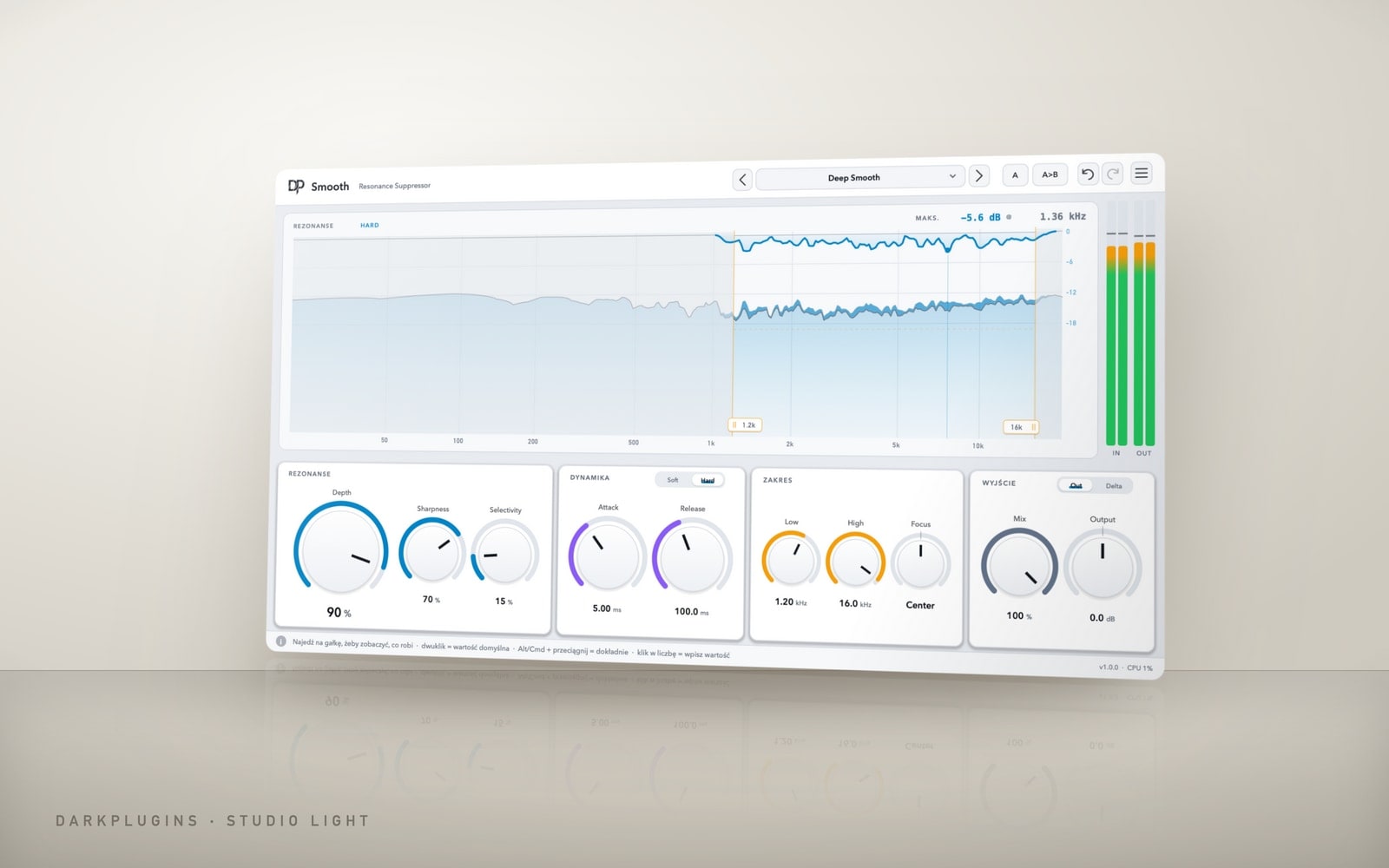 Smooth149 złSmooths harsh 2–5 kHz and resonances only when they appear — the brightness stays.EQ & dynamics
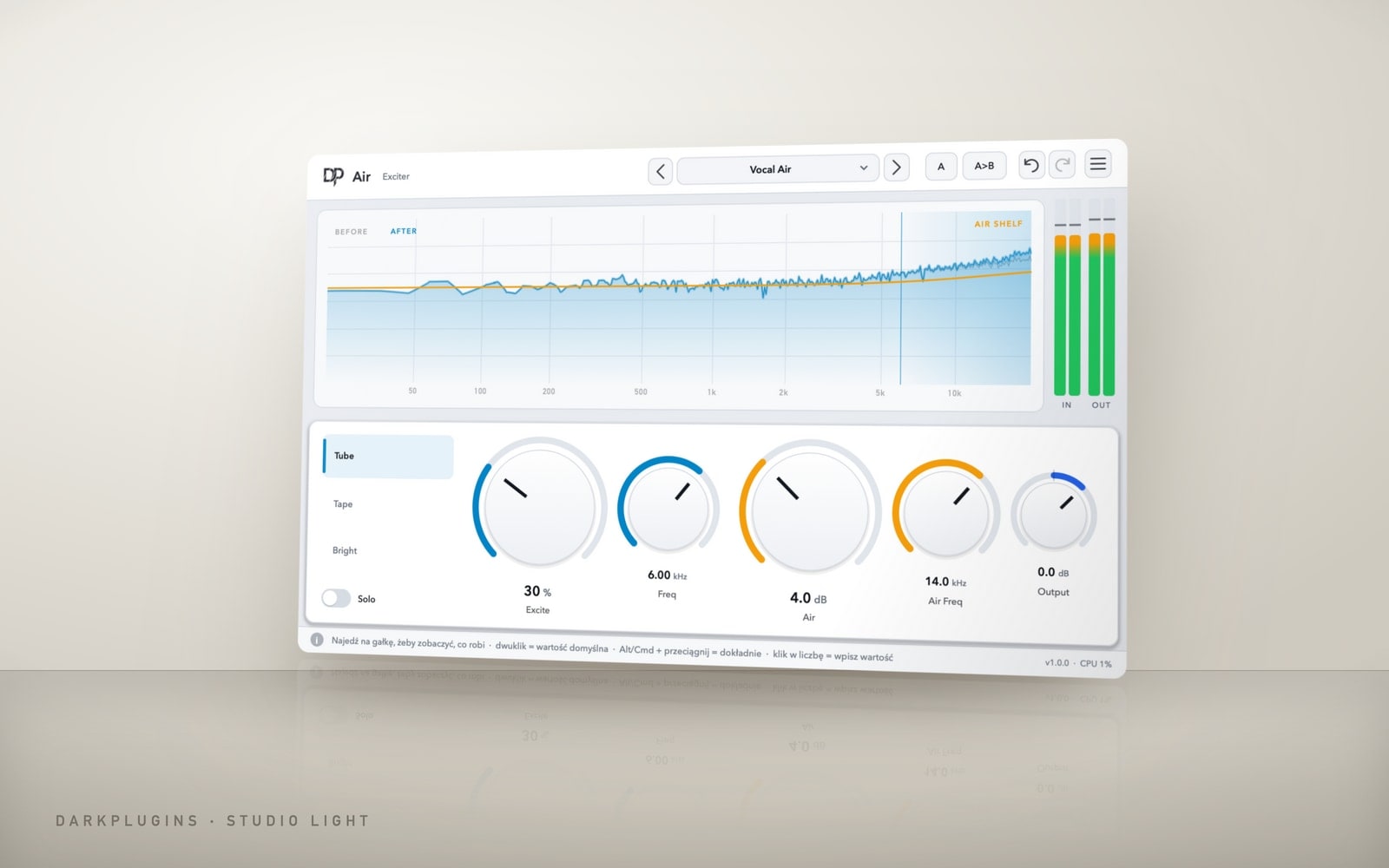 Air69 złTop-end sheen above 10 kHz without harsh EQ — the vocal moves closer.Colour & lo-fi
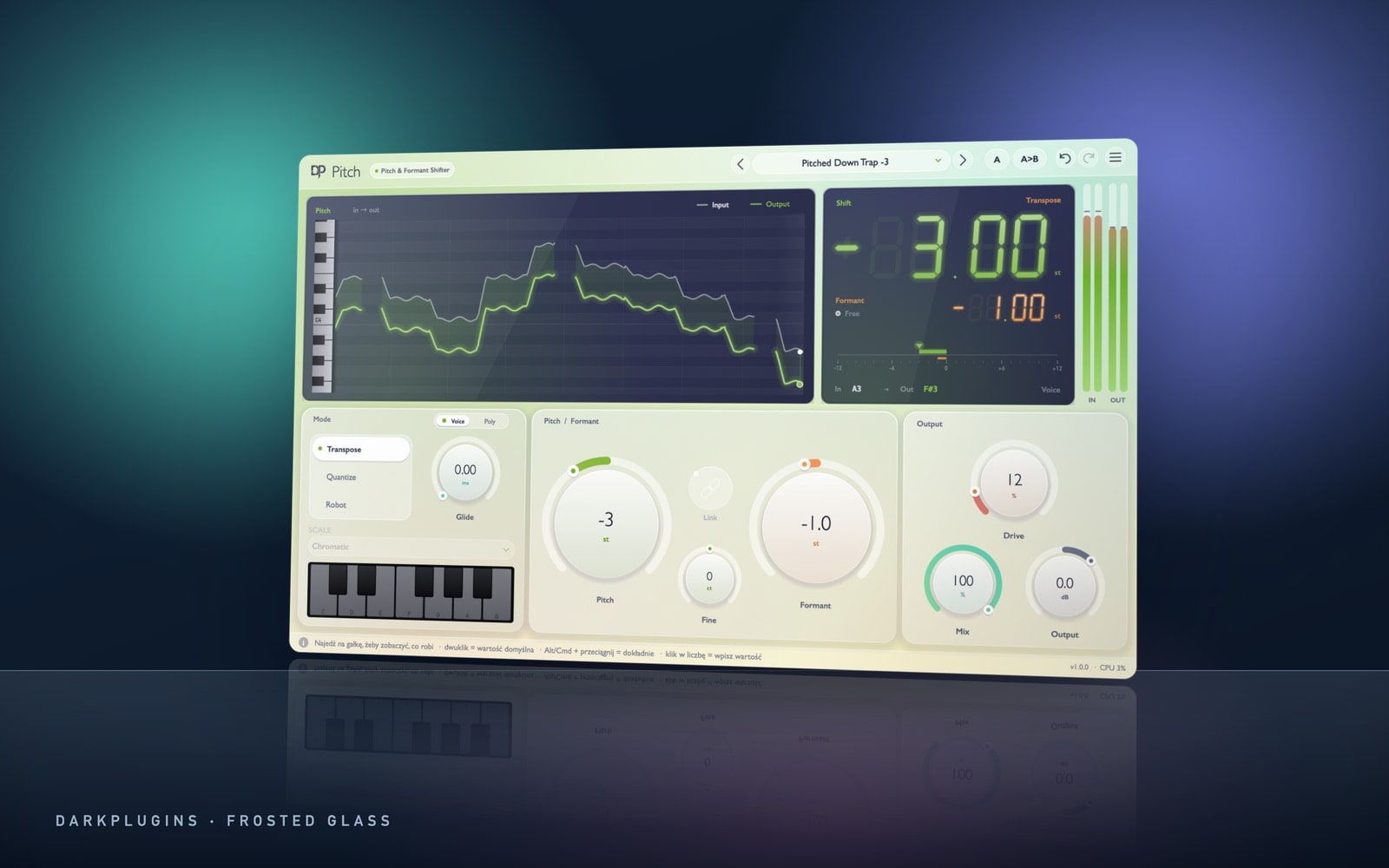 Pitch99 złPitch and formants: lowered ad-libs, doubles, chipmunk and demon voices.Vocals
VocalsTune
249 złReal-time pitch correction, from natural fixes to the hard trap effect (retune speed at zero).
VocalsVocalCrystal
99 złA full vocal channel in one window: low cut, De-Mud, opto compressor, Brightness and Air.
VocalsDeEss
79 złTames only the S sounds. In Split mode the rest of the voice is left alone.
EQ & dynamicsSmooth
149 złSmooths harsh 2–5 kHz and resonances only when they appear — the brightness stays.
Colour & lo-fiAir
69 złTop-end sheen above 10 kHz without harsh EQ — the vocal moves closer.
VocalsPitch
99 złPitch and formants: lowered ad-libs, doubles, chipmunk and demon voices.
All in One
Every plug-in free for 14 days.
Full versions, no card needed. Once per account and per computer.
Questions
Which vocal plug-in should I start with?
If you buy one, get a vocal channel that combines EQ, compression and air (like VocalCrystal). Next comes pitch correction, then a de-esser if the vocal hisses after compression.
In what order should vocal plug-ins go?
Tuning, EQ cuts, compression, de-esser, saturation and air. Reverb and delay go on separate send tracks, not on the vocal itself.
Do DarkPlugins plug-ins work in FL Studio and Ableton?
Yes. They're VST3 (Windows and macOS) and AU (macOS) and run in FL Studio, Ableton Live, Logic Pro, Cubase, Studio One and Reaper.
Can I record with a vocal plug-in on the track?
Yes — set a small audio buffer (64–128 samples). Leave high-latency plug-ins, like linear-phase EQs, for the mixing stage.
Related guides
All guides- VocalsTrap vocal chain, step by stepPlug-in order for rap and trap vocals: tuning, EQ, two compressors, de-esser, air and sends — with settings in Hz, dB and ms.2 min read
- EffectsReverse reverb and delay throws on vocalsTwo effects you hear on every big trap record — how to build them, what times to use and how to automate them without drowning the vocal.2 min read