Theory
How to match the key of a sample and a melody
Sample, melody and 808 have to share one key. Obvious — and still the most common reason a beat just doesn't sit.
DarkPlugins2 min read
In this guide 5
Tempo and tuning first
Old records are often 20–40 cents off. Check with a tuner and fine-tune the whole sample before you add anything, or the 808 will always sound slightly sour.
Finding the key
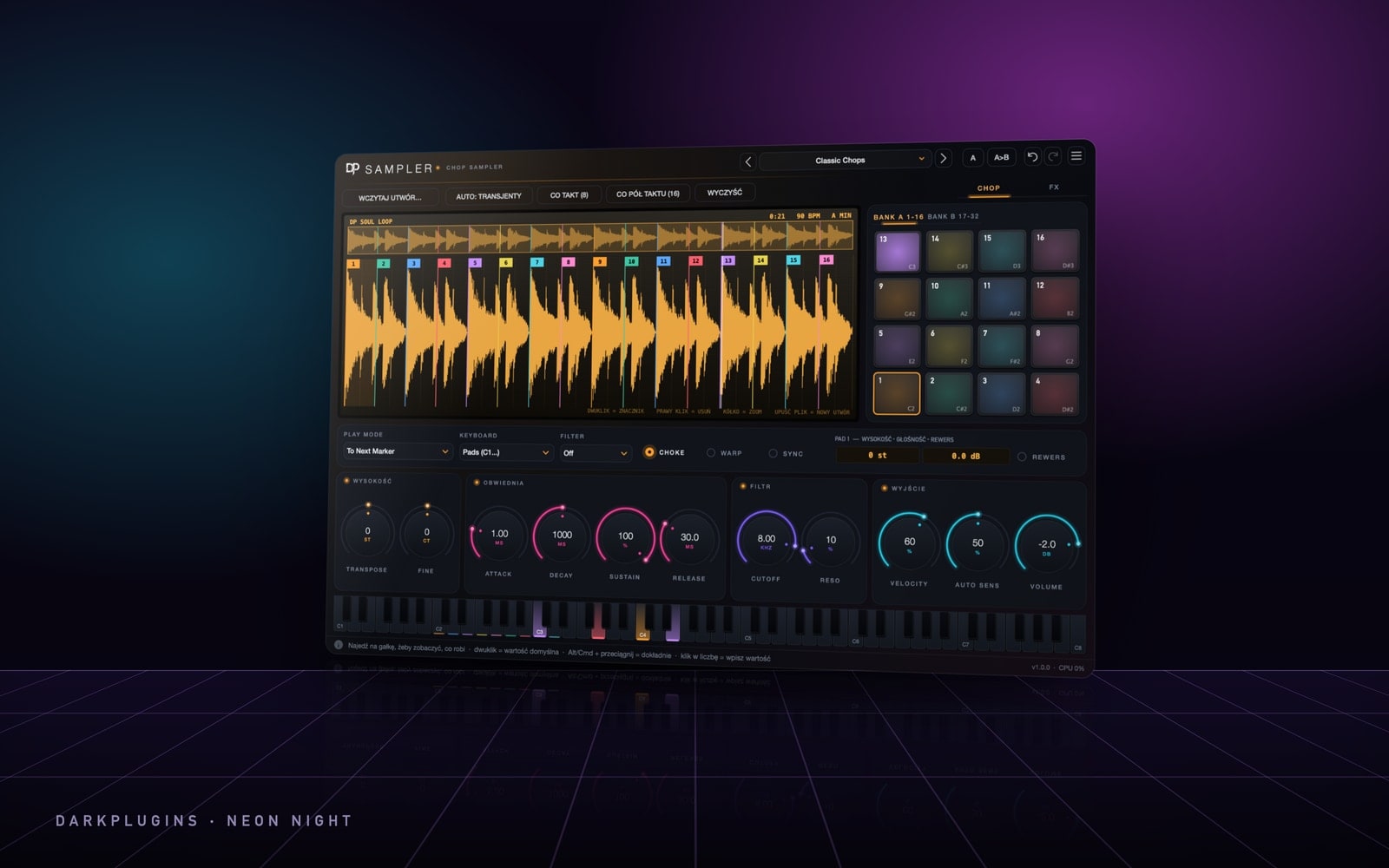
Start with a detector — Sampler detects tempo and key as soon as you drop a file in, and so does the BPM and key tool in the DarkPlugins app. Then confirm by ear: loop the sample and play single bass notes until one feels like home. That's the tonic. If the note 3 semitones above it fits, you're in minor; 4 semitones means major.
Detectors most often confuse relative keys: C major and A minor share the same notes. Most trap and drill beats are minor, so check the minor option first.
How far to transpose
Repitch changes pitch and tempo together: each semitone up multiplies the tempo by 1.0595. A 140 BPM sample up 2 semitones plays at about 157 BPM.
Warp keeps the tempo. ±2–3 semitones are nearly transparent; from 4–5 semitones artefacts appear. Always take the shorter way — F minor to D minor is 3 semitones down, not 9 up.
Keys that work together
- The same key.
- Relative keys — A minor and C major.
- Neighbours on the circle of fifths — A minor with E minor or D minor.
Harmonic minor (raised 7th) and Phrygian (flat 2nd, very common in drill) are the two favourite trap colours.
Melody and 808
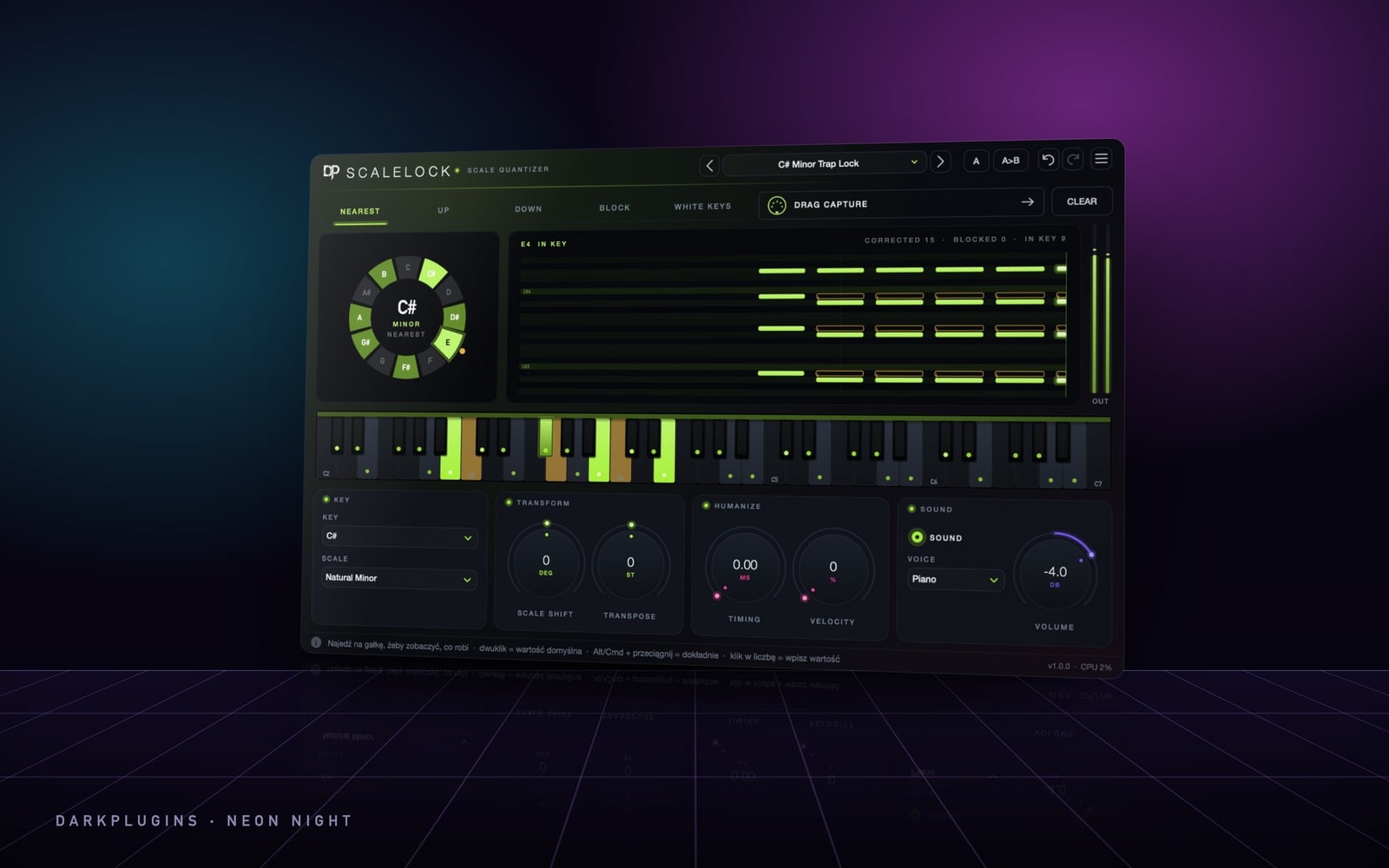
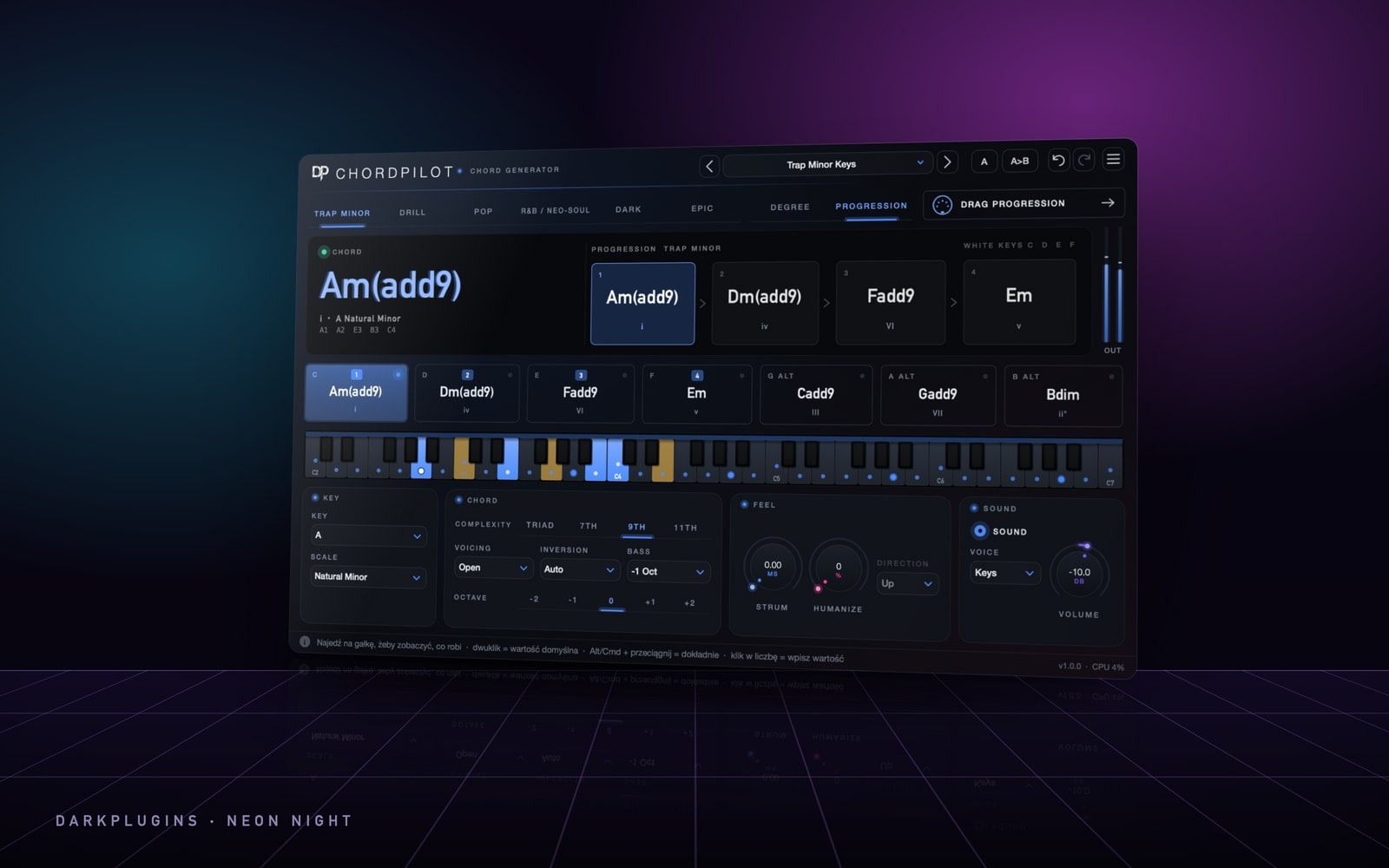
Lock the key in MIDI: ScaleLock pulls every note you play into the scale. ChordPilot plays full chords from one finger in the chosen key and style. The 808 follows the chord roots, and every slide ends on a scale note.